Best AI agent platforms of 2026: ranked & reviewed
The best AI agent platforms ranked by production-grade criteria so mid-market teams can move from comparison to deployment this week.
The best AI agent platforms of 2026 combine visual orchestration, model flexibility, and production-grade governance so mid-market teams can move past pilots into daily operations.
This ranking reflects platform criteria that matter in 2026: connector breadth, agent reliability, observability, pricing transparency, and fit with existing stacks.
With 62% of organizations already experimenting with or actively scaling AI agents, according to McKinsey's 2025 Global Survey, most teams are past asking whether to adopt. The question is which platform to build on, which this guide will address head-on.
See our companion guide to the best AI agents for support workflows.
How we chose these AI agent platforms
We ranked these AI agent platforms on operational fit for mid-market teams scaling beyond pilots, weighing build experience, integration depth, governance, and total cost.
Each platform was evaluated against a consistent rubric drawn from real production scenario work, not marketing claims.
Our framing on automation vs agents shaped how we judged whether a tool delivers reliable agentic workflows or just chat features.
- Integration breadth: number of native connectors and HTTP flexibility for long-tail apps.
- Build experience: visual Scenario Builder versus code-first SDKs, and time to first working agent.
- Orchestration depth: support for Router, Iterator, and multi-step agent loops with memory.
- Governance: audit logs, role permissions, data residency, and human approval steps.
- Pricing transparency: public tiers, usage predictability, and per-credit economics at scale.
- Production track record: documented mid-market deployments beyond demos.
1. Make
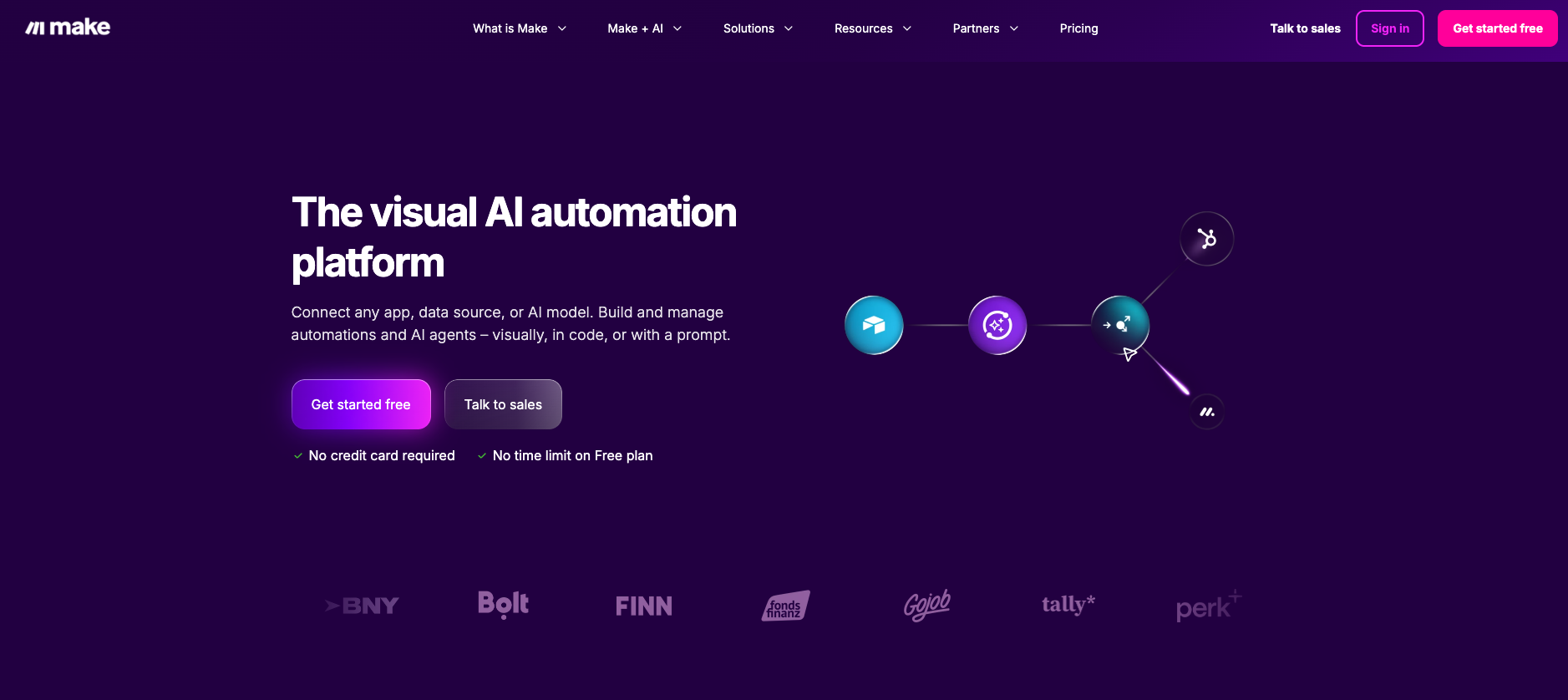
Make is a visual platform for building AI agents you can trust, combining adaptive AI decision-making with transparent, reliable automation to orchestrate work across 3,000+ apps.
Agents are built on the same Scenario Builder canvas that operations, marketing, and support teams already use, so reasoning, tool calls, and write-backs to systems of record sit alongside your existing logic instead of living in a separate tool.
A free tier lets you prototype an agent and promote it straight to production on the same canvas.
Key features
- Full visibility into every decision: a step-by-step reasoning panel shows how an agent reasons and which tools it calls, so trust comes from transparency instead of a black box. See the Make AI Agents documentation for setup details.
- Build with confidence: agents run alongside your existing deterministic logic, with manual approval points and stop conditions you control.
- Faster time-to-value through the visual builder, ready-made agents from the Library of Agents, and guided setup, so teams can launch without writing code. Start with the create your first AI agent guide.
- Connect across your ecosystem: orchestrate work across CRM, email, tickets, documents, databases, and 3,000+ apps without replacing existing systems.
- More value, less manual work: automate intake, triage, follow-ups, and analysis so teams can focus on higher-impact tasks.
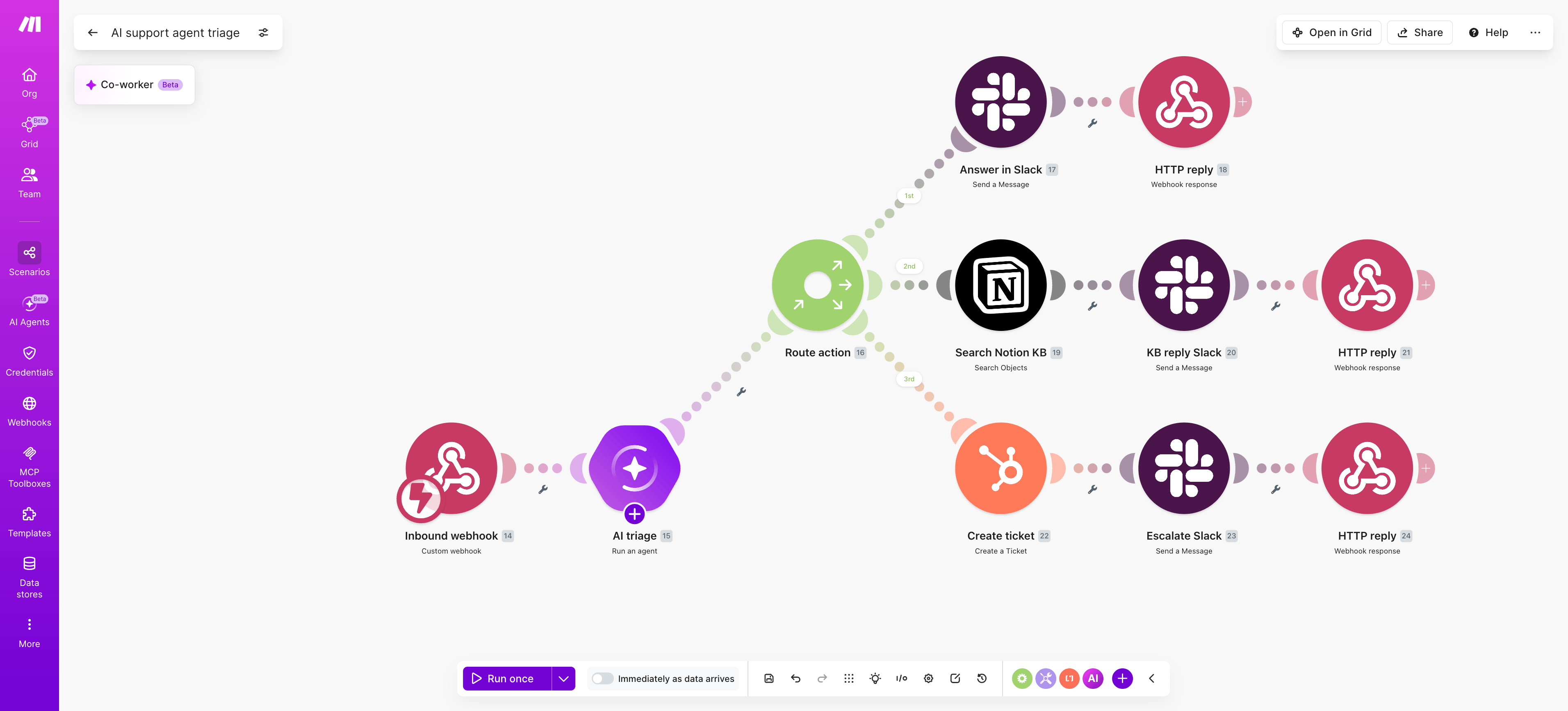
PRO TIP: Pair Make AI Agents - Run an agent with a Router and Notion - Search objects so the agent can decide whether to answer, search the knowledge base, or escalate via HubSpot - Create a Ticket, chaining reasoning across apps in one scenario.
Pros and cons
Pricing
Make offers a Free tier (1,000 credits/month) plus Core ($12/mo), Pro ($21/mo), Teams ($38/mo), and Enterprise (custom) plans, all billed by credits per month.
Annual billing saves 15% or more.
2. Microsoft Copilot Studio
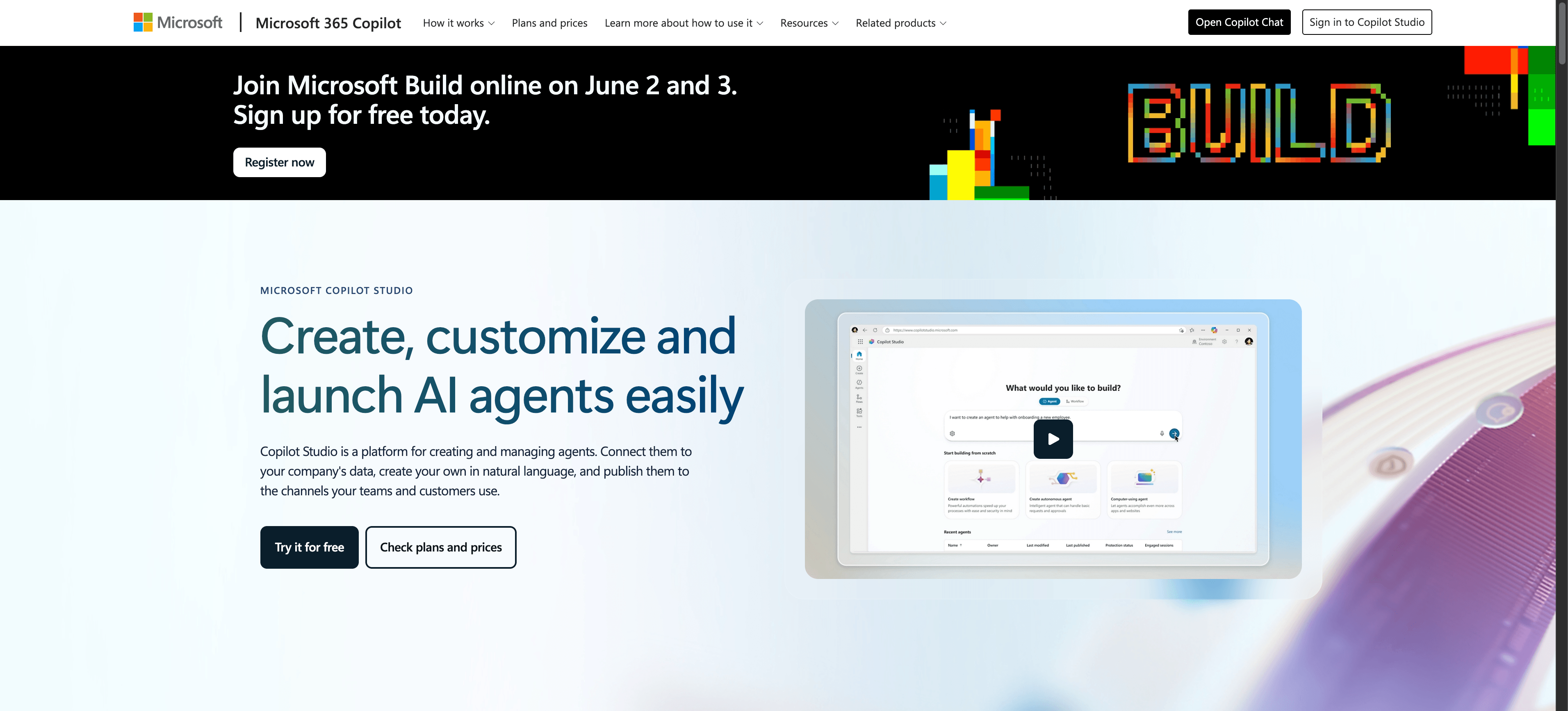
Microsoft Copilot Studio is a low-code platform for building, customizing, and deploying AI agents and copilots inside the Microsoft 365 ecosystem.
It targets enterprise teams that already run on Teams, SharePoint, Dynamics 365, and Power Platform and want conversational agents grounded in their internal data.
Copilot Studio sits closer to a conversational agent builder than a general orchestration layer like an agentic operating system, which makes its Microsoft 365 fit its strongest selling point.
Key features
- Visual topic and dialog designer with generative answers grounded in SharePoint, Dataverse, and public websites.
- Native publishing to Microsoft Teams, Microsoft 365 Copilot, custom websites, and Dynamics 365 channels.
- Prebuilt and custom connectors via Power Platform, plus support for Power Automate flows as agent actions.
- Autonomous agent capabilities with triggers, knowledge sources, and Microsoft Entra identity controls.
- Governance through Purview, DLP policies, and tenant-level admin controls for regulated environments.
Pros and cons
Pricing
Copilot Studio now uses a Copilot Credits model: the pre-purchase plan costs $200/pack/month for 25,000 Copilot Credits, with up to 20% savings for upfront commitment.
Pay-as-you-go is also available with no upfront commitment, billed monthly in arrears.
Microsoft 365 Copilot ($30/user/month) includes Copilot Studio access at no extra charge for internal agent use.
3. Google Gemini Enterprise Agent Platform (Formerly Vertex AI)
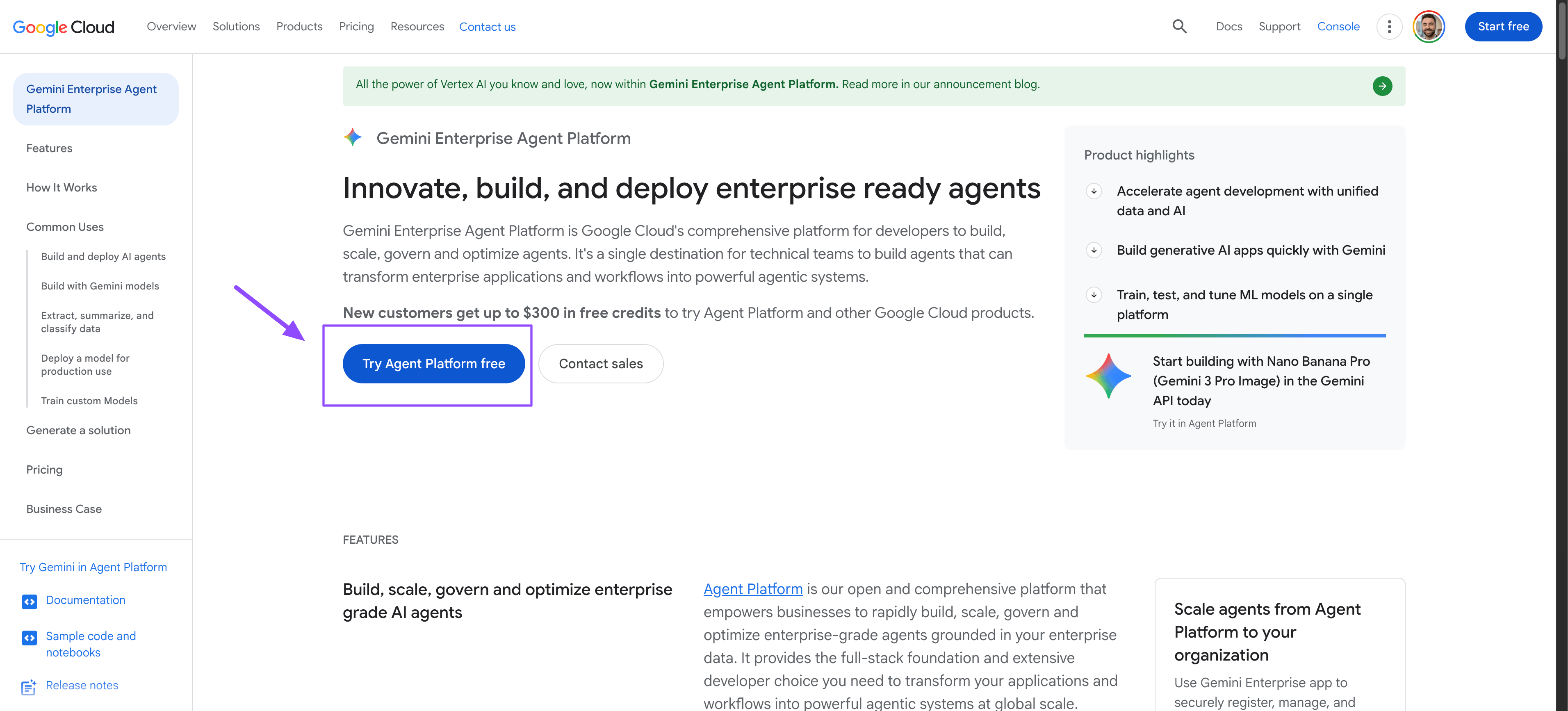
Google Gemini Enterprise Agent Platform is an enterprise agent development platform on Google Cloud that combines Gemini models, grounding on Google Search, and tool-calling to build production agents.
To log in and access Google Vertex AI Agent Builder, you must first have a Google Cloud account. New users can create an account to evaluate the products and receive $300 in free credits for the first 90 days.
It suits data science teams already standardized on Google Cloud who need tight model control, retrieval, and evaluation pipelines for customer-facing or internal agents.
Key features
- Native access to Gemini models with multimodal reasoning, function calling, and long context windows for document-heavy workflows.
- Deep GCP integration with BigQuery, Cloud Storage, Vertex AI Search, and IAM for governed data grounding.
- Agent Development Kit (ADK) for code-first agent orchestration, plus a no-code console for prototyping conversational agents.
- Built-in evaluation, tracing, and safety filters to monitor agent quality and policy compliance in production.
- Connectors for third-party SaaS and a wide range of pretrained APIs covering vision, speech, and translation.
Pros and cons
Pricing
Google Gemini Enterprise Agent Platform uses consumption-based pricing driven by the underlying Gemini model tokens consumed.
Gemini 2.5 Pro, the current flagship, costs $1.25/M input tokens and $10/M output tokens (standard tier), with grounding queries billed separately at $35/1,000 prompts over a free daily allowance.
Production deployments typically negotiate enterprise pricing through Google Cloud committed-use contracts.
4. OpenAI AgentKit
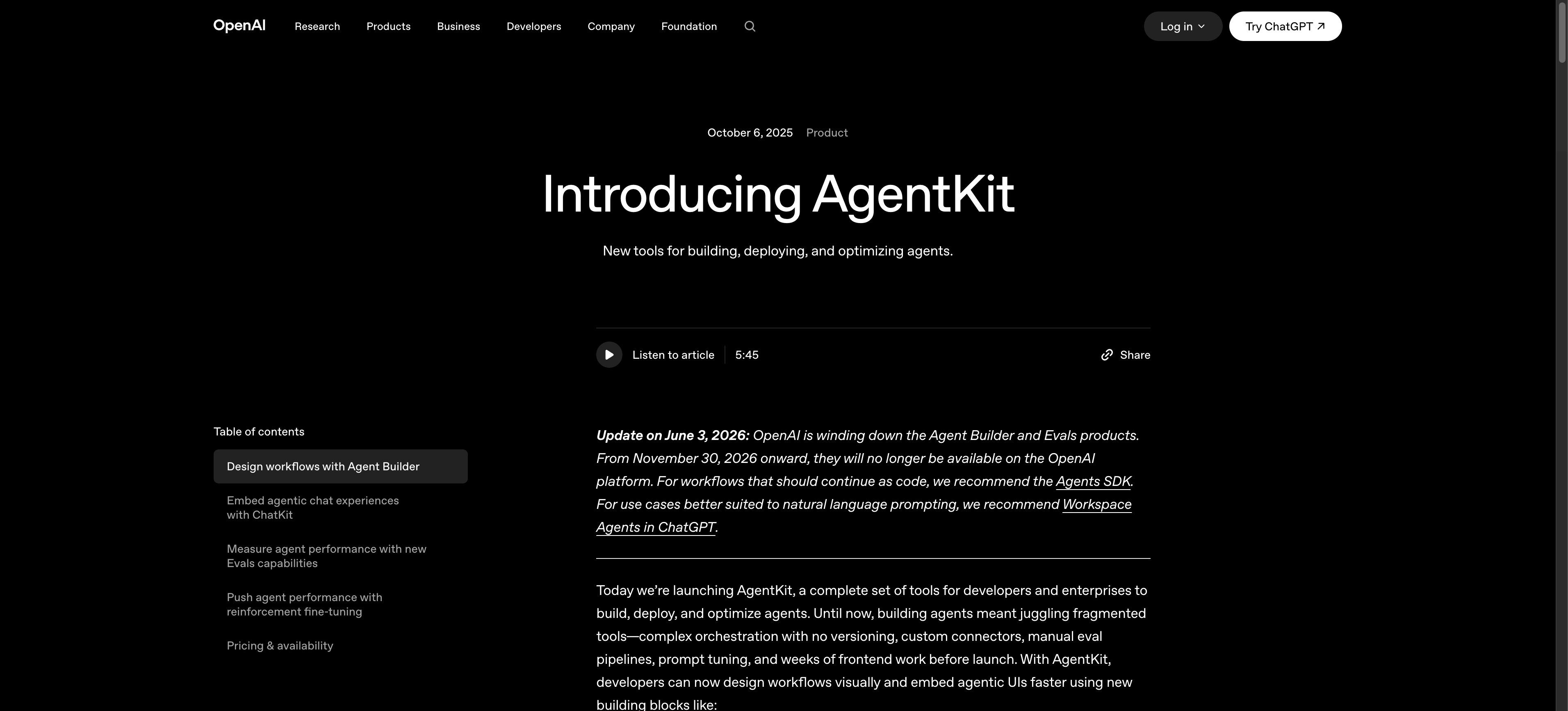
OpenAI AgentKit is a developer toolkit for building, evaluating, and deploying agents on GPT-5 series models, suited to teams already standardized on OpenAI who want a first-party stack without stitching together third-party frameworks. Teams weighing assistants against autonomous agents often start with AI agents vs ChatGPT before committing to a runtime.Note: OpenAI is retiring Agent Builder, the visual canvas, on November 30, 2026 (announced June 3, 2026). New builds should plan around the Agents SDK or Workspace Agents in ChatGPT. ChatKit is unaffected.
Key features
- Agent Builder for visual agent graphs and guardrails on GPT-5 series models (being retired November 30, 2026).
- Native Responses API with tool calling, file search, web search, and computer use.
- Evaluation harness for tracing runs and regression testing.
- ChatKit for embeddable agent UI in web and mobile apps.
- Connector framework, callable from Make via the OpenAI - Make an API Call module.
Pros and cons
Pricing
Free tooling; you pay model tokens (GPT-5.5 at $5/M input, $30/M output; GPT-5.4 at $2.50/M input, $15/M output) plus metered tools like web search at $10 per 1,000 calls.
5. Salesforce Agentforce
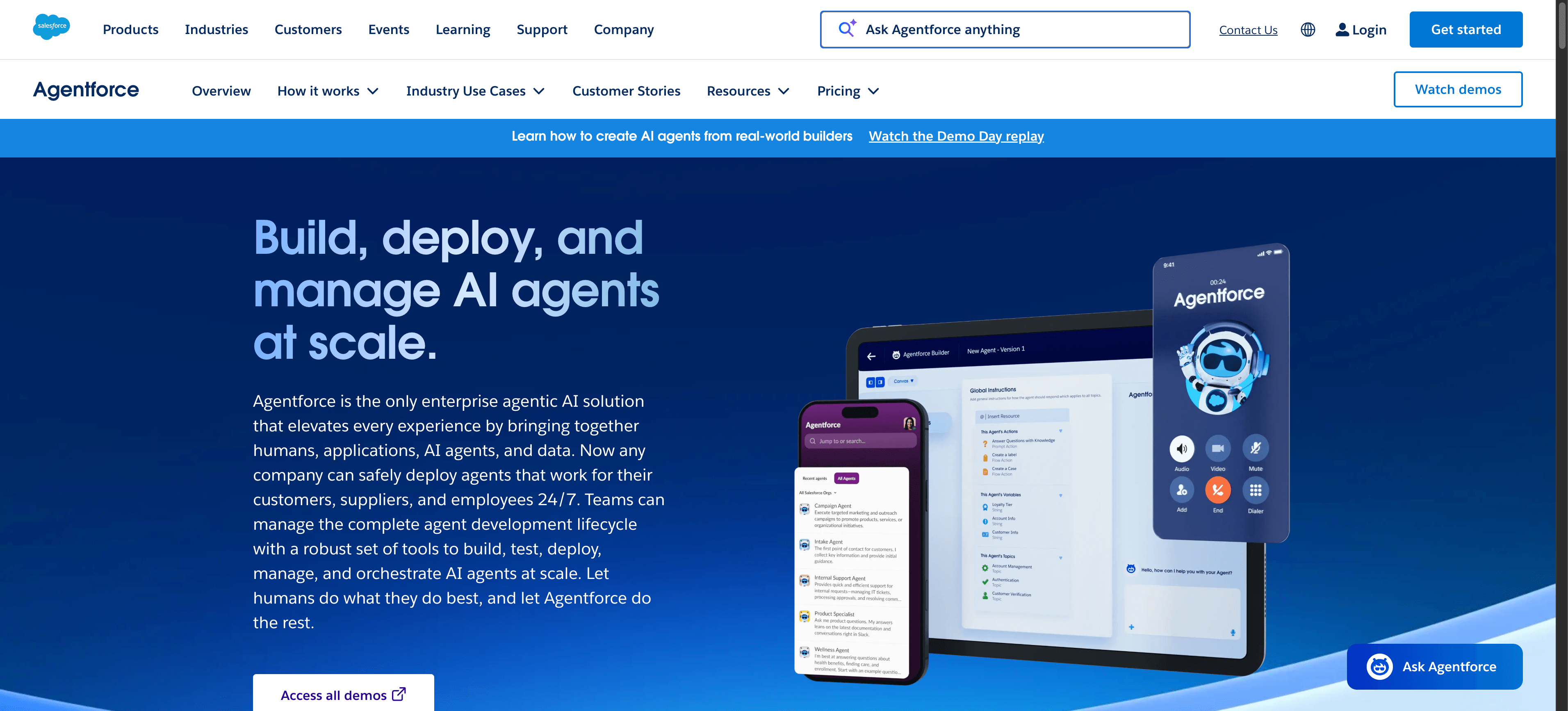
Salesforce Agentforce is a CRM-native agents platform built on the Einstein 1 platform, designed for revenue and service teams already standardized on Salesforce.
It targets enterprises that want autonomous agents grounded in their Salesforce data, metadata, and Flow automations without exporting records to a separate system.
Key features
- CRM-native agents that read and write directly against Sales Cloud, Service Cloud, and Data Cloud objects.
- Atlas Reasoning Engine for multi-step planning across Salesforce records, knowledge articles, and Flows.
- Agent Builder with low-code topics, instructions, and prebuilt actions tied to the Einstein 1 platform.
- Guardrails through Einstein Trust Layer for masking, audit logging, and toxicity checks.
- Pre-packaged service, sales development, and personal shopper agents extendable with Apex and MuleSoft.
Pros and cons
Pricing
Salesforce offers a free Salesforce Foundations tier that includes Agentforce Builder and basic agent access at no cost.
Paid options include Conversations ($2/conversation for customer-facing agents) and Flex Credits ($500 per 100,000 credits), which span any Agentforce use case across teams and channels.
Per-user add-ons are also available at $125/user/month for unmetered employee agent usage, and a base Agentforce User License at $5/user/month (requires Flex Credits).
6. LangChain LangGraph
LangChain LangGraph is an open source framework for building stateful workflows and graph-based agents in Python or JavaScript.
It targets engineering teams that want code-level control over agent loops, memory, and tool routing rather than a visual canvas.
Key features
- Graph-based agents defined as nodes and edges, with explicit control flow between reasoning steps and tool calls.
- Stateful workflows backed by checkpointers, enabling pause, resume, time travel, and human-in-the-loop review.
- Streaming token and event outputs for live UIs and observability dashboards.
- LangSmith integration for tracing, evaluation, and debugging multi-step agent runs.
- Compatibility with most LLM providers, vector stores, and custom tool functions through the LangChain ecosystem.
Pros and cons
Pricing
LangGraph is free and open source under an MIT license.
The LangSmith Platform — which bundles LangGraph deployment, tracing, and evaluation — offers a free Developer tier (1 seat, 5,000 traces/month), a Plus tier at $39/seat/month with usage-based tracing and deployment costs, and a custom Enterprise tier with self-hosting, SSO, and SLA support.
7. CrewAI
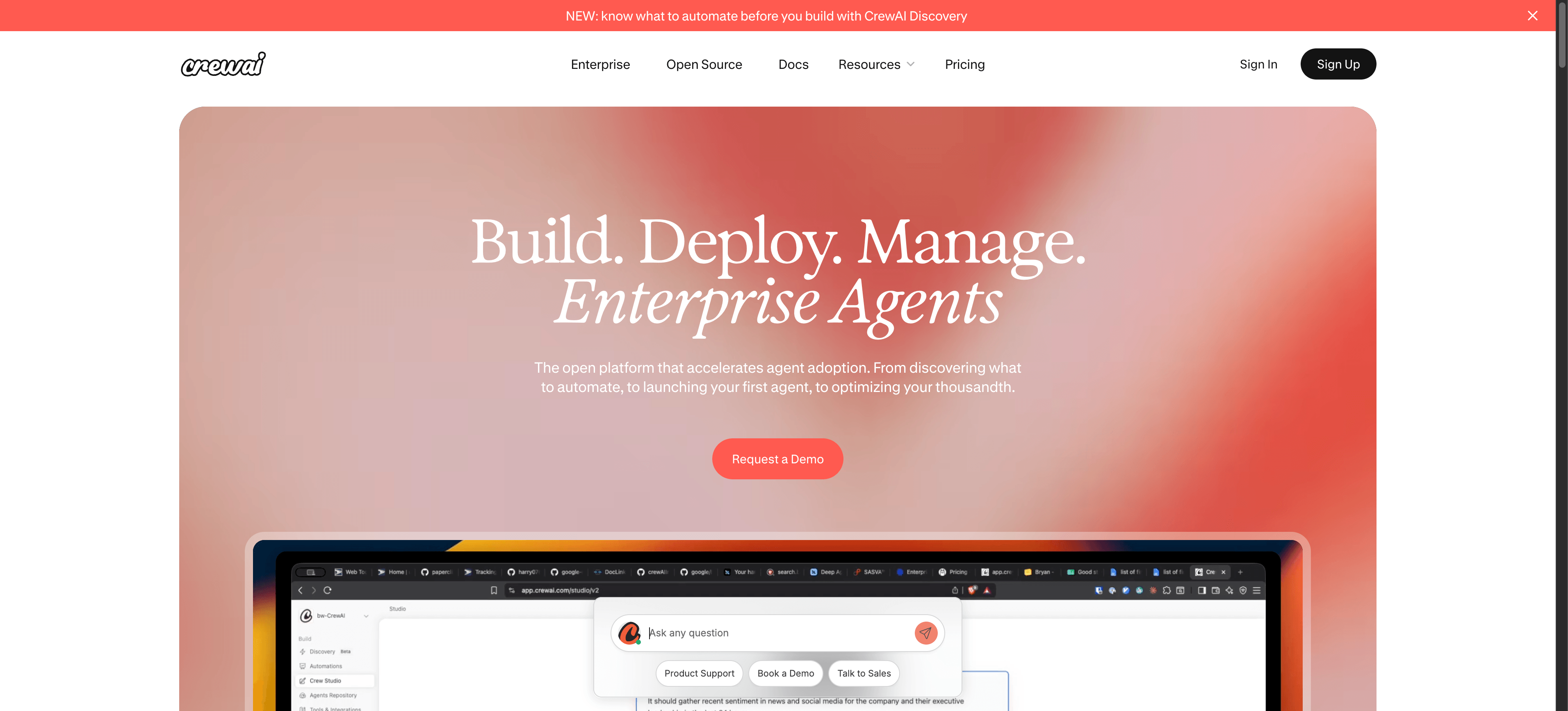
CrewAI is an open source Python framework for orchestrating role-based agents that collaborate on multi-step tasks.
It targets developers and technical teams who want code-level control over agent crews, delegation logic, and tool use, rather than a visual canvas.
Key features
- Role-based agents with defined goals, backstories, and tool permissions, coordinated through sequential or hierarchical processes.
- Python framework with a pip-installable library, native LLM provider switching, and extensible custom tools.
- Open source core under MIT license, with a paid Enterprise layer for deployment, observability, and managed crews.
- Built-in memory, task delegation, and human-in-the-loop checkpoints for review steps.
- Integrations with LangChain tools, vector stores, and standard APIs through code.
Pros and cons
Pricing
CrewAI offers a public Basic tier at no cost, which includes a visual editor, GitHub integration, and 50 workflow executions per month.
CrewAI Enterprise is custom-priced and adds private infrastructure, dedicated VPC options, on-site support, and up to 50 hours of development per month — pricing available on request via the CrewAI sales team.
8. n8n
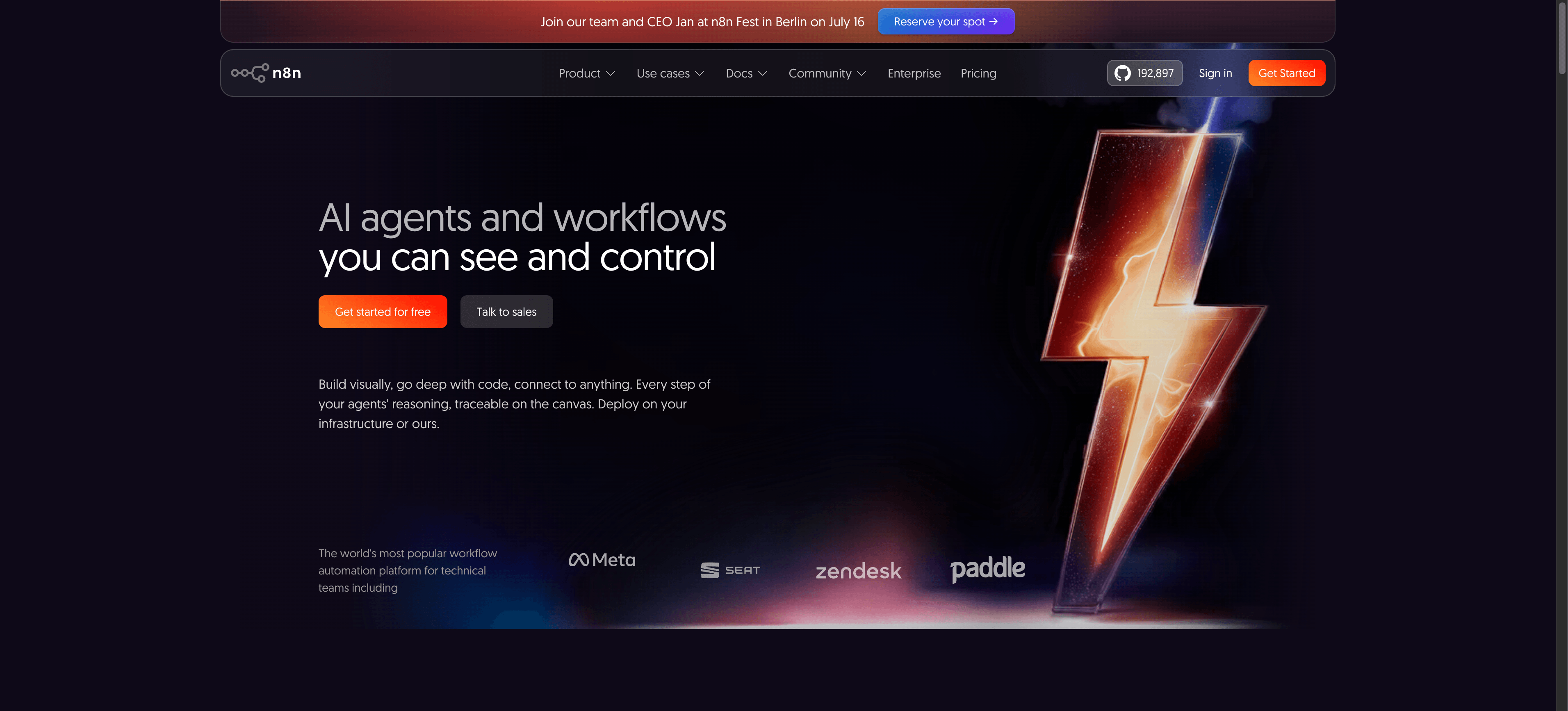
n8n is an open source workflow automation platform built around node-based workflows, popular with developer-led teams that want self-hosting control and code-level extensibility for AI agent pipelines.
It suits engineering teams comfortable running their own infrastructure and writing JavaScript or Python inside automation logic.
Key features
- Node-based workflows on a visual canvas with 400+ integrations and a fair-code license that allows source modification.
- Self-hosting option via Docker, Kubernetes, or npm, alongside a managed n8n Cloud tier for teams that prefer hosted infrastructure.
- AI agent nodes with LangChain integration, vector store connectors, memory buffers, and tool-calling for multi-step agent orchestration.
- Custom code nodes supporting JavaScript and Python, plus webhook triggers and a public API for embedding workflows in other products.
- Version control through Git, environment variables, and role-based access control on paid plans.
Pros and cons
Pricing
n8n offers a free Community Edition for self-hosting with no execution limits.
n8n Cloud plans (billed annually) start at Starter (€20/mo, 2,500 executions), Pro (€50/mo, 10,000 executions), and Business (€667/mo, 40,000 executions).
Enterprise pricing is custom and adds SSO, advanced permissions, dedicated support, and extended log retention.
How they compare
The eight platforms split into three camps: visual orchestrators that connect AI to operational work, vendor-native agent builders tied to a suite, and developer frameworks for custom code.
Make leads because its Scenario Builder turns agent logic into observable scenarios across 3,000+ apps, a visual-first approach that mid-market teams can operate without a platform engineering squad.
The Celonis success story shows how this scales in practice.
Side by side comparison visual ranking top AI agent platforms across workflow fit, depth, pricing, and ease of use
How to choose the right AI agent platforms tool
Choose an AI agent platform by matching three factors to your operational reality: agent autonomy level, integration depth, and governance maturity.
Start with the work you want delegated, then test which platform handles it without forcing your team into unfamiliar abstractions.
Score candidates against four decision criteria.
First, autonomy fit: does the platform support deterministic scenario logic, semi-autonomous agents, or fully agentic loops?
Second, integration breadth: an agent that cannot reach your CRM, ticketing, and data warehouse is a demo. Make connects to 3,000+ apps natively, which removes most glue work.
Third, observability: per-credit logs, retries, and human approval steps decide whether the agent is production-safe.
Fourth, total cost: per-seat, per-run, and per-token pricing behave very differently at volume.
For use case fit, map the work type to the platform. Customer operations and revenue workflows suit Make with modules like OpenAI - Create a Chat Completion and Slack - Create a Message. Deep code-first orchestration suits LangGraph. Microsoft estates default to Copilot Studio.
Read the agent best practices before sizing tiers.
PRO TIP: Match agent autonomy level to your team's risk tolerance before comparing pricing tiers; pair a Router with a human approval step in Slack - Create a Message for any agent touching customer data.
What next?
The best AI agent platform for 2026 is the one that matches your team's operational reality, not the loudest roadmap.
Make stands out for mid-market teams scaling past pilots because its visual Scenario Builder, 3,000+ apps, and modular agent design let operations, marketing, and revenue teams ship production scenarios without waiting on engineering.
Microsoft, Google, OpenAI, and Salesforce fit deep platform commitments; LangGraph, CrewAI, and n8n suit code-first builders.
Pick the platform that matches your skills ladder and governance maturity, then expand once an agent proves value.
Ready to build your first agentic scenario? Get started for free and ship something this week.
Frequently asked questions
Q1: What is an AI agent platform?
An AI agent platform is software for building, deploying, and governing AI agents that perceive context, decide next steps, and act across systems.
Make provides this through visual scenarios, where each module calls an app, model, or tool to complete work end to end.
Q2: How are AI agent platforms different from chatbots?
Chatbots reply to messages inside a conversation window.
Agent platforms execute multi-step work: reading data, calling APIs, updating records, and looping until a goal is met. In Make, a Router branches logic and an Iterator handles each item, so an agent acts on outcomes rather than only answering questions.
Q3: Do AI agent platforms require coding?
It depends on the platform. Make is no-code and low-code: you assemble agents visually in the Scenario Builder using prebuilt modules like OpenAI - Create a Chat Completion and HTTP - Make a Request.
LangGraph and CrewAI expect Python; Vertex AI and AgentKit sit between, with SDKs and consoles.
Q4: How much do AI agent platforms cost?
Pricing models vary widely.
Make charges per credit on tiered plans with a free entry point. Microsoft Copilot Studio uses Copilot Credits ($200/pack for 25,000 credits). Vertex AI is usage-based per token.
Salesforce Agentforce offers a free tier plus $2/conversation or Flex Credits. LangGraph and CrewAI offer free open source cores with paid cloud tiers.
Q5: Are AI agent platforms safe for production use?
Yes, when paired with governance.
Look for SOC 2 and ISO 27001, role-based access, audit logs, secret management, and human approval steps.
In Make, scoped connections, team permissions, and error handlers on each scenario let mid-market teams run agents in production with oversight.
Related blogs
Tool and strategies modern teams need to help their companies grow.
AI
What is AI automation? A complete guide for 2026
Most teams use AI but stay stuck in pilots. Here's how AI automation turns those pilots into production systems.

Raife Dowley
May 21, 2026
AI
What Is an Agentic Operating System? 2026 Guide
What an agentic operating system actually is, the six layers it runs on, and where it beats traditional automation platforms.
Raife Dowley
May 22, 2026
.png)




.svg)
.svg)
.svg)