Maia by Make: See your words build powerful AI automation
Introducing Maia by Make, a co-worker for AI and automation built for teams. Transform plain language into reliable automation and Make AI Agents.
500,000+ companies have saved millions of hours with Make






For Make beginners
Maia builds visually, with you in control
Maia builds directly on Make's visual scenario builder, in front of you. She shows what she’s doing, step-by-step, and asks clarifying questions. You have a say in what’s being built at every stage. Prompt Maia to change anything in your automation and she’ll do so – keeping you in control.
Build faster
Share an idea, Maia instantly co-creates automation or AI agent.
Learn as you build
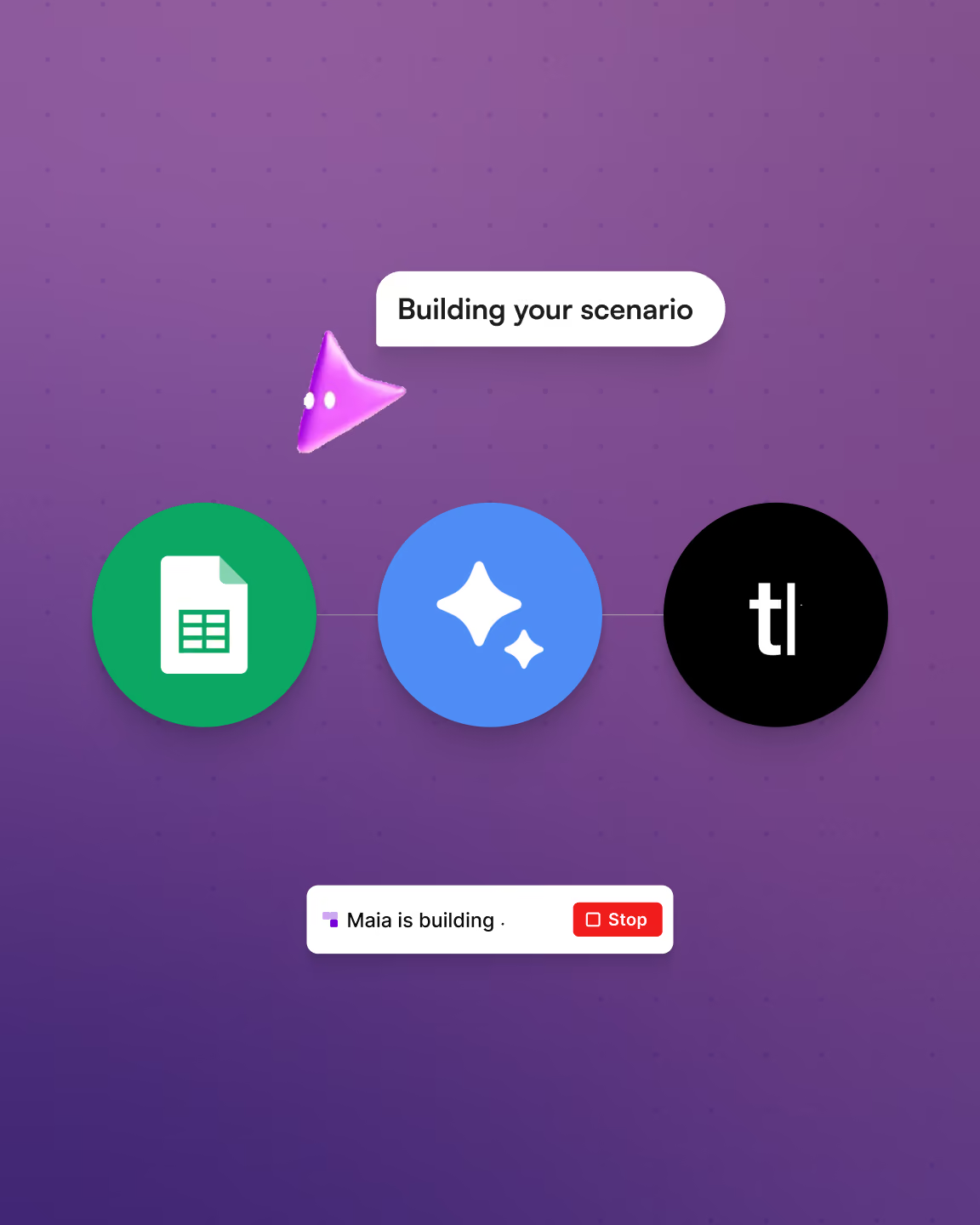
Watch Maia build to learn how Make works to start shipping automation and AI agents faster.
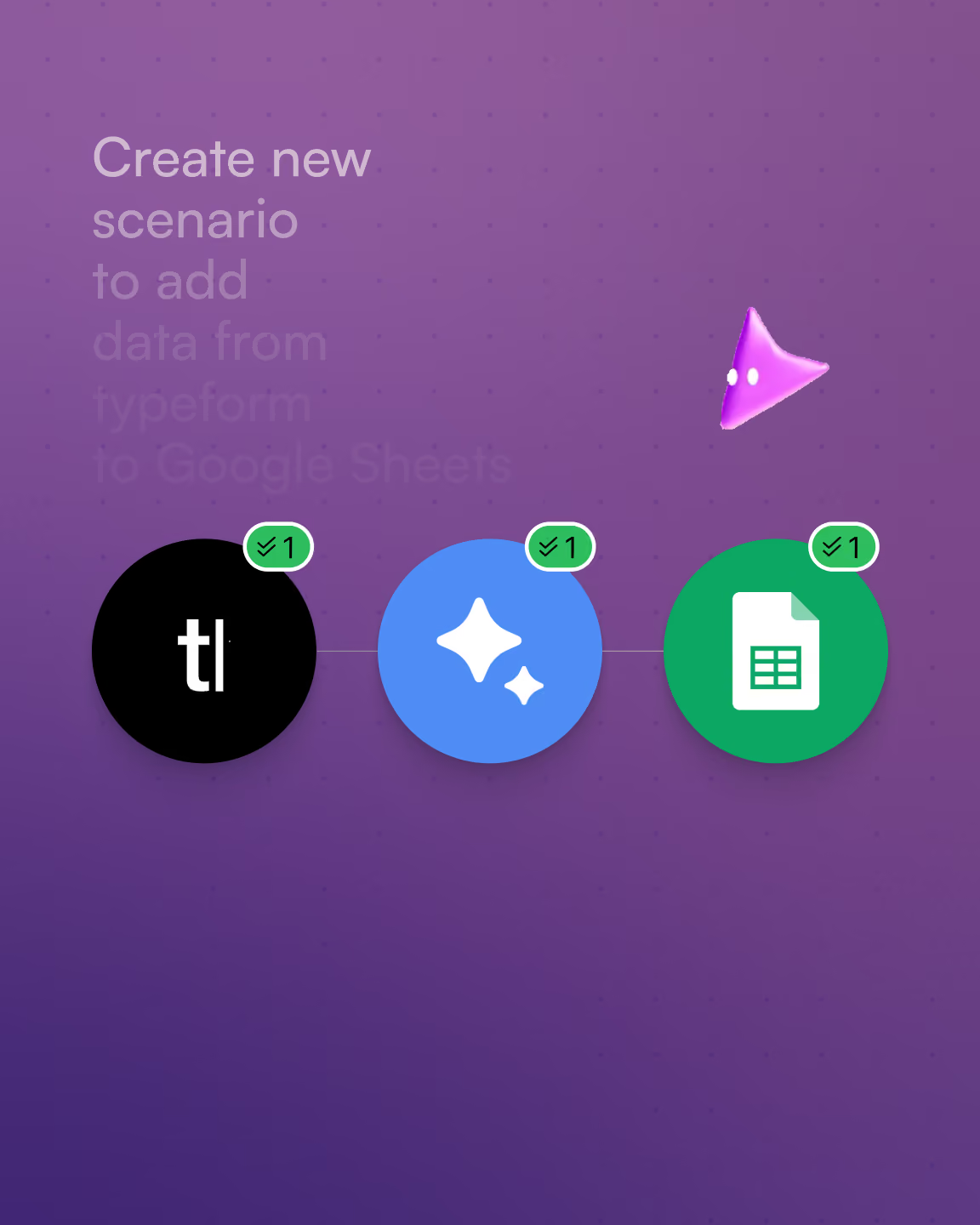
Turn words into flows
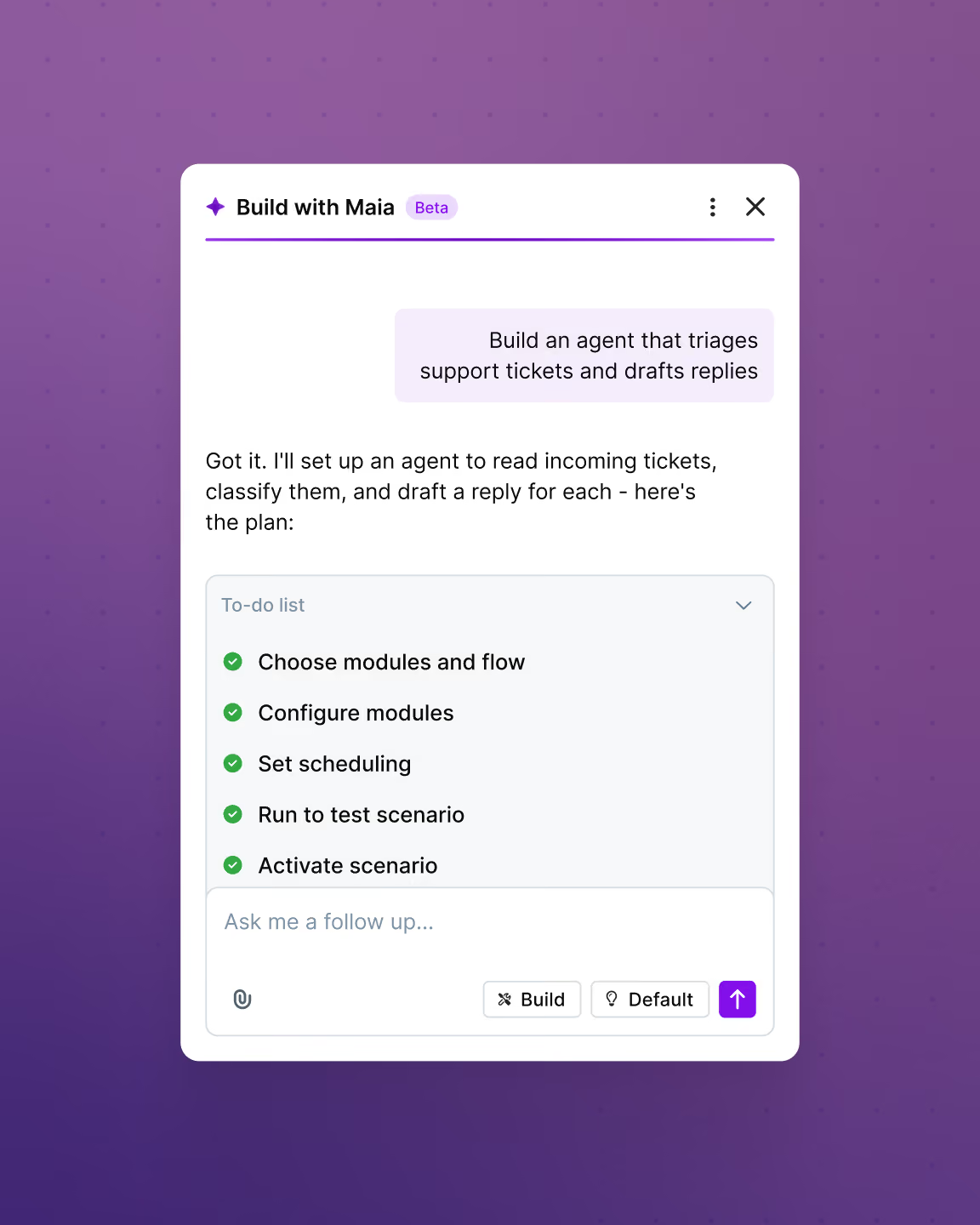
Watch logic and data paths unfold in real time while maintaining full control.
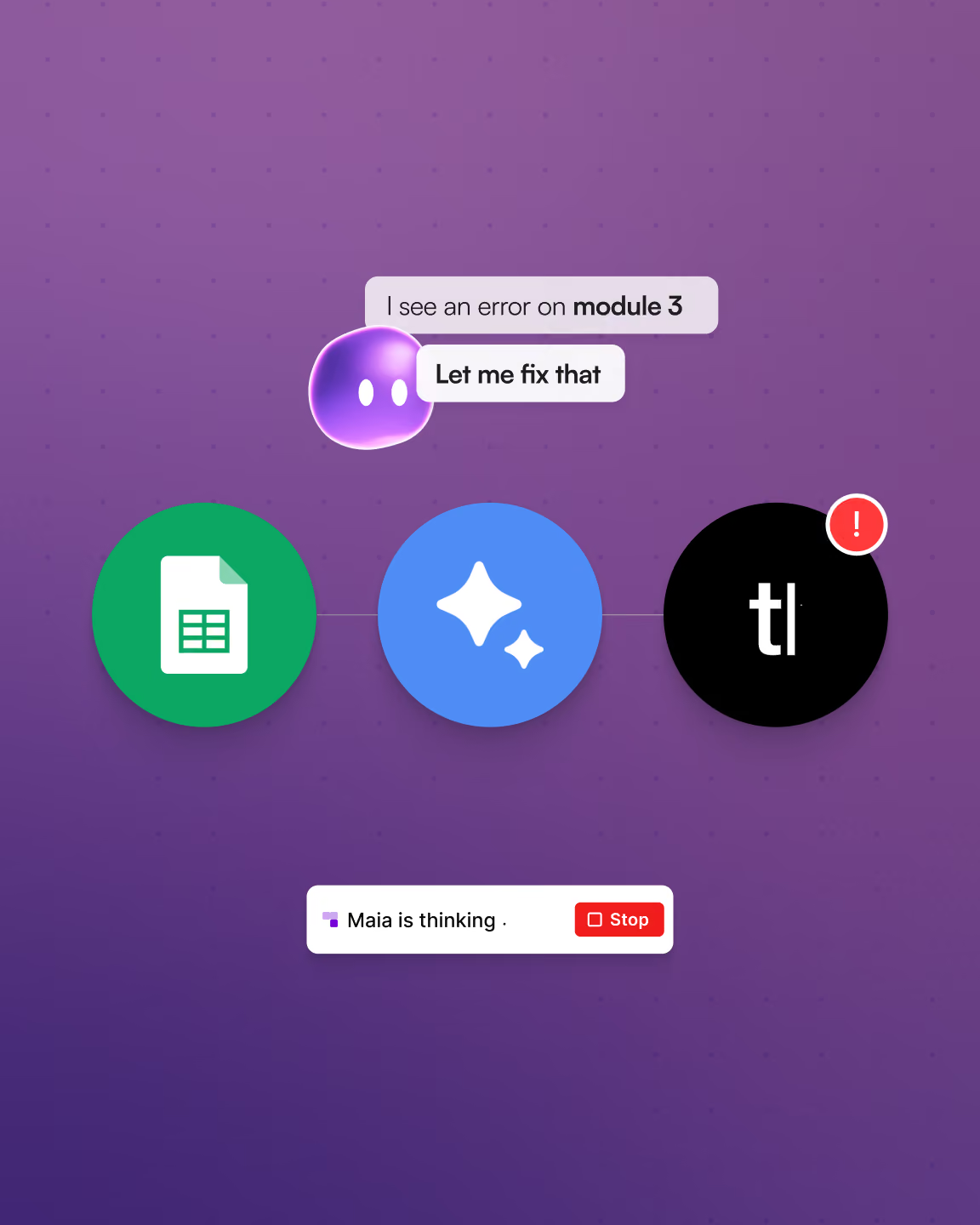
Debug together
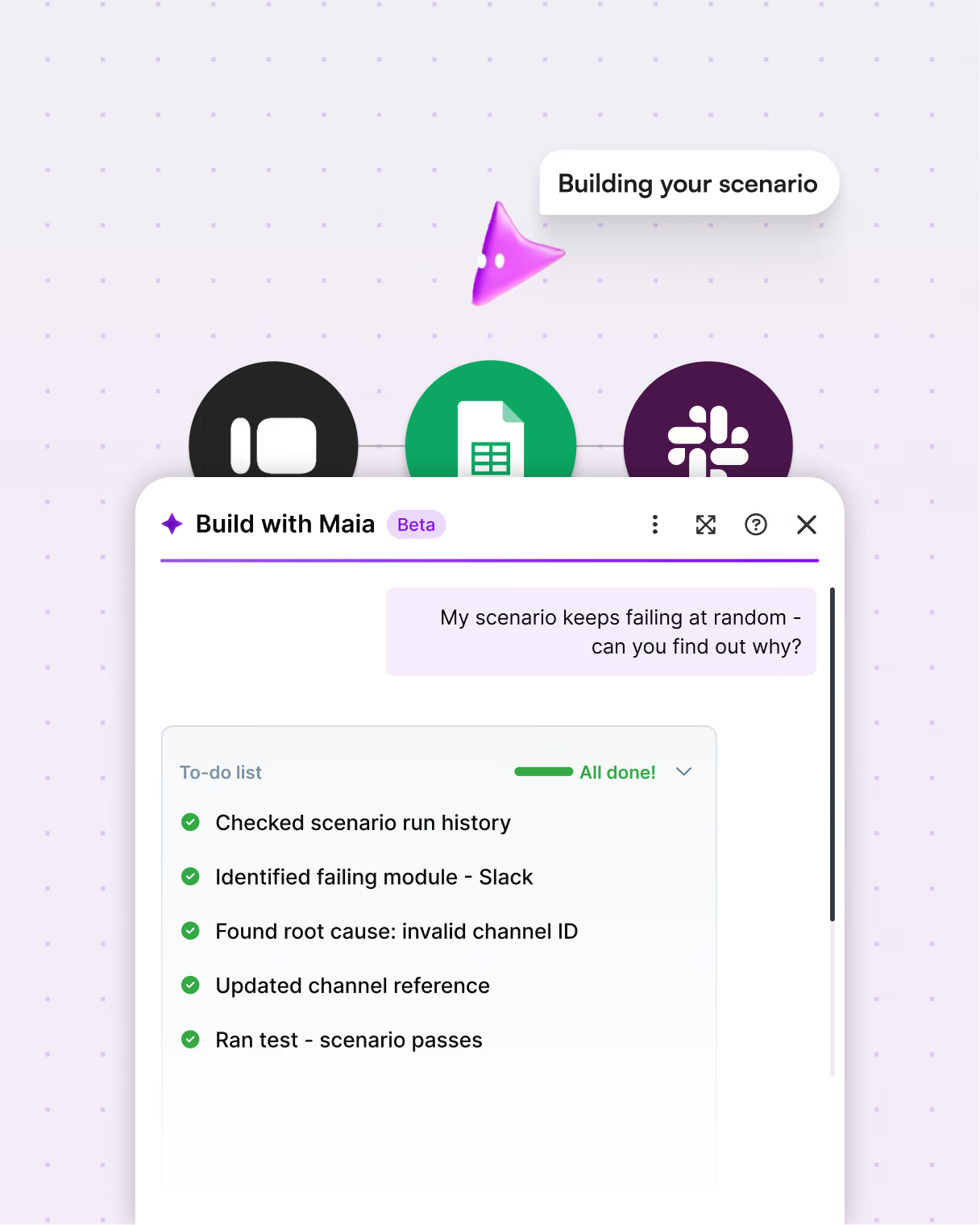
Maia helps you troubleshoot, step by step, and explains the issues.
For seasoned builders
Maintain and enhance automations and AI agents
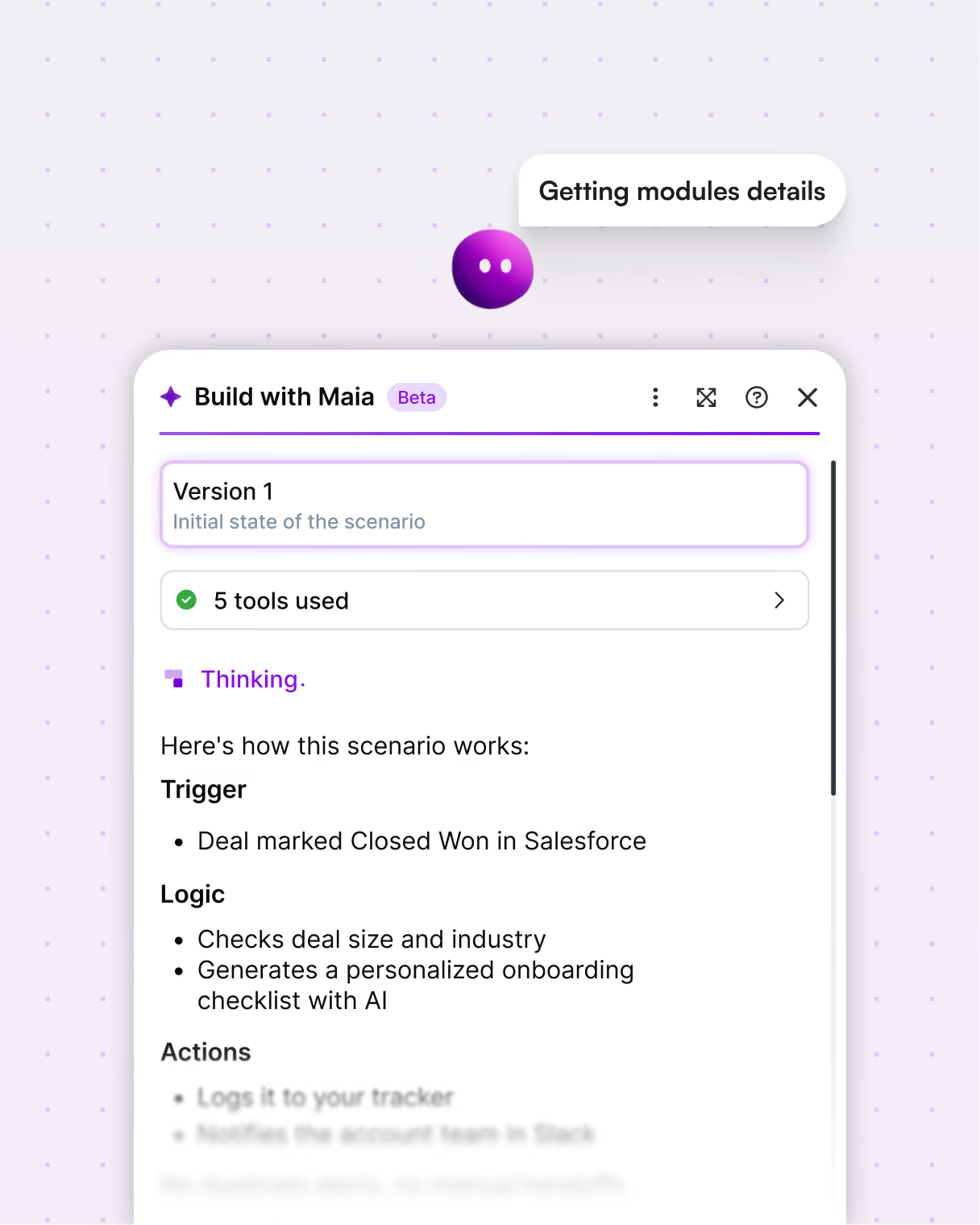
Maia is Make's built-in AI co-worker — ask her to update or debug any automation, and watch her build it live, in full view.
Instant maintenance
Ask Maia to update an automation, AI agent, or template, and watch her make the change instantly.
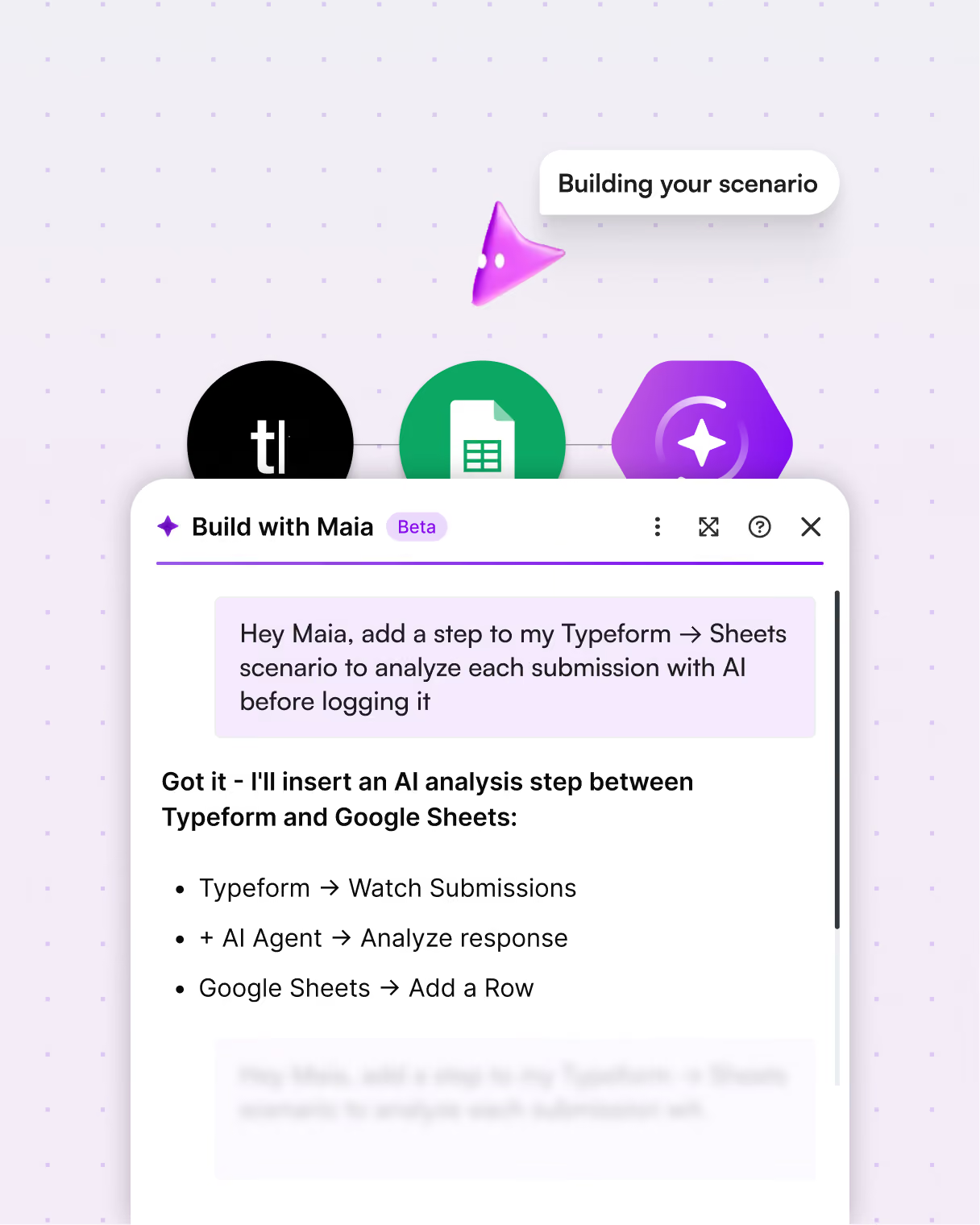
Full visibility
Maia shares reasoning and actions visually, so teams stay in control.
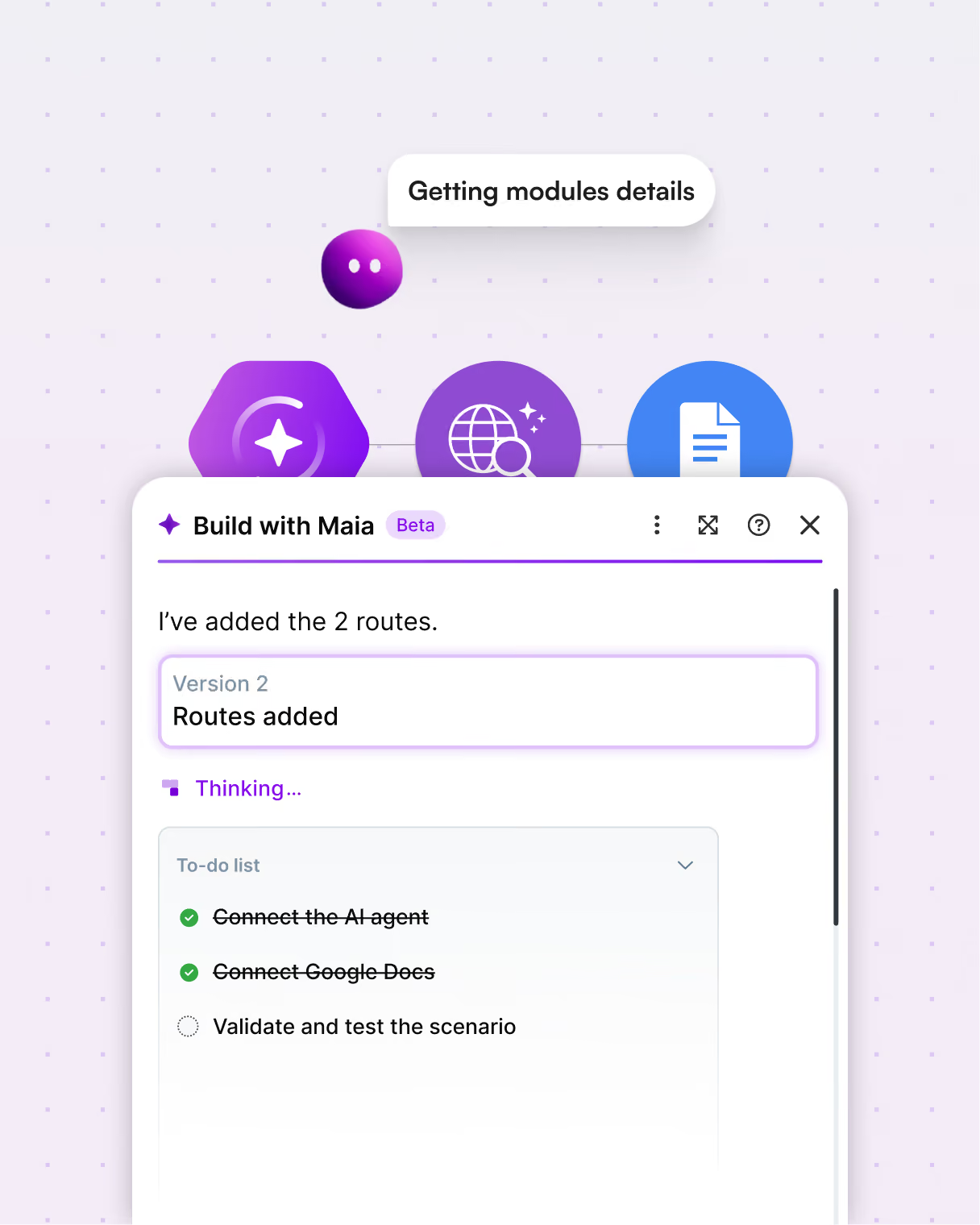
Grasp the logic
Ask Maia to explain the logic behind any automation or AI agent, in plain language.
Faster debugging
Maia helps you pinpoint and resolve issues, so nothing sits broken for long.
For business leaders
Scale automation and AI adoption across your org


%201.svg)
+2
Date
·
Duration
Accelerate adoption
Maia acts as an expert co-worker for every team member, lowering the learning curve and enabling business-wide automation without depending on technical specialists.
.avif)

+2
Date
·
Duration
Solutions you can trust
Every automation and Make AI agent is built in Make's secure, reliable platform, ready to scale across your company.
See Maia in action
Hedy Lemus Bird, Senior Product Designer at Make, shows us why Maia is not just another AI chatbot.
.webp)
Support
FAQs
Everything you need to know about the Maia by Make. Can’t find the answer you’re looking for? Please chat to our team.
How does natural language automation work?
Natural language automation lets you describe a workflow in plain language, the same way you'd explain it to a colleague, and converts that description into a working automation. AI interprets your intent, selects the right tools and connections, and builds the logic for you. This removes the need to learn a platform's technical interface before you can start building.
What is Maia by Make?
Maia by Make is a conversational AI co-worker built into the Make platform that lets you build automations and AI Agents through natural language. You describe what you want in plain language, and Maia co-creates a fully operational automation for you. Visually, in real time. It's designed to make building in Make faster, more accessible, and fully transparent, so anyone across a business can create powerful automations without needing technical expertise.
How is Maia different from vibe coding or other AI builders?
Vibe coding tools generate code from natural language — but the result is often a black box. You can't easily see, audit, or maintain what was built. Maia by Make is different because it generates automations that are fully visible in Make's visual Scenario Builder. Every module, route, and connection is transparent and editable. You know exactly what's running, why it's running, and how to change it, which matters when deploying automations across real business systems.
How does Maia work?
You have a conversation with Maia, describing the automation or AI Agent you want to build. Maia translates that into a working scenario inside Make's visual Scenario Builder, where you can see every step of the logic unfold in real time while you stay in full control. You can review, edit, and adjust what Maia builds before deploying it. Nothing is hidden or generated in a black box.
Who is Maia designed for?
Maia is designed for anyone who wants to build automations or AI Agents in Make, from beginners who have never built a scenario before, to experienced users who want to build faster. That means operations teams, marketing managers, IT leads, and developers can all use Maia to turn ideas into working automations through conversation, without needing deep technical knowledge.
What problem does Maia by Make solve?
Maia closes the gap between having an automation idea and actually building it. Most teams know what they want to automate, but hit a wall with the technical side – module logic, connection mapping, automation structure. Maia removes that barrier by letting anyone describe what they want in plain language and building the full, working automation for them inside Make's Scenario Builder.
What can I build with Maia?
You can use Maia by Make to build automations and AI Agents that connect over 3,000 apps. Real examples include ticket sentiment analysis scenarios for customer support teams, data syncing workflows, lead management automations, and multi-step AI Agents. Maia handles the building; you focus on describing the outcome you want.
Can Maia help new team members learn automation?
Yes. This is one of Maia's core strengths for growing organizations. Because Maia builds visually and explains her reasoning, every session also builds institutional knowledge. Team members can ask Maia to walk through a module, explain the logic behind a step, or answer questions about Make directly – without switching to an external LLM that doesn't understand the platform. New hires can go from zero to a fully working automation on day one.
Does Maia show you how she builds, or just hand you a finished result?
Maia shows you everything. As she works, you watch the logic unfold step by step directly in Make's visual Scenario Builder. You see every selected module, every mapped connection, every decision made. You're not handed a finished result you don't understand. You see exactly how the automation was built – which means you can trust it, edit it, hand it off, and learn from it.
What will Maia be able to do in the future?
Make has shared three planned directions for Maia. First, omnipresent assistance: Maia will always be on and available at any point in the Make platform, ready to help in context. Second, holistic landscape understanding: Maia will go beyond individual workflows to understand dependencies and connections across your entire automation landscape. Third, proactive monitoring: Maia will identify issues across your automations and offer recommendations to improve what you've built. Together, these capabilities position Maia as an omni-present co-worker instead of just a one-time builder.
Is Maia available now?
Yes. Users on paid plans have unlimited access to Maia. Users on the Free plan have access to Maia on a 30-day trial basis after signup, with 45 free messages included. Once they hit the limit or the trial ends, they must upgrade to a paid plan to continue using Maia.
How does Maia's usage work on my plan?
All paid plans have unlimited access to Maia, drawing from your Make credits– plus free messages for the first 30 days of usage. The Free plan includes a 30-day trial of Maia after signup. Learn more
.png)




.svg)
.svg)
.svg)