Make MCP Server connects AI to your tools, securely
Make MCP visibly links ChatGPT, Claude, Cursor and more AI tools to the 3,500+ apps that run your business. Experience the full flexibility of MCP with the control, security, and precision of Make.

500,000+ companies have saved millions of hours with Make






Make MCP Server
Give your AI Agents the tools to act. Not just think.
With the Model Context Protocol (MCP), you can turn your Make scenarios into secure, ready-to-use tools any AI can call. Your AI gets clear inputs and outputs, so it can trigger workflows, run actions, and complete business tasks directly inside your systems, safely and visually.
.avif)
How does Make MCP Server work?
From chat to real action in 3 simple steps.
Connect your AI
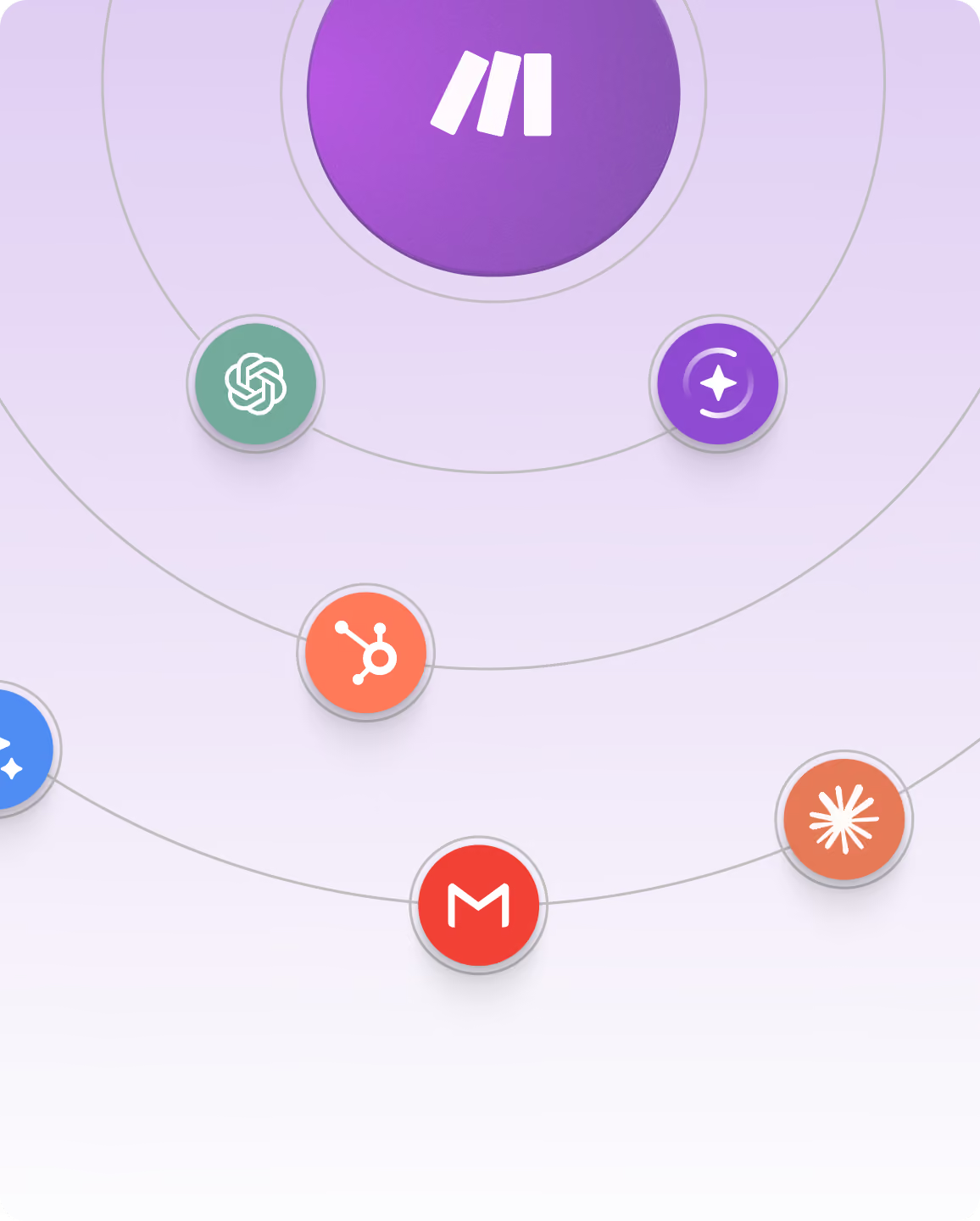
Link ChatGPT, Claude, or any other MCP-compatible AI agent to Make. Your AI gains instant access to your unique workflows in over 3,500+ apps with no local setup or additional servers required.
Turn scenarios into tools
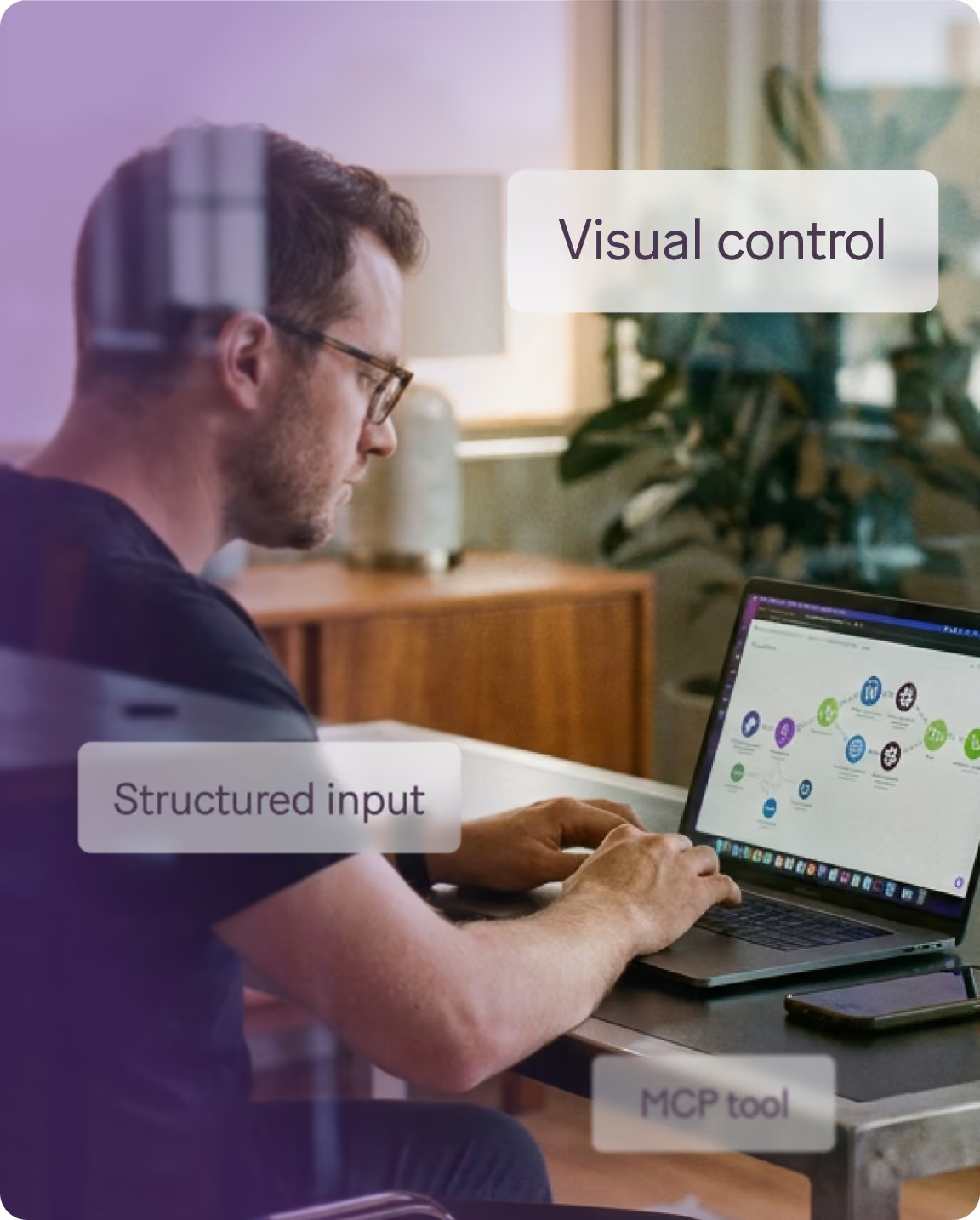
Create any number of scenarios as tools that your AI can access and execute anytime. You have full control over which parameters your AI decides and which ones are constant. Everything is visual, clear, and under your control.
Automate securely at scale
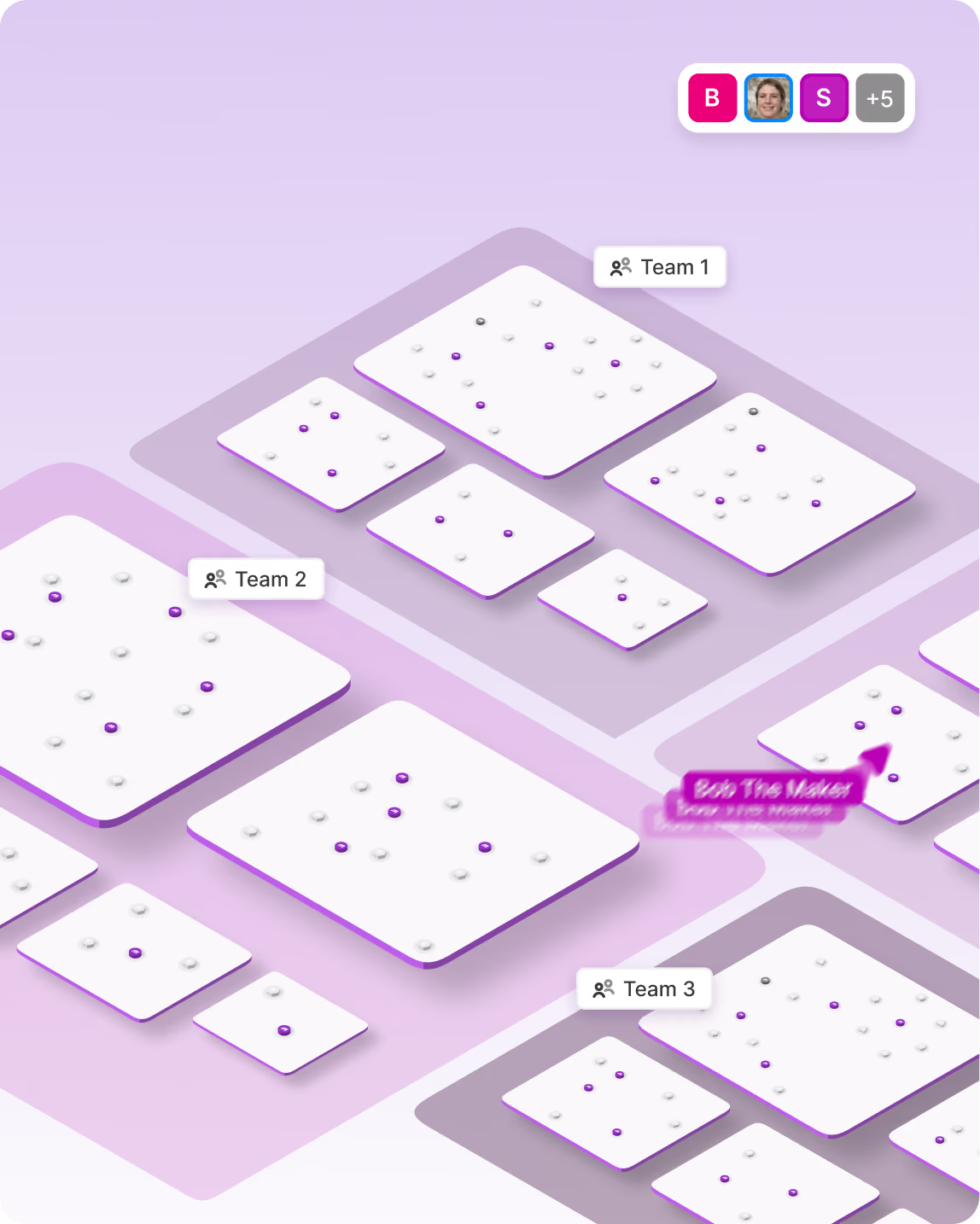
Your AI can now trigger workflows, complete tasks, access key information, and act inside your systems safely, reliably, and without code.
Benefits
Why use Make MCP Server
The Make MCP Server integration helps businesses automate workflows, connect tools, and scale operations efficiently.


%201.svg)
+2
Date
·
Duration
Instant, visual tool creation
Turn your Make scenarios into callable tools any AI can use. Build once, reuse anywhere, from your preferred MCP-compatible AI.
.avif)

+2
Date
·
Duration
Granular control, total security
Decide what your AI can access and how it behaves. Every action is protected with secure connections, backed by GDPR, SOC 2, and SOC 3 compliance.

+2
Date
·
Duration
Smarter automation, not just actions
Go beyond simple tasks - build dedicated tools that run full workflows across your business from your favourite AI.
Advanced use case
Power your Make organisation with AI.
Use Claude, ChatGPT, or any MCP-compatible AI to tidy and organise your Make workspace.
Sort scenarios, create folders, manage teams and invites in a hands-free, structured and fully controlled way.
Benefits
Why use Make MCP Server
The Make MCP Server integration helps businesses automate workflows, connect tools, and scale operations efficiently.
Date
·
Duration
Project Manager
Automate task creation from chat. When brainstorming the plan for a new project, your AI triggers Make to create tasks in Asana, assign owners and set deadlines instantly.
Date
·
Duration
Finance Analyst
Generate reports without manual data pulls. Your AI calls Make tools to collect data from QuickBooks, Google Sheets, and Salesforce, then compiles and emails a summary report automatically via Gmail, Outlook, or any other email provider.
Date
·
Duration
Personal Assistant
Use your own AI tools to prepare for upcoming meetings. Your AI uses Make MCP Server to access your Google Calendar, look up information about attendees in Salesforce or Hubspot, and create pre-meeting tasks in Monday.com, Notion, or any other work management tool.
Applications
Empower your AI with real, controlled action
Make MCP Server connects to your unique workflows with over 3,500 apps, all with structured inputs, verified outputs, and full visibility. Build secure, reliable automations your AI can use instantly, not just call blindly.
What is MCP?
Understand the Model Context Protocol and how it connects reasoning to real-world results
Support
FAQs
Everything you need to know about the Make AI Agents. Can’t find the answer you’re looking for? Please chat to our team.
What is MCP?
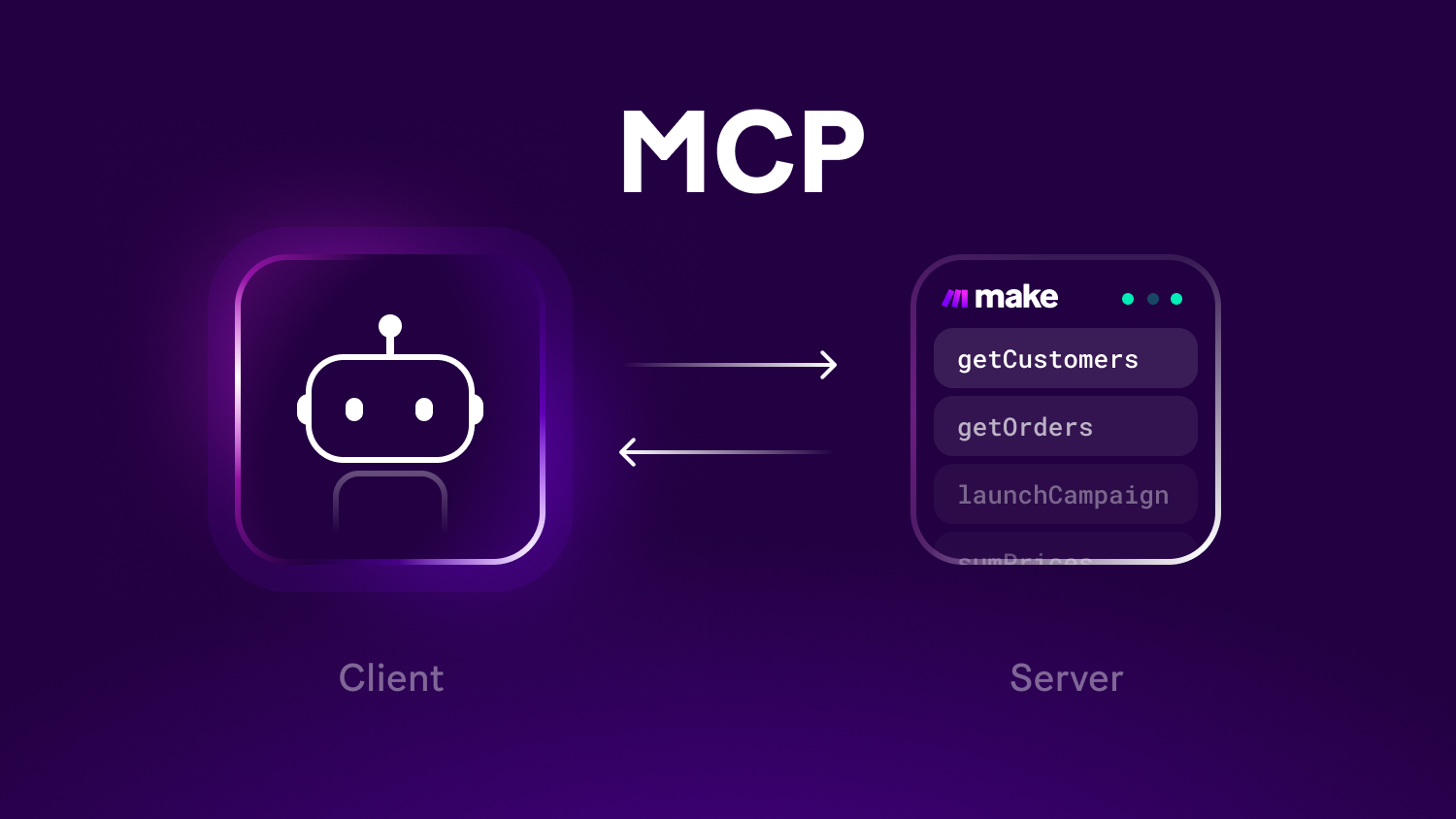
MCP (Model Context Protocol) is a universal standard that helps AI talk to real tools, like Make scenarios, safely and clearly.
It defines what a tool does, what it needs, and what it returns - so your AI can act with precision, not guesswork.
Make MCP Server allows the option to use your Make scenarios as tools or manage your Make scenarios and other assets from Claude, ChatGPT, and others.
What is the difference between Make MCP Server and Make MCP Client?
Make MCP Server lets AI tools (like Claude, ChatGPT, Gemini, or Cursor) call your Make scenarios as if they were tools with structured inputs, secure execution, and full visibility. It can also let AI help you manage your Make organisation (folders, scenarios, teams, etc.).
Make MCP Client lets your Make scenarios or Make AI Agents connect to other MCP servers (like monday.com’s) so your automations can use tools hosted outside Make.
In short:Server = expose your Make tools to AI
Client = use external tools within Make automations
What is the difference between MCP and APIs?
APIs give you raw access to system endpoints. They are powerful, but technical and often complex.MCP gives AI systems ready-to-use tools with descriptions, expected inputs, and expected outputs. It’s structured, semantic, and designed specifically for AI. MCP servers can provide this information in a way that is automatically discoverable by AI clients.
API = “Do this exact technical call.”
MCP = “Here’s a tool. Here’s what it does. Here’s how to use it.”
They work well together. MCP doesn’t replace APIs, it sits above them to make AI action simpler.
How much does Make MCP cost?
Make MCP Server and Make MCP Client are included in all Make plans at no extra cost. You only pay for credits used by scenarios that are executed in Make.
No separate fee, no credits, no hidden usage charges.
Does Make provide a free MCP server?
Yes. Every Make user (including those on free plans) gets access to the Make MCP Server with built-in secure connections, hosting, and structured tool definitions.
No local install, no custom hosting, no setup scripts.
Which AI platforms can be connected to Make MCP server
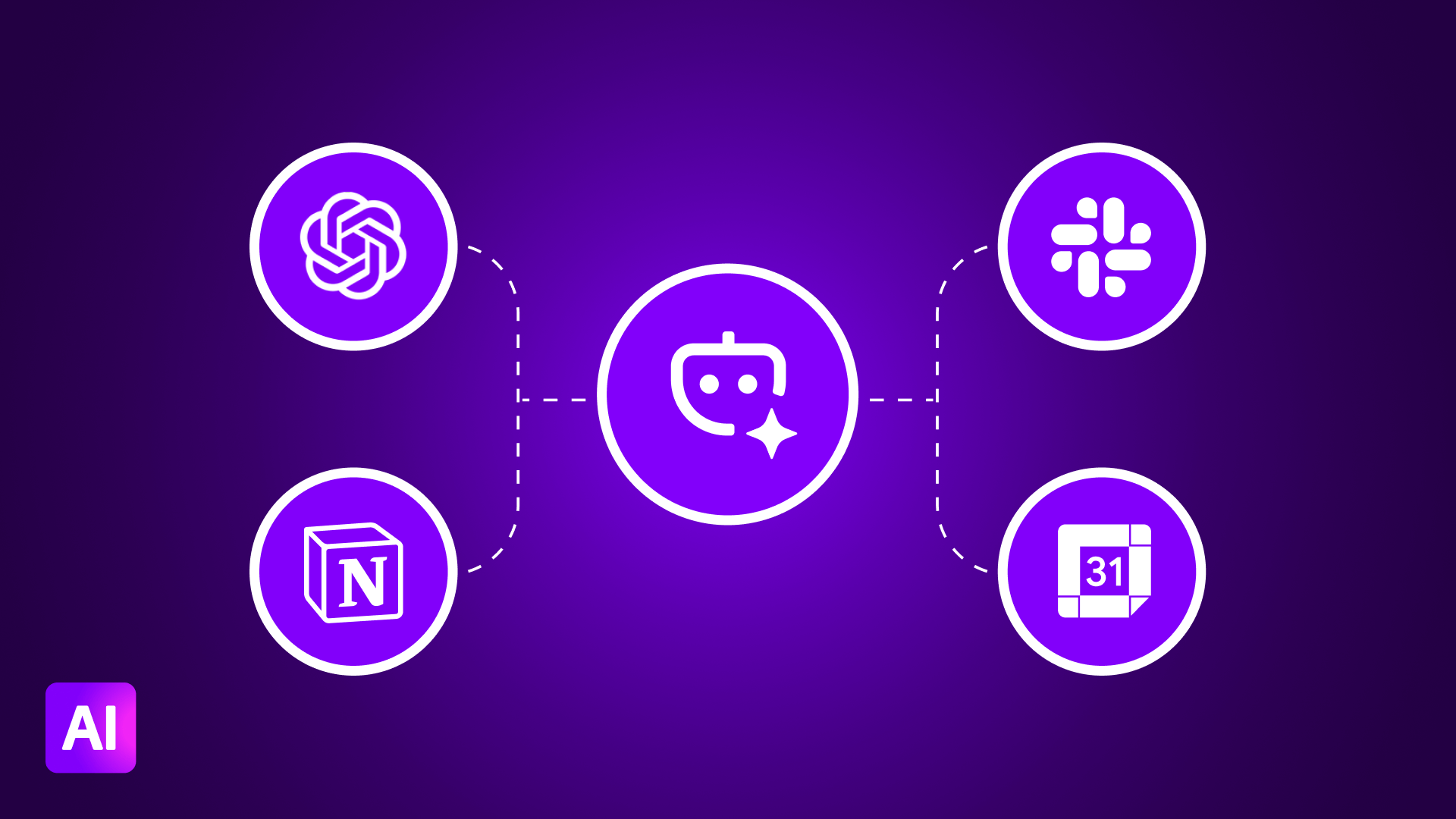
Any AI tool that supports the MCP standard, including:
- ChatGPT (OpenAI)
- Claude (Anthropic)
- Cursor
- Any custom AI agent with MCP support
If it speaks MCP, it can use your Make scenarios as tools.
.png)




.svg)
.svg)
.svg)