Build workflows. Observe every run. Analyze what's working.
Get a glass box view of everything you build — from first automation to full governance across your business.

Trusted by 500,000+ teams, from startups to global enterprises






See Make in action
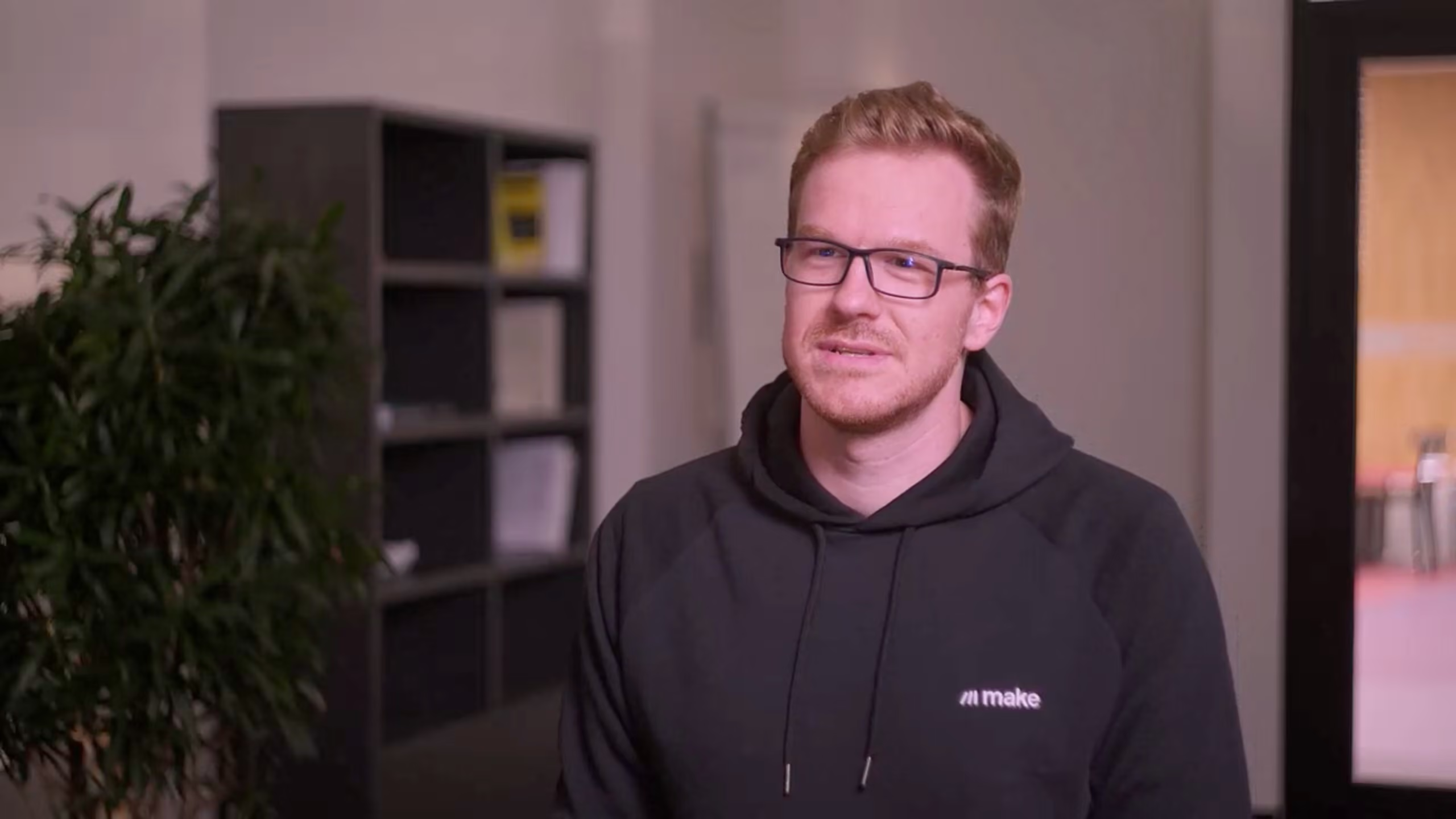
Watch a 3-minute overview with our co-founder and CTO, Patrik Šimek
The operating layer for the AI-era business
Every team builds in Make. Everything stays visible to everyone.

Build
Three ways to build.
No engineering queue.
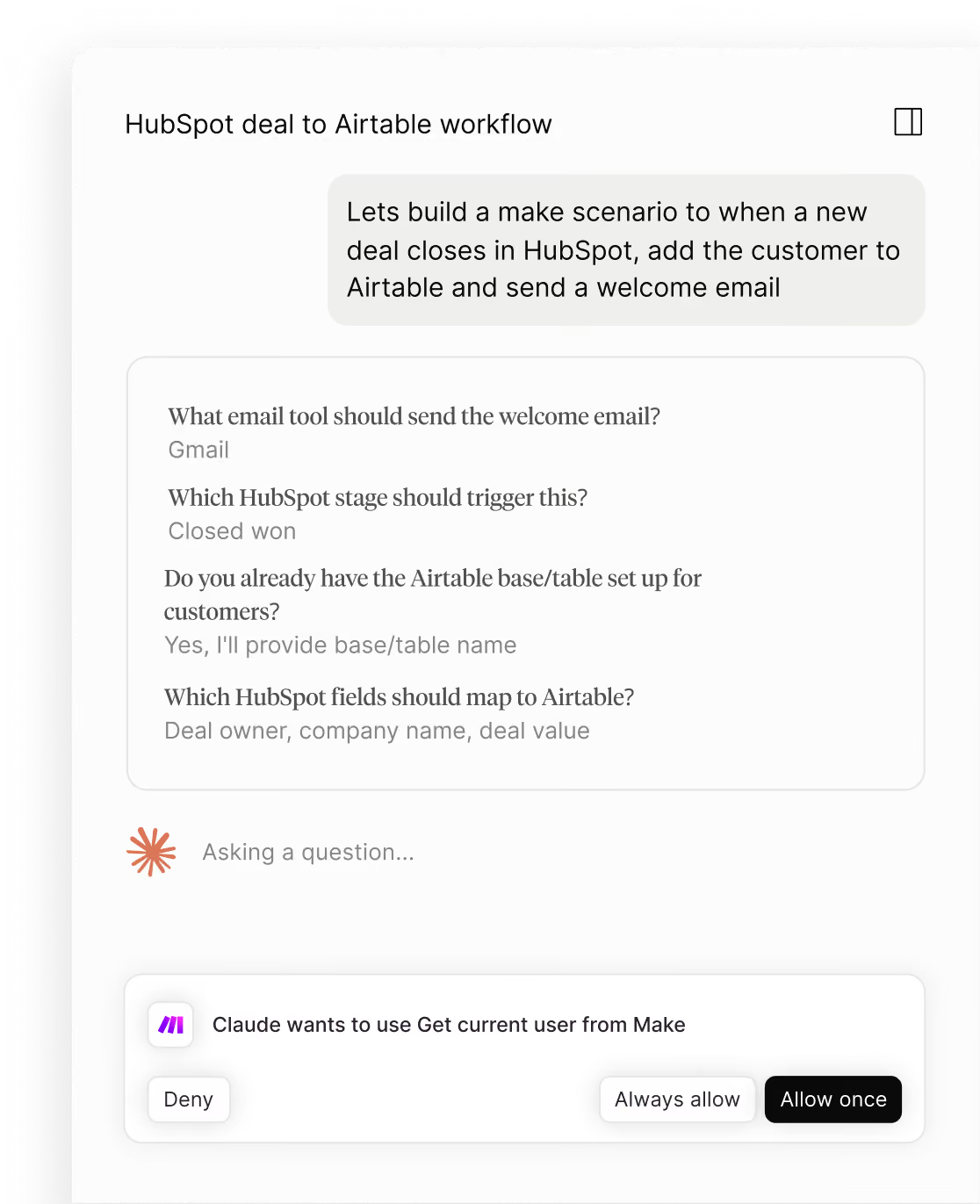
Prompt
Describe the automation you want. Maia builds the first version. You refine it on the canvas.
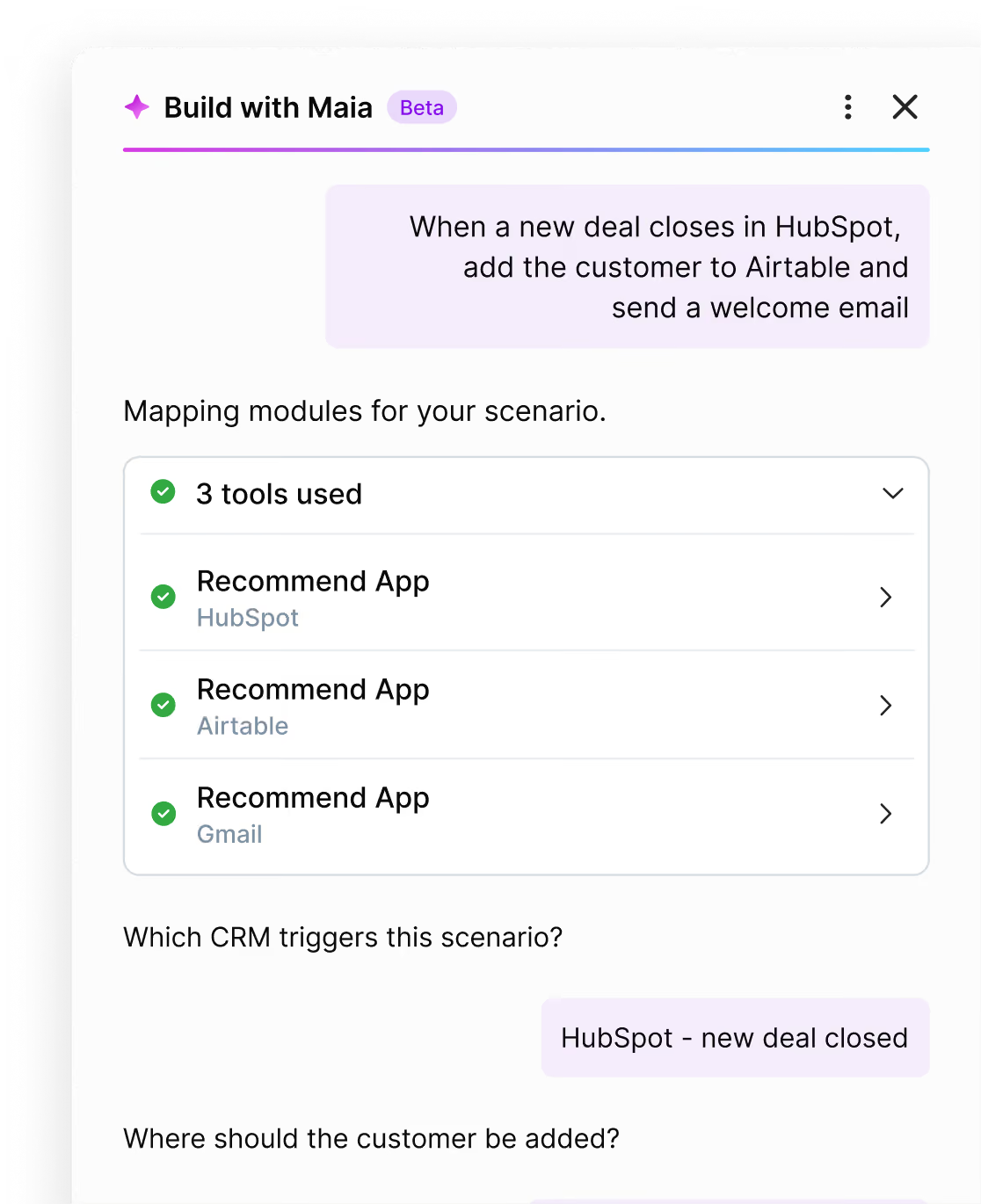
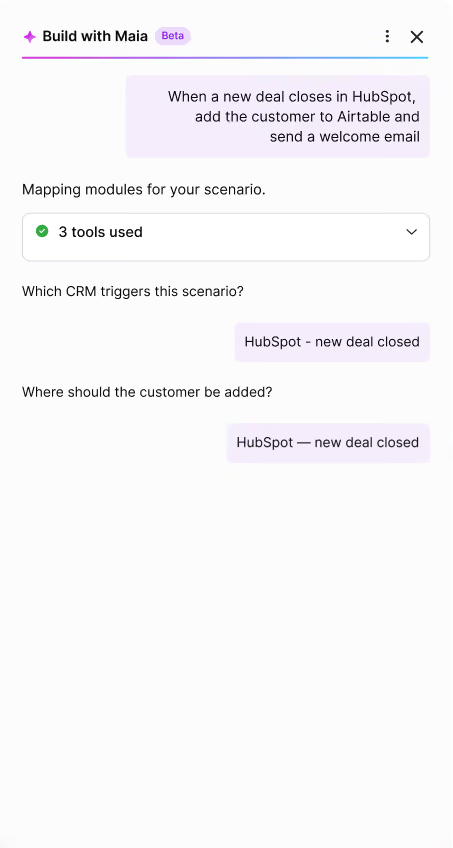
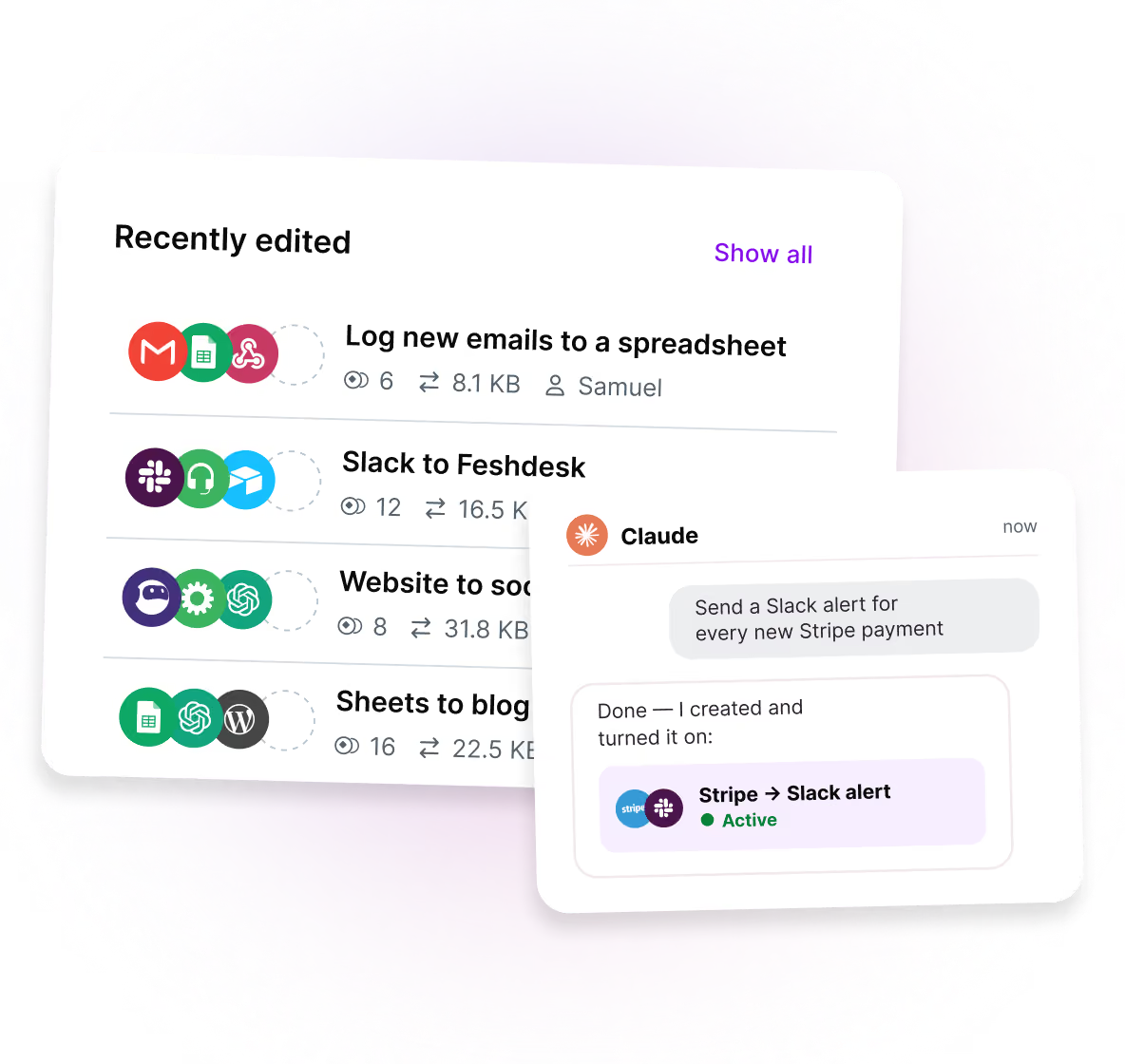
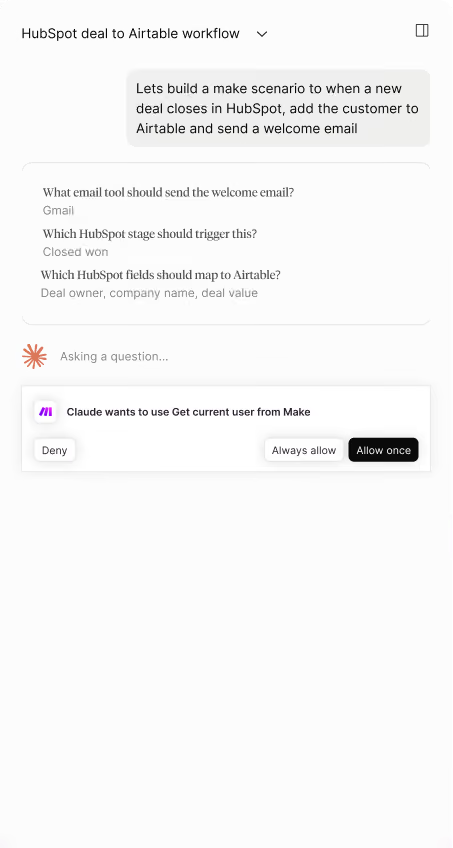
From your AI chat
Describe the automation you want. Maia builds the first version. You refine it on the canvas.
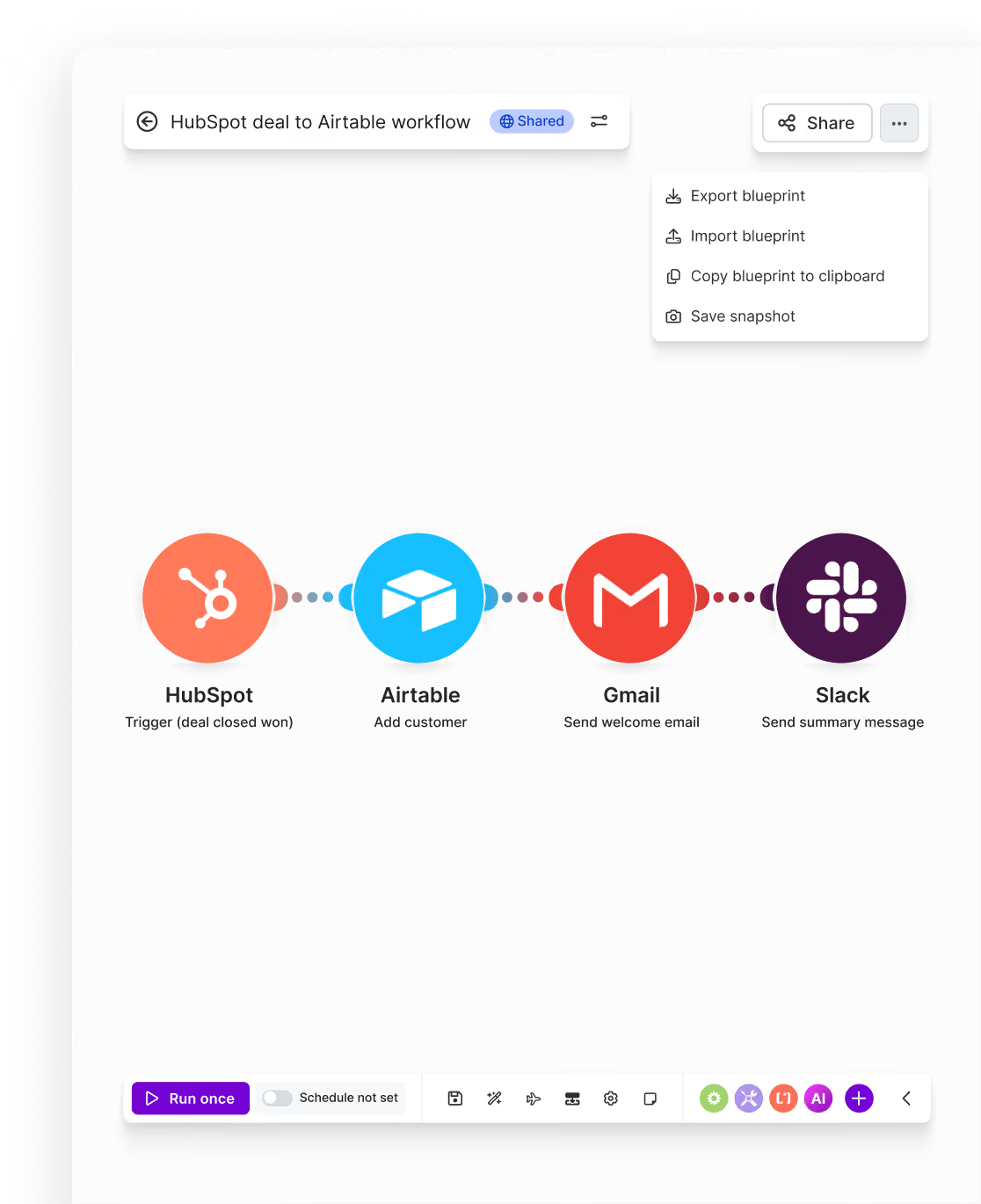
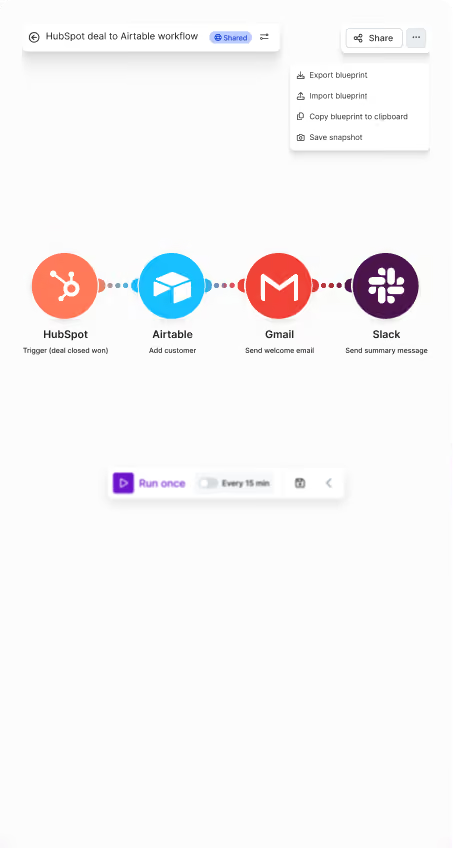
Drag and drop
Describe the automation you want. Maia builds the first version. You refine it on the canvas.
Observe
Watch every automation
and AI agent as it runs
Visual transparency
Describe the automation you want. Maia builds the first version. You refine it on the canvas.
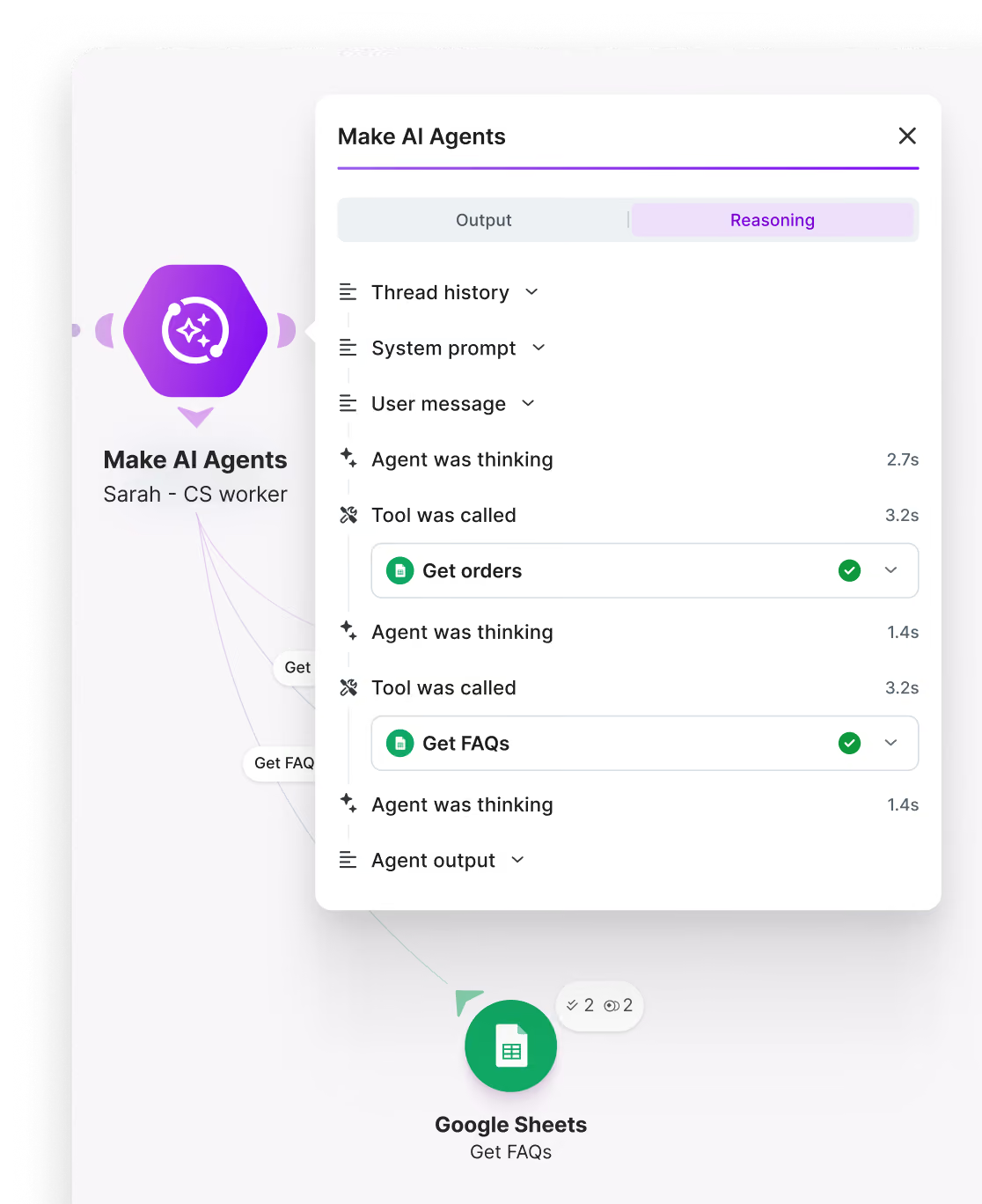
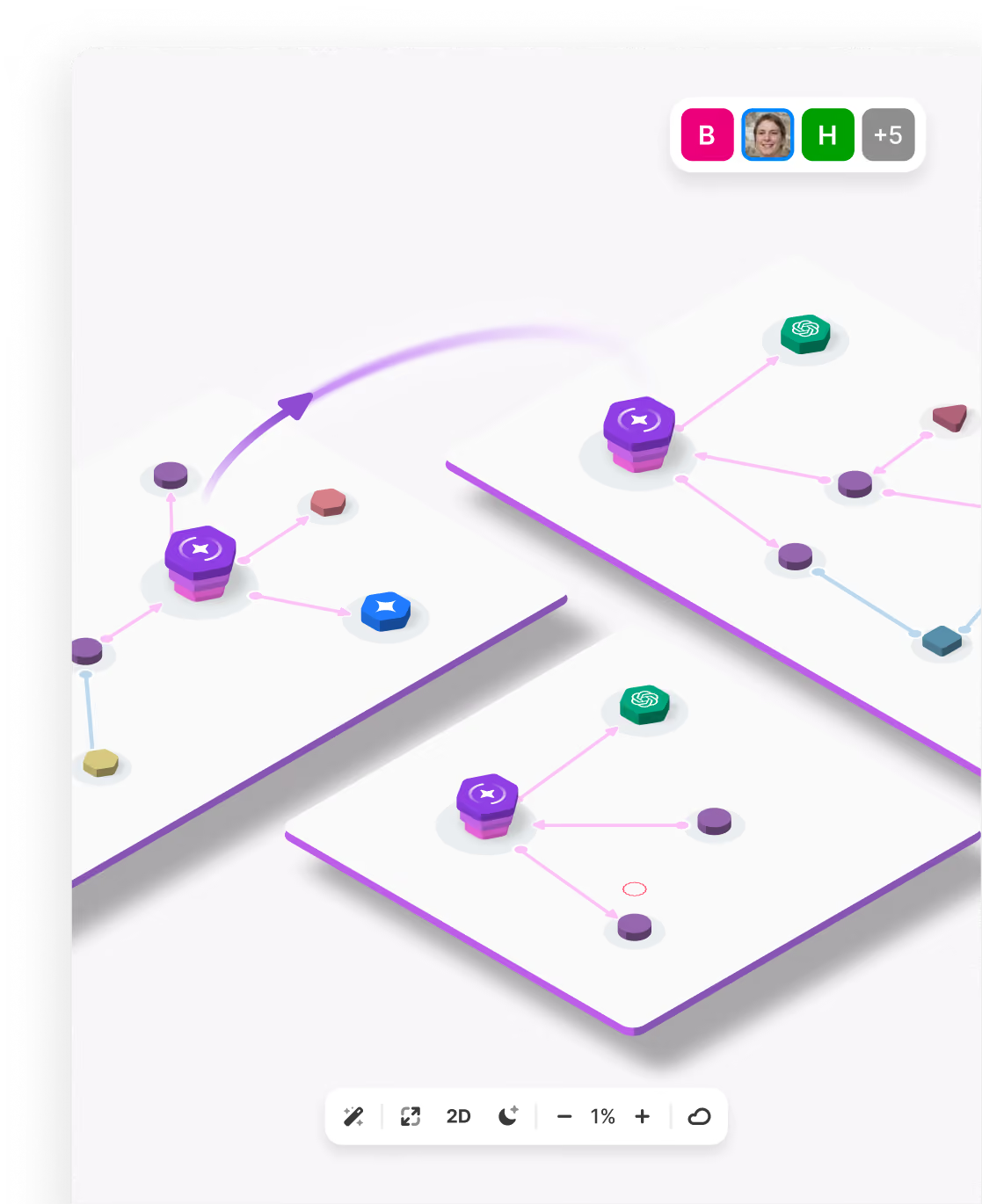
Observability
Make Grid gives you one map of everything running across your business.
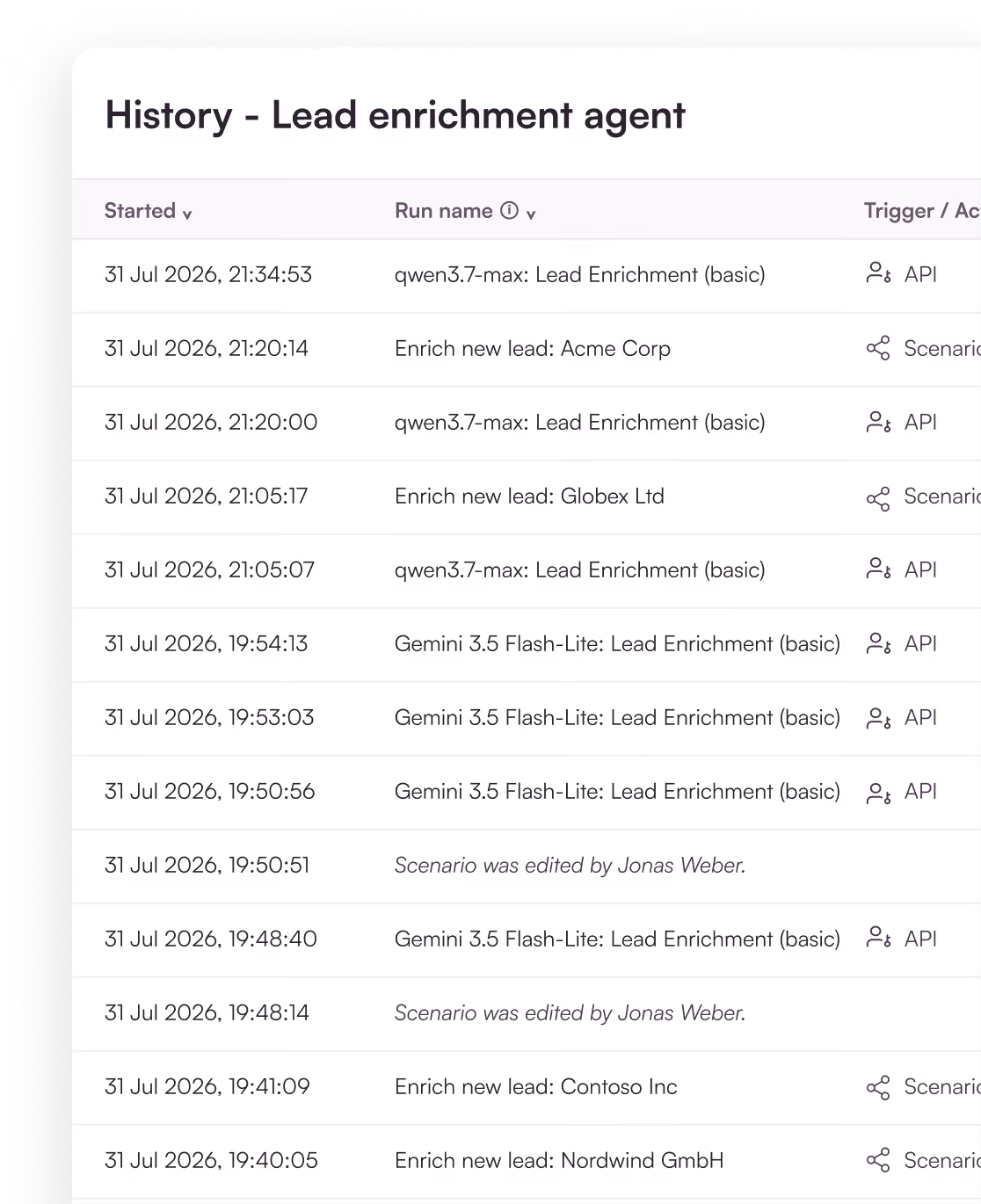
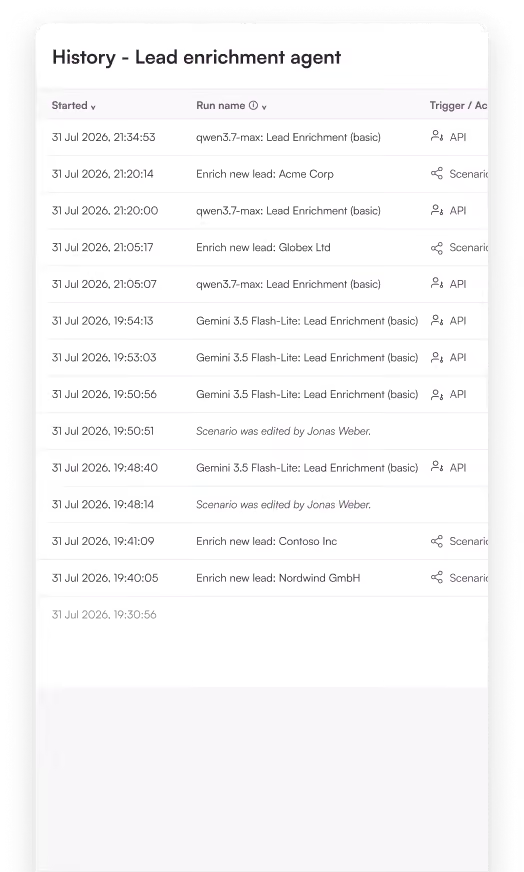
Execution history
See what happened in any run when something needs fixing.
Govern
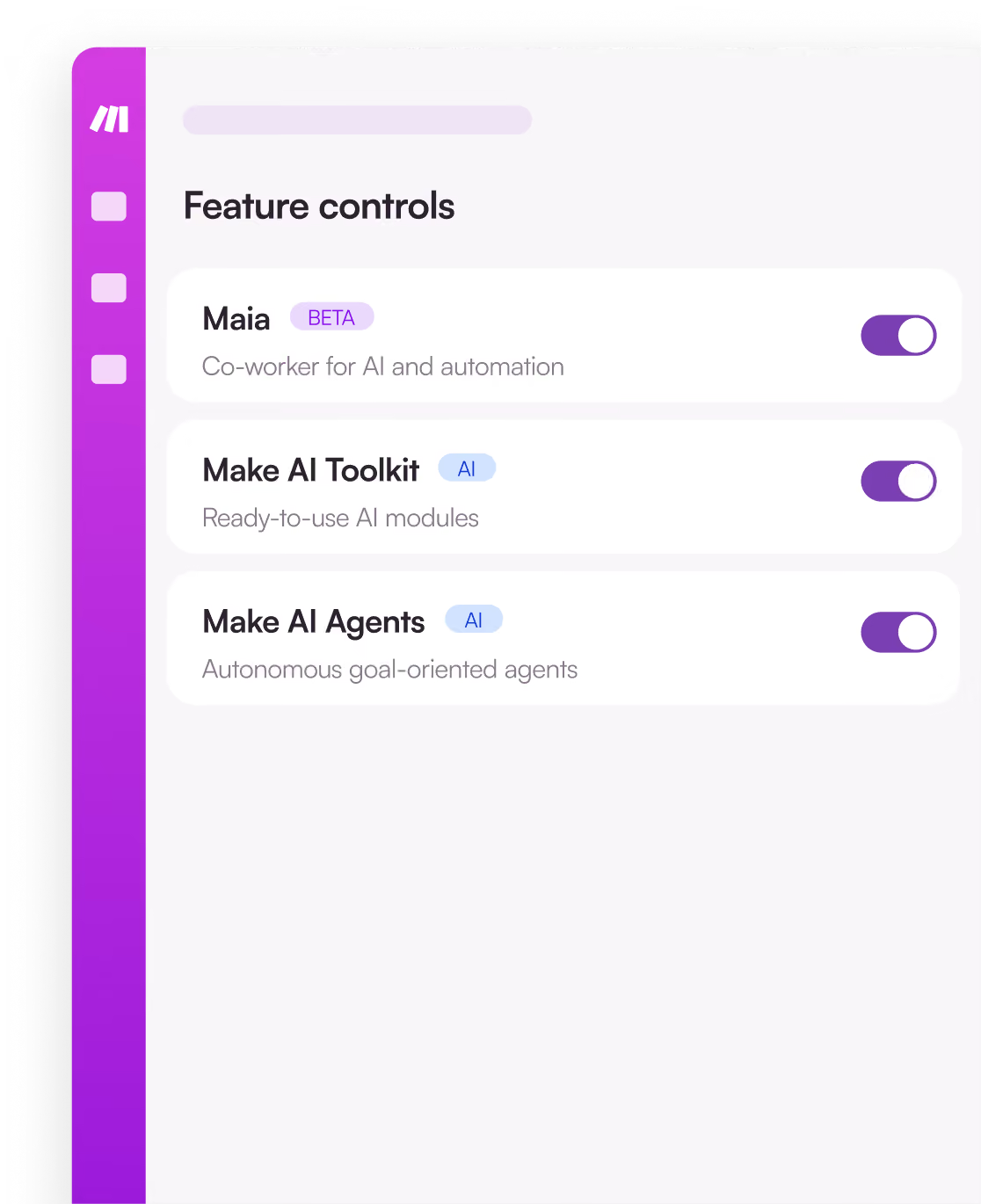
Control who can do what
Access control
Company SSO and 2FA enforcement, so only the right people get in.
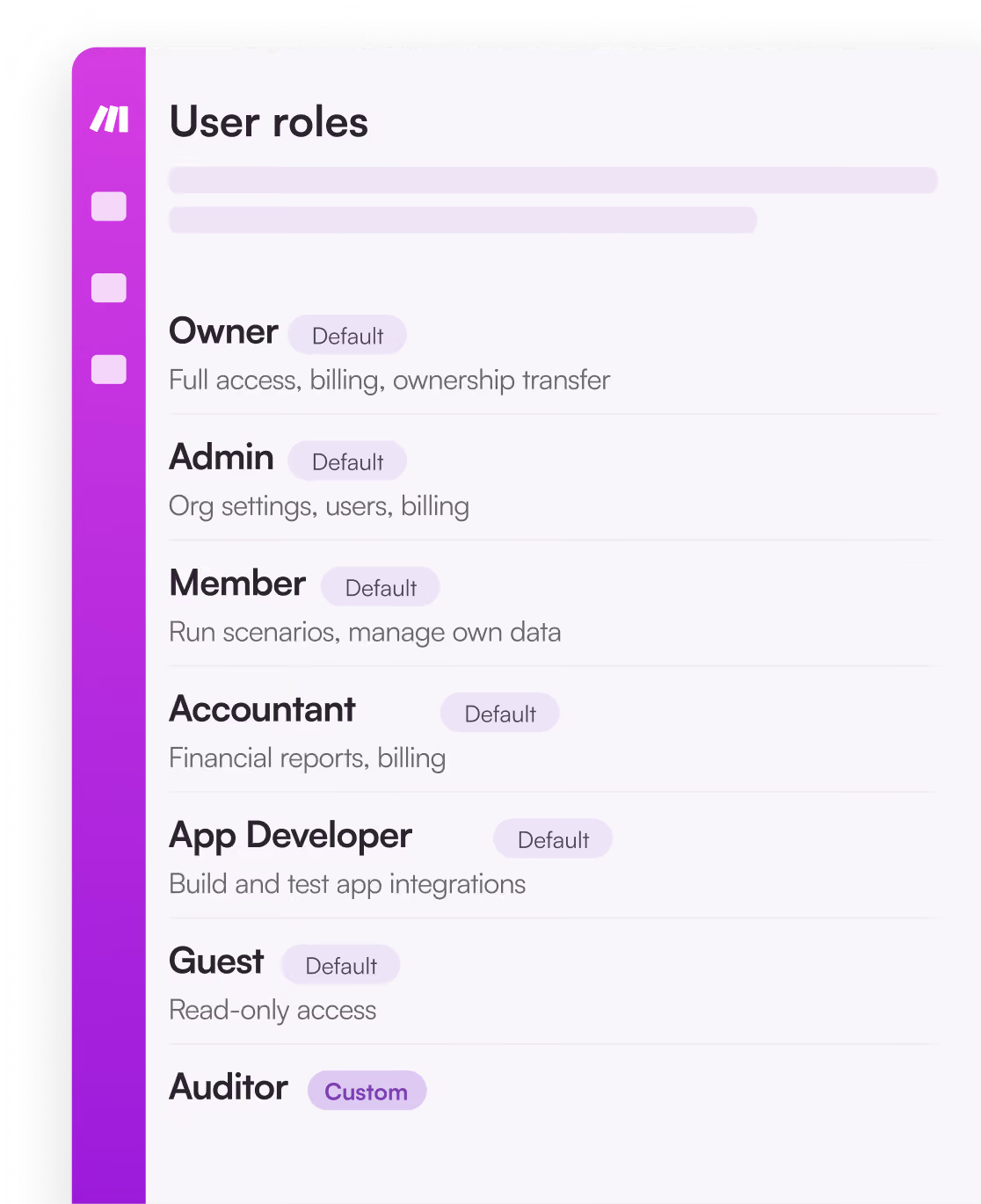
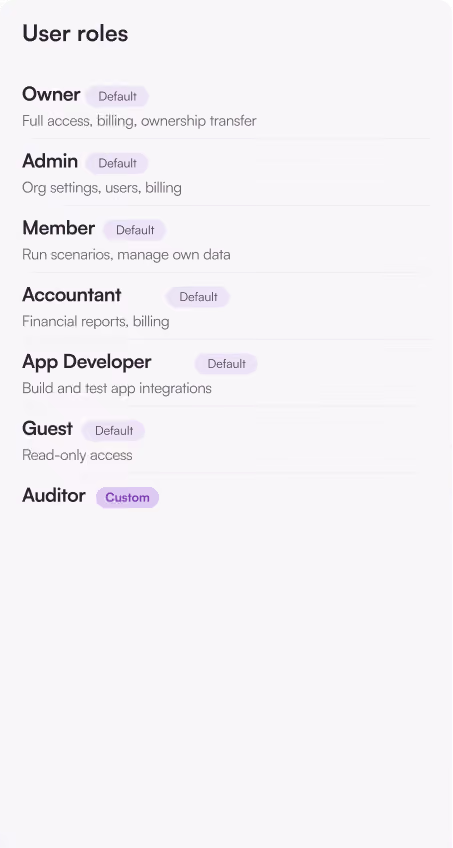
Roles and permissions
Set roles for your team. Request app connections without sharing passwords.
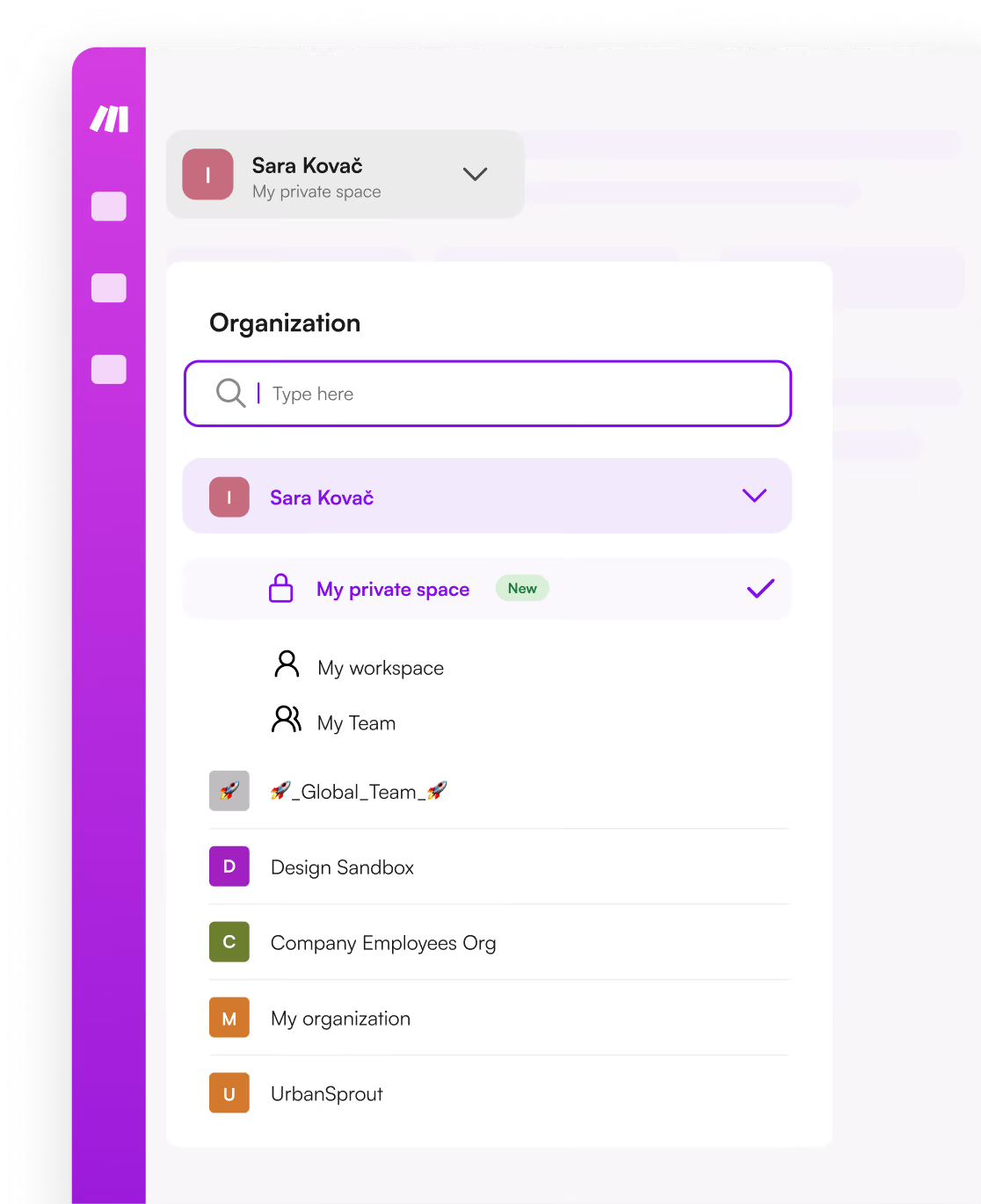
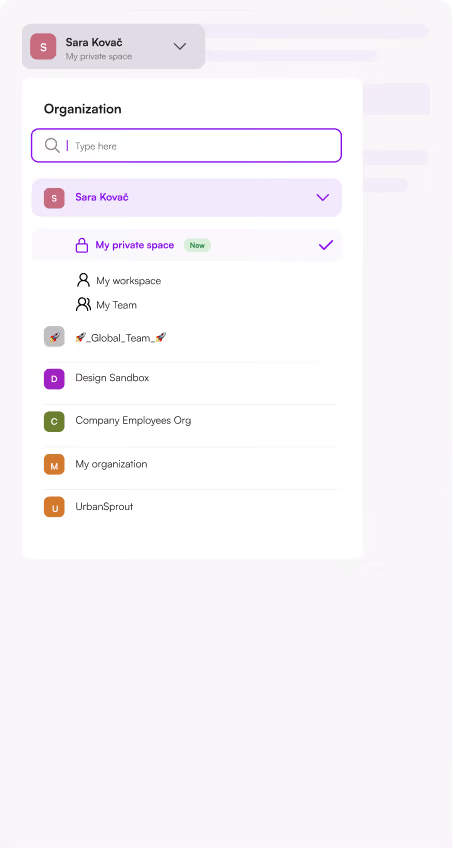
Separated environments
Private spaces give every user their own workspace.
One platform for your whole AI transformation
From fully autonomous agents to fully controlled automation — choose the right level for each task.
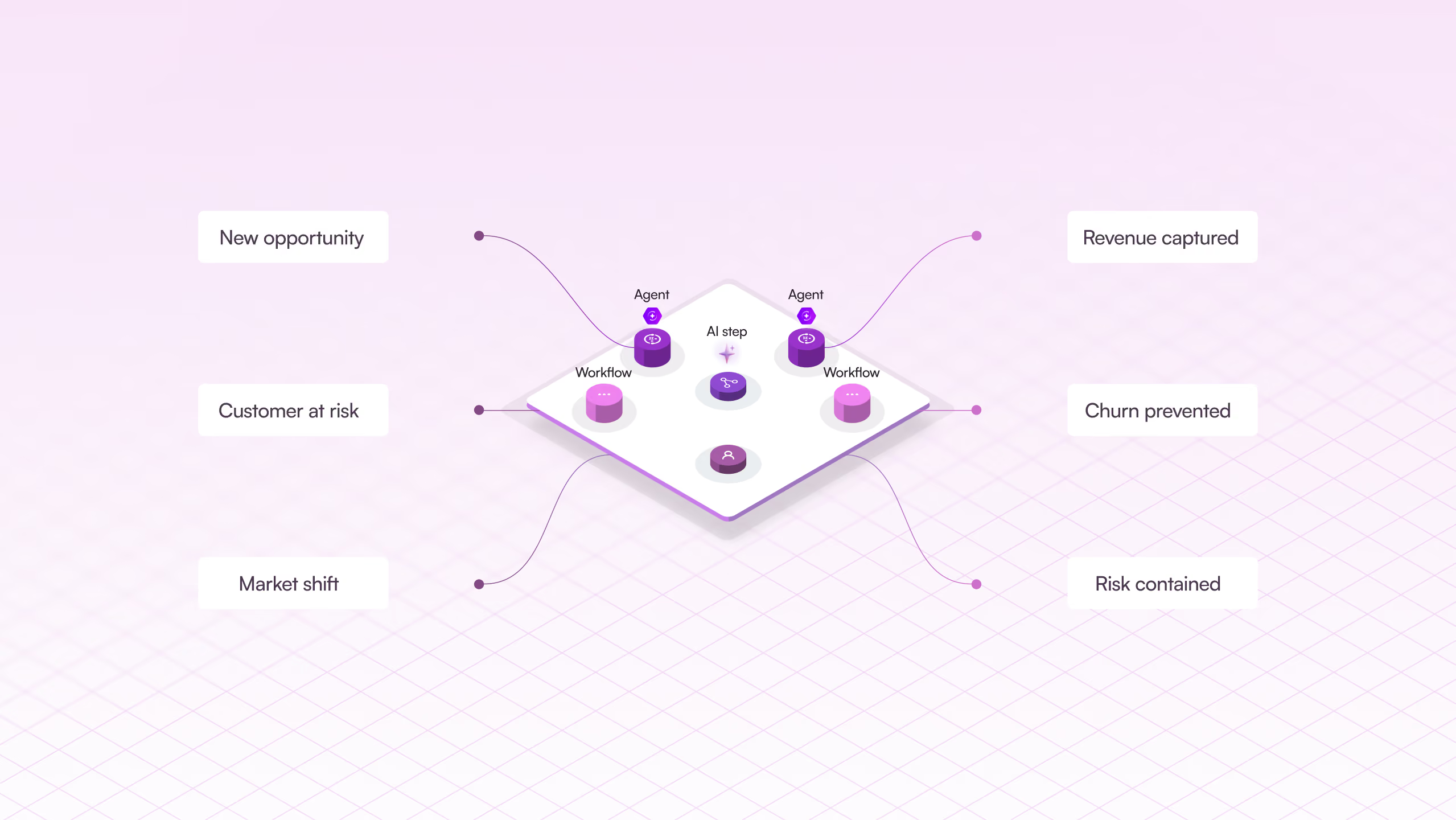
You decide how much control AI has
autonomous agents to fully controlled automation — choose the right level for each task.


%201.svg)
+2
Date
·
Duration
Autonomous
Make AI Agents. Give it a goal and its tools; it works out the steps.
.avif)

+2
Date
·
Duration
Guided
Make AI Workflows. You set the path, AI handles the decisions.

+2
Date
·
Duration
Fully controlled
Make Automated Workflows. Every step defined, every run predictable.
Integrations
Connect 3,500+ integrations – and anything with an API
Real depth per app — thousands of actions to read, write, search, trigger.
More apps. More control. More support.
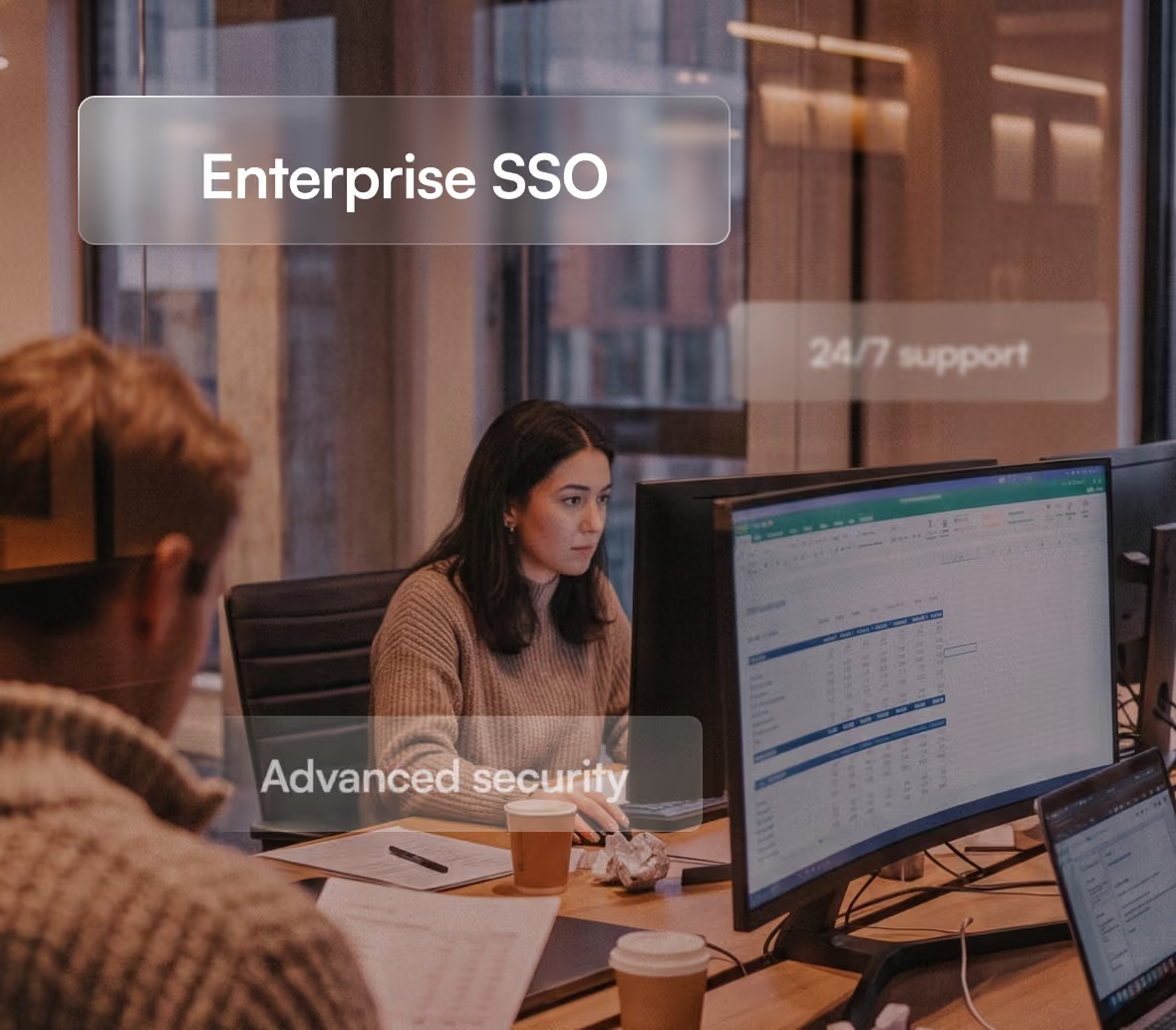
Unlock enterprise-only apps, custom configuration, and 24/7 support from a dedicated team with Make Enterprise.
- Custom functions support
- Enterprise app integrations
- 24/7 Enterprise support
- Access to Value Engineering team
- Overage protection
- Advanced security features


.webp)
.svg)
.webp)

.webp)

See why teams choose Make
Make vs Zapier
More depth per app, real branching and error handling, and one live view of everything running.
Make vs n8n
Built for business teams as well as developers, with governance and visibility that don't depend on self-hosting.
FAQ
Common questions about Make’s platform
What's the difference between Make AI Agents and Make AI Workflows?
An agent is given a goal and works out the steps itself. An AI workflow follows a path you define, using AI for specific judgement calls inside it.
Can I build without writing any code?
Yes. Prompt Maia, drag and drop on the canvas, or build from your AI chat. Code is optional.
How does Make handle errors or failures in a running scenario?
You get error handlers, automatic retries and exception routing, plus a full execution history showing exactly which step failed and why.
What's the difference between Free, Core, Pro, Teams and Enterprise?
Mostly credit volume, execution priority, and collaboration and governance features. Enterprise adds advanced security, org-wide governance, enterprise-only apps and dedicated support.
Can I use custom code alongside visual building?
Yes. Add JavaScript or Python inside any scenario.
How does Make keep automations visible and governed as they scale across teams?
Make Grid gives you one live view of everything running, with ownership, status and audit history per automation, and role-based access controlling who can change what.
.png)


.svg)
.svg)
.svg)