Custom Functions in Make: Best practices to help reduce complexity in automation
Custom Functions allow Make Enterprise customers to reduce complexity, optimize operation consumption, and increase flexibility and efficiency. Eugenio Sarritzu Abreu, Value Engineer at Make, explains more.
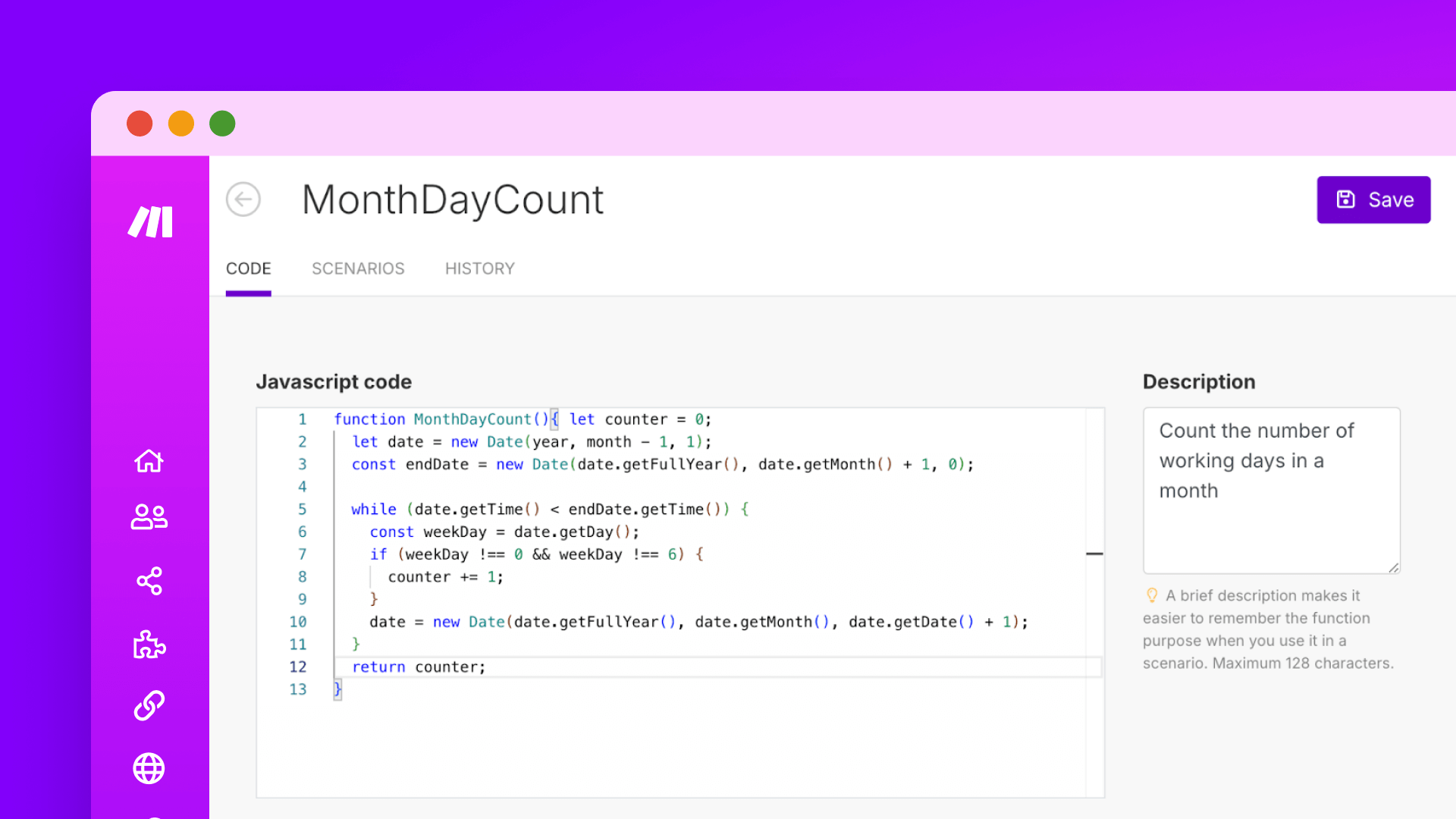

Data transformation is a critical part of automation. At Make, we offer over 80 built-in functions that enable you to perform various transformations on item values — think converting text to uppercase, trimming text, converting dates into different formats, and more. This works similarly to how you might use functions in Excel.
As your automation efforts grow in complexity, however, you may require greater flexibility in your functions — not only to take increasingly unique actions but also how you transform information (like making multiple transformations in a single step). Custom Functions allow Make Enterprise customers to perform multiple actions within a single step in a workflow using JavaScript, which extends Make’s capabilities beyond the available pre-built actions.
By leveraging Custom Functions, you can reduce complexity in automation, optimize operation consumption and cost by taking more actions within a single module operation, and increase flexibility and efficiency in your builds while moving towards a low-code approach. Tune into the video below to learn more about how Custom Functions work.

How to get started with Custom Functions
Custom Functions are available on the Make Enterprise plan and can be accessed in your Make account under “Functions”. These functions belong to a team, and all users with the role of Team Member can view and use them. However, it’s important to note that in order to create and edit Custom Functions, you must have the Team Admin role.
A step-by-step guide to creating a Custom Function
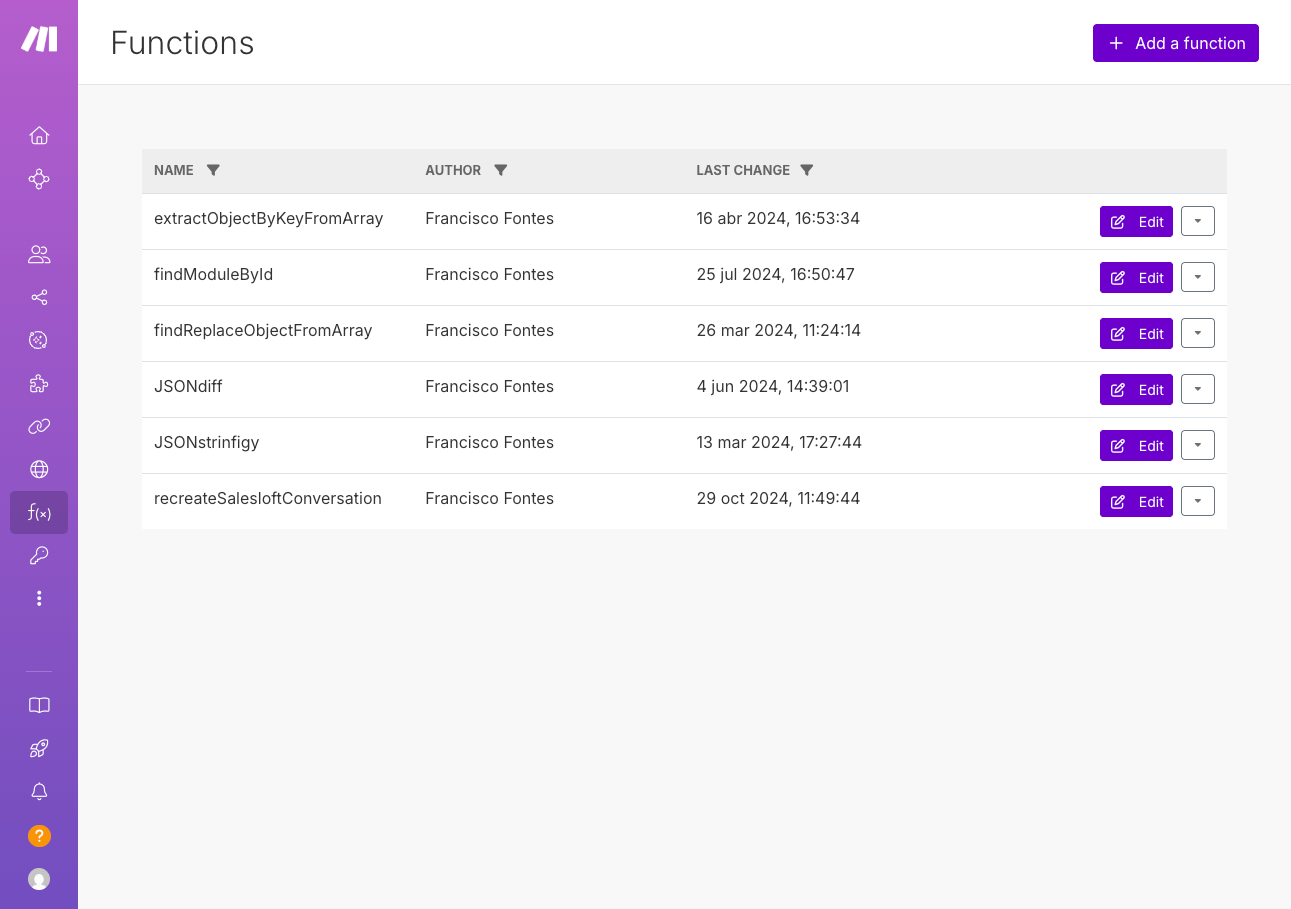
- First, navigate to "Functions" in the left panel of your Make account.
- Click "Add a function" in the top right corner.
- Provide a unique name and description for your function.
- Click "Save".
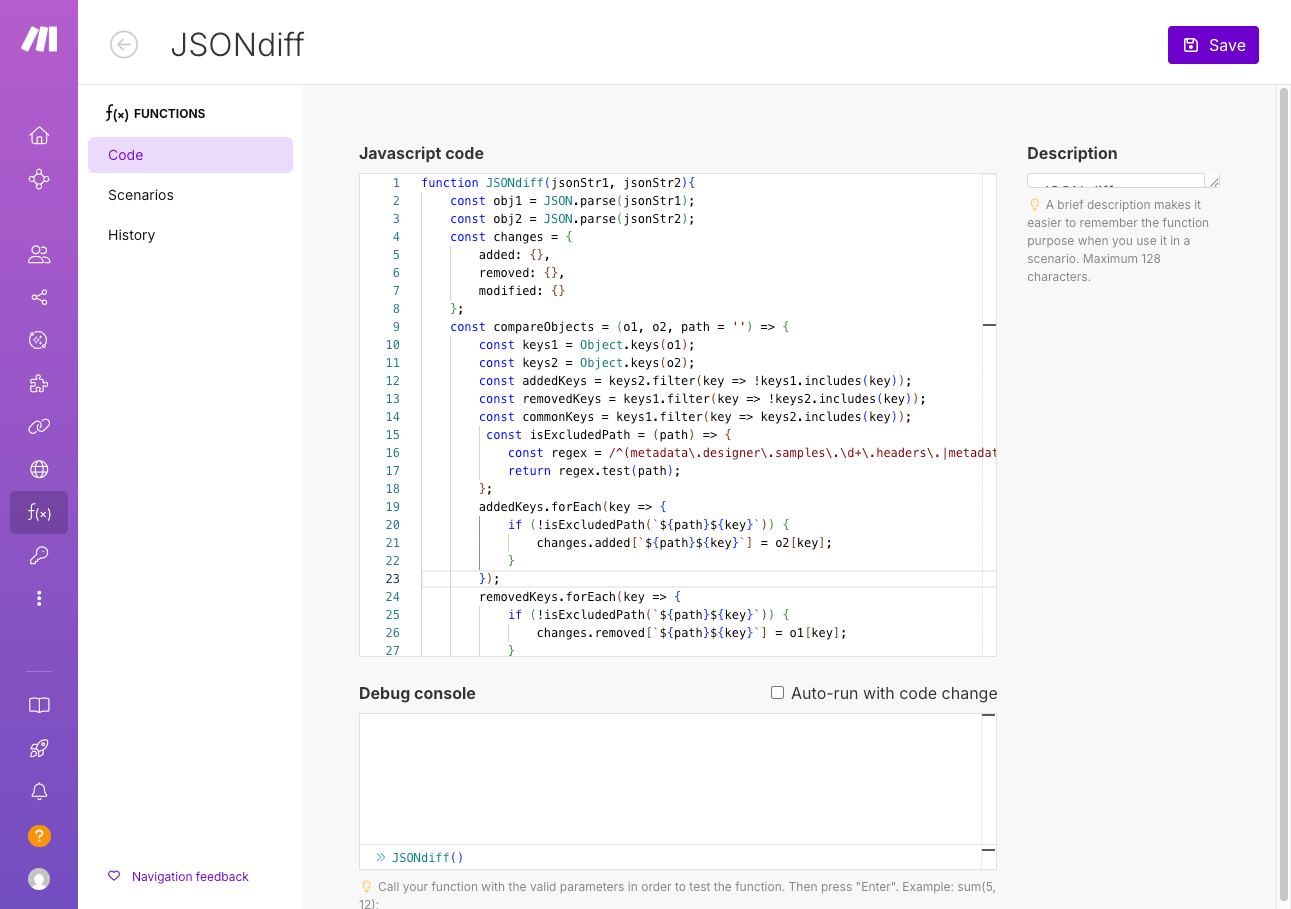
- Add your JavaScript ES6 code into the text box (please note that the code must be under 5,000 characters — for more information about the limitations of Custom Functions, check out our documentation page).
- Save the function to make it available for use in the scenario editor.
Can non-coders use Custom Functions?
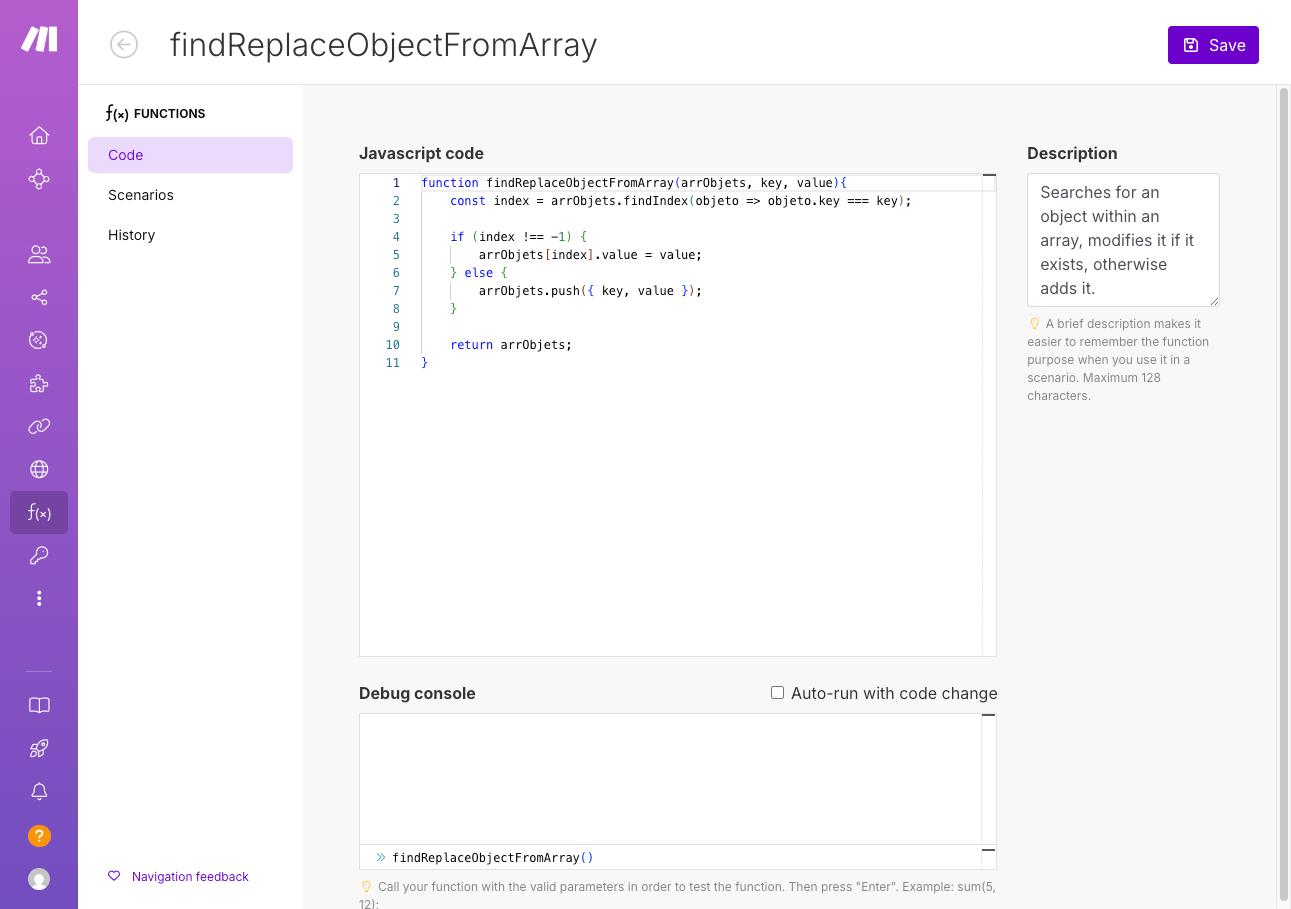
While JavaScript knowledge can be helpful when using Custom Functions, those without coding skills can certainly still take advantage of this feature by leveraging the many AI tools available on Make. In practical terms, this means that we’ve seen customers describe their problems in plain language and use AI to generate the necessary JavaScript code, thus lowering technical barriers and democratizing these advanced automation capabilities.
Additionally, every time you save a Custom Function, the system creates a new history record. This allows you to compare versions and revert to previous versions if needed — this is a particularly useful feature when setting up a function for the first time.
Custom Functions are marked with a small ‘person’ icon to distinguish them from built-in functions in the scenario editor.
Curious where to get started? On our documentation page, we’ve collected some examples of Custom Functions for you to explore.
Putting Custom Functions to work
To demonstrate what Custom Functions can do for your business, let’s take a look at a real-world example where Custom Functions have helped a fast-paced marketing agency streamline their data transformation processes and improve efficiency.
Streamlining address parsing
The agency processes a high volume of customer addresses from legacy dealer systems, which are often provided as a single text string. They needed a way to parse these addresses into separate fields — including address lines, city, state, and zip code — to make the data actionable for reporting and storage in cloud databases.
Using Custom Functions, they reduced the number of steps needed for address parsing from 10–12 modules (using routers and iterators) down to just 1–2. This dramatically simplified their scenario and made their workflows easier to manage.
Are you ready to discover the power of Custom Functions in Make? Talk to our sales team today to learn more about Custom Functions and see how they can add value to your business.
Related blogs
Tool and strategies modern teams need to help their companies grow.
Information Technology
Webflow Comments in Make: Turn scattered feedback into organized tasks
Working in Webflow means teaming up with developers, content creators, and designers. But even the most skilled team can struggle when feedback falls through the cracks. Make’s new Webflow Comments function can help with this - here’s how.

Natalia Mrazova
May 14, 2025
AI
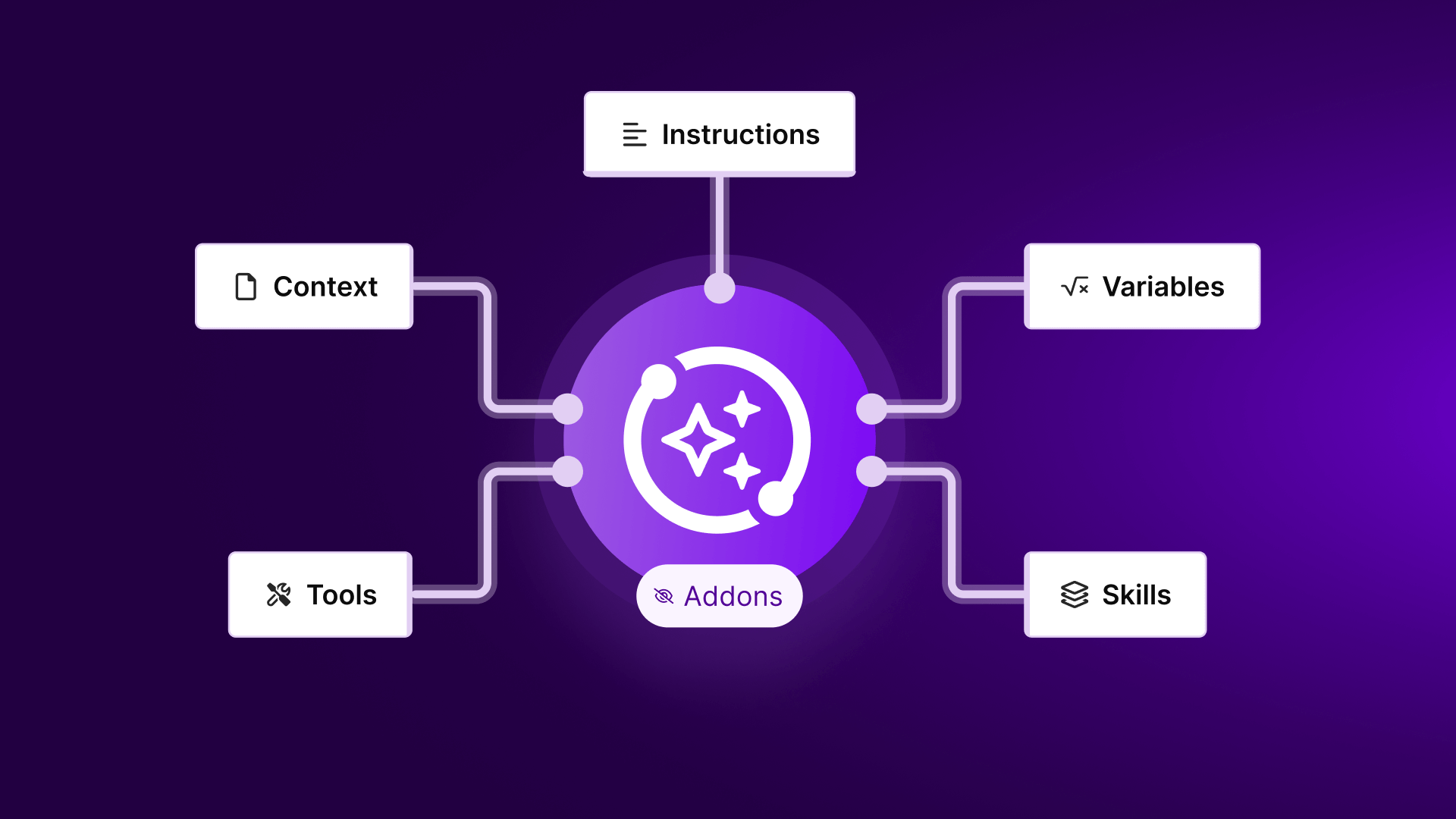
What is an AI agent?
Everyone's talking about AI agents. But what are they, why should you care, and how can Make help?

Vlad Galanov
February 13, 2025

Information Technology
Make AI Toolkit: AI at your fingertips
We know that keeping up with AI’s rapid advances can feel overwhelming. That’s why we’re excited to announce the open beta launch of Make AI Tools. Tereza Klobouckova, Product Manager at Make, outlines the key benefits.

Tereza Klobouckova
May 20, 2025
.png)




.svg)
.svg)
.svg)