Spread the automation love with new Scenario Sharing in Make
Your best automations were meant to be shared. Valery Mezencev, Product Marketing Manager at Make, details how they now can be more easily than ever with simple sharing links.
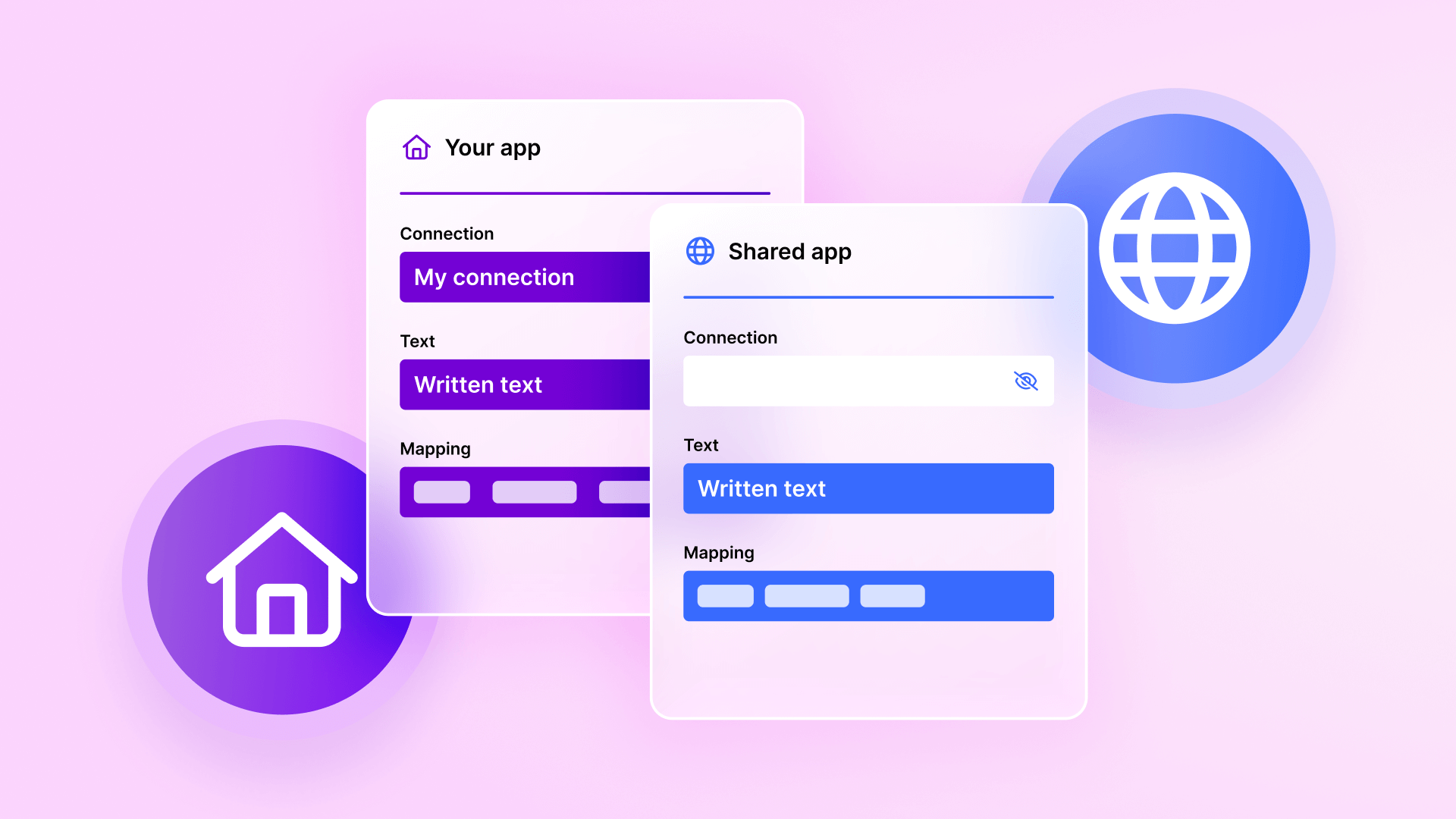

Most of us have been there: you just want to improve a colleague's day by passing on one of your most useful automations. But you have to remember whether "v2_final_FIXED" or "v2_final_final" is the right Make blueprint, and then walk your colleague through the import process. No more: Scenario Sharing is now live in Make, a new, easy way to inspire and get inspired by fellow Make users. Here's how this new feature works and why it's a better way to share.
How Scenario Sharing works
First things first, let's take a look at how easy it is to share right from the Scenario Builder. Just click the "Share" button in the top right corner of your scenario, enable the "Public sharing link" toggle, and copy the link. That's it – you can now paste your unique URL wherever you want to distribute it.
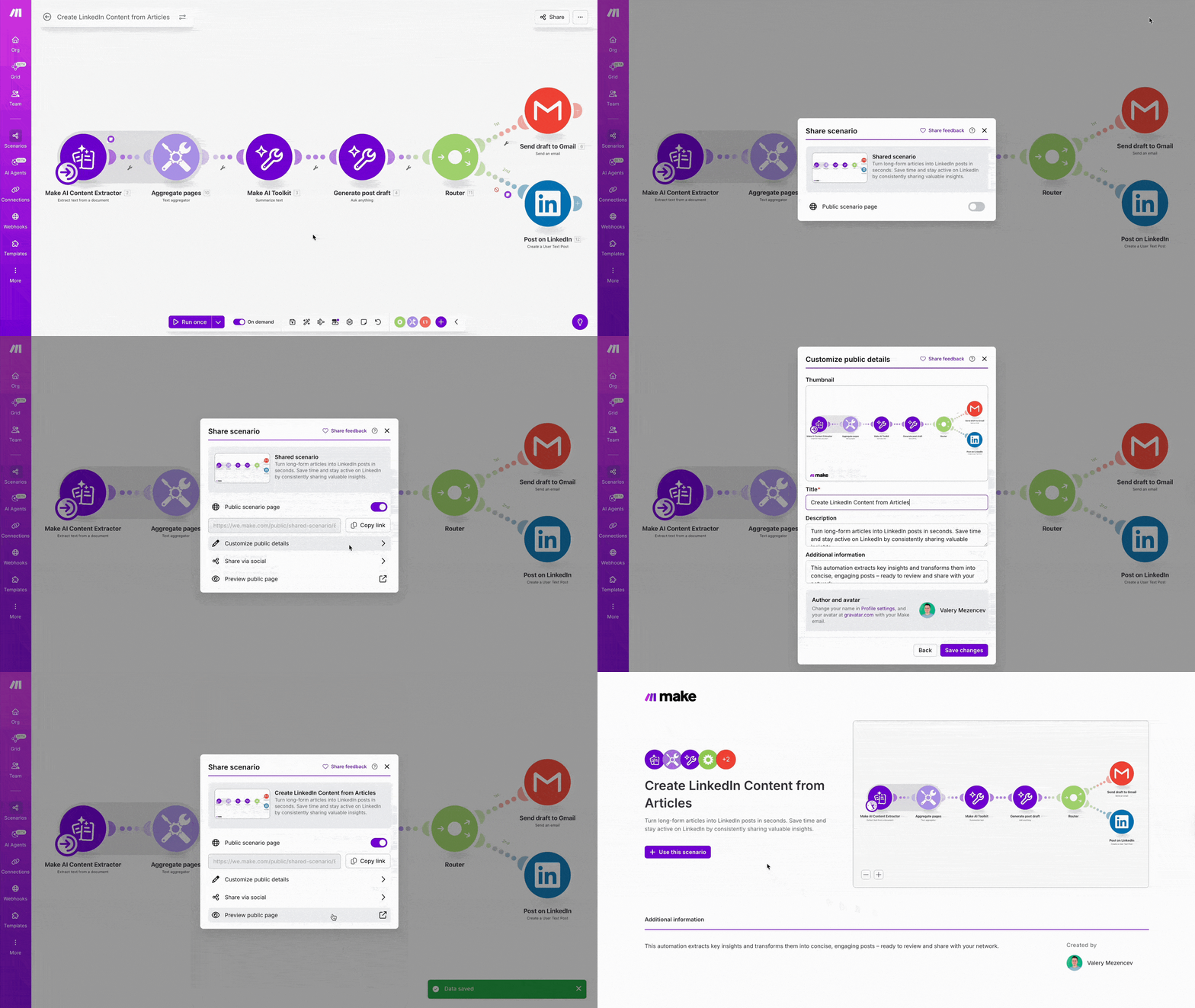
Those who click on your link will be taken to a dedicated preview page. From there, they can interact with your shared scenario in two ways.
Anyone with the link can visit the preview page to view your scenario, including zooming in, zooming out, and dragging the sample Scenario Builder – like you would a Google Maps or Figma page – in order to investigate specific parts of your scenario. Visitors to this preview page can also get some extra background thanks to a short description you can choose to provide. No login is required for someone to take a look at the automated workflow you've shared.
But it's just as easy for someone with the link to use your scenario. They can just click the "Use this scenario" button on the preview page and, once they've logged into their existing Make account or signed up for a free Make account, instantly create a copy of your scenario in their own Make instance.
Why Scenario Sharing works better
It's probably clear why this is a convenient step up, but let's put a fine point on things.
No more static files
No more exporting or re-exporting after tiny updates. No need to explain the import process to newer users. Just use the method everyone's already familiar with across the web: share and click a link.
Always up to date
Sharing a link isn't just easier, it's also the ideal way to share scenarios that can change as fast as your business. The link you share will always reflect the latest saved version of your scenario – If you make an update, the shared scenario is too, no new link required.
It's important to note, though, that anyone who has copied a previous version of your scenario to their Make account won't see your changes reflected. Their copy and any tweaks they've made remains theirs.
Fast and flexible
Sharing up-to-date scenarios using a familiar method isn't just simple for the person doing the sharing. This is a crucial way for more people across more organizations to start using and benefiting from automation and AI. When you share your solution, you handily demonstrate automation to colleagues and community members, helping them to build on your proven successes. And who knows – they might share the next iteration that supercharges your processes too.
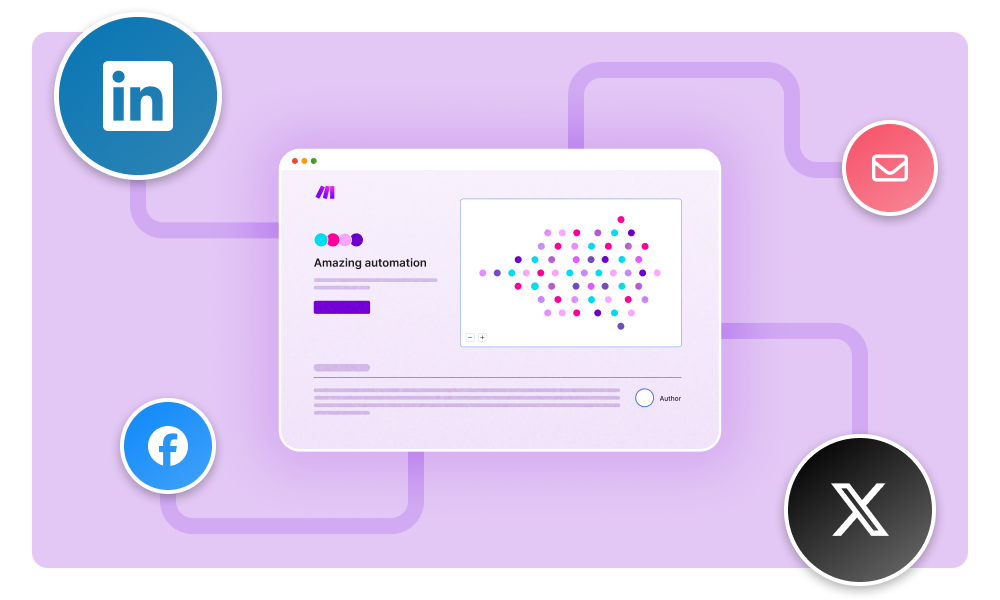
How you can use Scenario Sharing
Scenario Sharing is a key step in Make's mission to make automation and AI genuinely accessible to all. Here are just a few examples of how this exciting feature can change how you interact with fellow innovators – both those you know and those you may not have met.
For your team: Create internal "playbooks"
Imagine you're onboarding a new employee – just include a link to your IT & Software Access Request scenario in your onboarding materials to get them set up fast. Or perhaps it's time to level up and standardize your sales process – share your New Lead Added scenario with the whole team to get everyone filling in your CRM the same way today.
For agencies and partners: Showcase your expertise
If you're an automation agency or one of our Make Partners, Scenario Sharing can become a key way for you to attract new business. Sending static screenshots in your proposals doesn't carry that "wow" factor. Instead, send a potential client a public link to your sophisticated Advanced Client Reporting to let them see the quality of your work firsthand.
This can also help you impress current clients – helping you turn them into enthusiastic promoters or even to expand your relationship. Simply share your new Document Workflow scenario during your next check-in and let them explore your latest offering.
For our Community: Share what you built
One of the Scenario Sharing use cases I'm most excited about, though, is how it can help users help other users. The Make Community is one of the free benefits that our most vocal supporters cite most often – it's made up of over 45,000 registered Make users who share their experiences in automating or help others troubleshoot specific new issues. With Scenario Sharing, it becomes even easier to inspire others and let them build on your success. Built a clever solution you're proud of? Just share the link in the applicable thread and make someone's day.
Connect and share with Make users
Discuss the latest automation and AI announcements, discover new solutions, and see what others are sharing in the Make Community pages.
Or maybe you're one of our most knowledgeable builders and you want to expand beyond the Make forum. Scenario Sharing is a one-click way to distribute your scenario through social media to get started building your personal brand.
Get started sharing your automations today
We're rolling out Scenario Sharing this week because we love seeing what people build – and so we can't wait to see what you'll share. If you're ready to share the automation love, check out our detailed guide on how to create your first public sharing link or sign up for a free Make account today.
Related blogs
Tool and strategies modern teams need to help their companies grow.

AI
3 new ways to gain more control over your automations
Daniel Born, Senior Product Manager at Make, runs through three powerful new core features that help you build future-proof automations while maintaining clarity and superior error handling.

Daniel Born
October 30, 2025

AI
Here's everything we announced at Waves '25
Anton Danilov, Vice President of Product at Make, shares how the three pillars of Make's visual orchestration – build, accelerate, and scale – unlock real value with features released this year and big additions coming soon.

Anton Danilov
October 16, 2025

Customer experience
Introducing Maia by Make: Build AI & automation through conversation, transparently
Patrik Simek, CTO and co-founder at Make, introduces Maia, Make's new feature for building automations and AI using natural language clarity, transparency, and confidence.

Patrik Simek
October 16, 2025
AI
The next generation of Make AI Agents: Visual, transparent, reusable
Sebastian Mertens, Head of Applied AI at Make, shares how the next generation of Make AI Agents will be as visual and intuitive as every other part of Make.

Sebastian Mertens
October 16, 2025
.png)




.svg)
.svg)
.svg)