Influencer’s guide: Build a no-code assistant that works 24/7 with Make AI Agents
Struggling to keep up with customer service requests? Wish you had an always-on assistant to lighten the load? Now it’s possible, with no coding, and no extra hires.
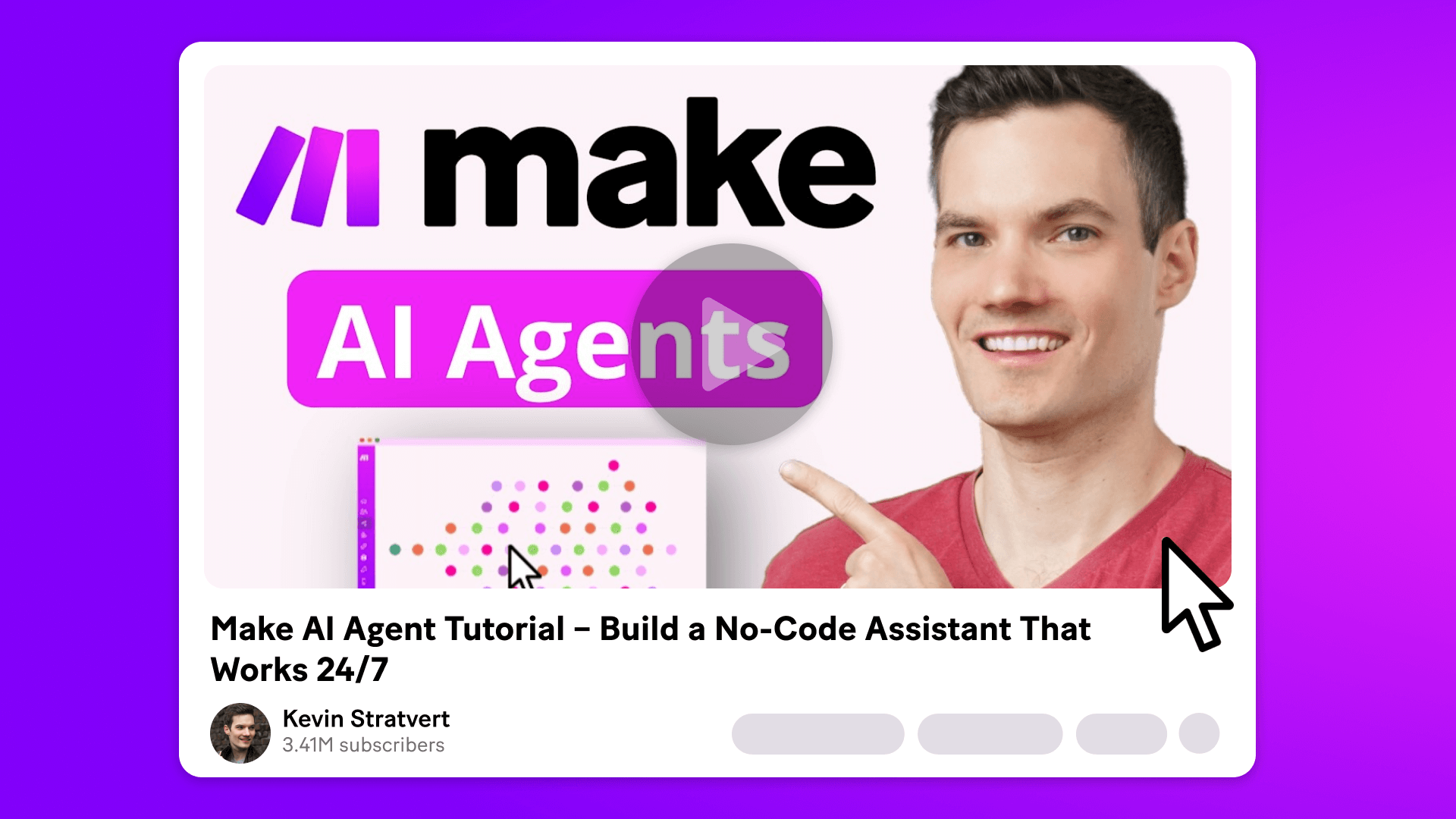
In a recent YouTube tutorial, tech influencer Kevin Stratvert shows how to create a smart, polite, and genuinely helpful customer service assistant using Make AI Agents. In the video, Kevin walks through each step in his usual clear, approachable style, making it easy to follow even if you’re new to automation.
He builds an assistant for the (fictional) Kevin Cookie Company, one that reads from a live FAQ, writes and sends emails, and replies to customer questions in real time.
Make AI Agents is a powerful feature typically found in paid plans, but Kevin also shows how you can start using it for free.
Watch Kevin’s full step-by-step video tutorial here:

Why create an AI assistant with Make AI Agents?
AI Agents in Make aren’t just chatbots – they’re context-aware assistants that can use real-time intelligence to optimize workflows and drive smarter decisions.For customer service, you can set them up to:
- Respond to customer emails and forms
- Summarize long messages or support requests
- Take actions like sending emails or updating CRM records
- Personalize replies based on customer data
- Route conversations to human support when needed
How to create an AI assistant with Make AI Agents
Kevin walks through each step in the video, but here’s the basic outline to help you follow along.
1. Create your agent
Start by selecting a model (Kevin uses LLaMA 3 via Groq), naming your agent, and defining its role with a system prompt. This prompt sets the tone and tells the AI what kind of assistant it’s meant to be.
2. Connect to an AI provider
Paste in your API key from Groq to give the agent access to LLaMA 3, a fast, high-quality model that’s free to use. Other AI tools are also available, including OpenAI, Anthropic, and others.
3. Write the system prompt
This acts as your agent’s job description. Kevin’s prompt instructs it to be warm, polite, and helpful when answering questions about cookie flavors, store hours, and shipping.
4. Build the tools it needs
AI Agents don’t work alone – they rely on connected tools. Kevin starts by creating a scenario that pulls content from a Google Doc (his company's FAQ) so the agent always has up-to-date answers.
5. Add a return module
The scenario includes a "return output" module so the FAQ data can be passed back to the agent in real time.
6. Assign the FAQ as a tool
Back in the AI Agent settings, Kevin adds this scenario as a system tool, one that the agent can always access when answering questions.
7. Set up the email reply scenario
Kevin builds a second scenario that allows the agent to send emails. It accepts inputs like the recipient’s address, the subject, and the message content.
8. Link the email tool to your agent
This time, he assigns it as a scenario-specific tool (see below for an explainer on this), one that the agent uses only in response to new form submissions.
9. Watch for new form entries
The third scenario starts with a Tally form (though it can also be connected to WhatsApp, email, social media, or any of Make’s other 2,200+ apps). When someone submits a question via the form, it passes the data to the agent.
10. The agent reads and replies
The AI composes a message using both the FAQ and email tools, then sends it to the customer automatically and immediately.
Agent-level vs. scenario-specific tools
This distinction is key to building flexible, reusable automations.
- Agent-level tools are always available. For example, an FAQ that the agent might reference in every conversation.
- Scenario-specific tools are used only in certain scenarios, like sending an email after a form is submitted.
As Kevin explains, “You can reuse the same agent across different scenarios – just give it different tools depending on the job.”
What else can you do with an assistant built with Make AI Agents?
Kevin’s demo focuses on customer service, but the same approach applies to almost any business function.
- Marketing – Qualify leads, personalize follow-ups, or manage campaigns based on form data.
- Sales – Auto-reply to demo or quote requests, route high-interest leads, or book meetings.
- Operations – Pull live data from tools like Notion or Google Sheets and respond to requests with accurate, real-time info.
- Support – Summarize tickets, route requests to the right team, and handle first-line queries.
Remember, you're not limited to email or Tally forms. Make connections seamlessly to thousands of apps, so you can build an agent that fits your exact workflow – whether that’s replying in WhatsApp, updating a CRM, or handling internal queries.As Kevin puts it, “You can completely customize how your AI agent fits into your business – whether it’s for support, marketing, operations, or really anything else.”
Try it for yourself!
Ready to see AI agents, yourself? Talk to experts now.
Or sign up for a free account and explore what else Make has to offer.
Related blogs
Tool and strategies modern teams need to help their companies grow.
AI
What is an AI agent?
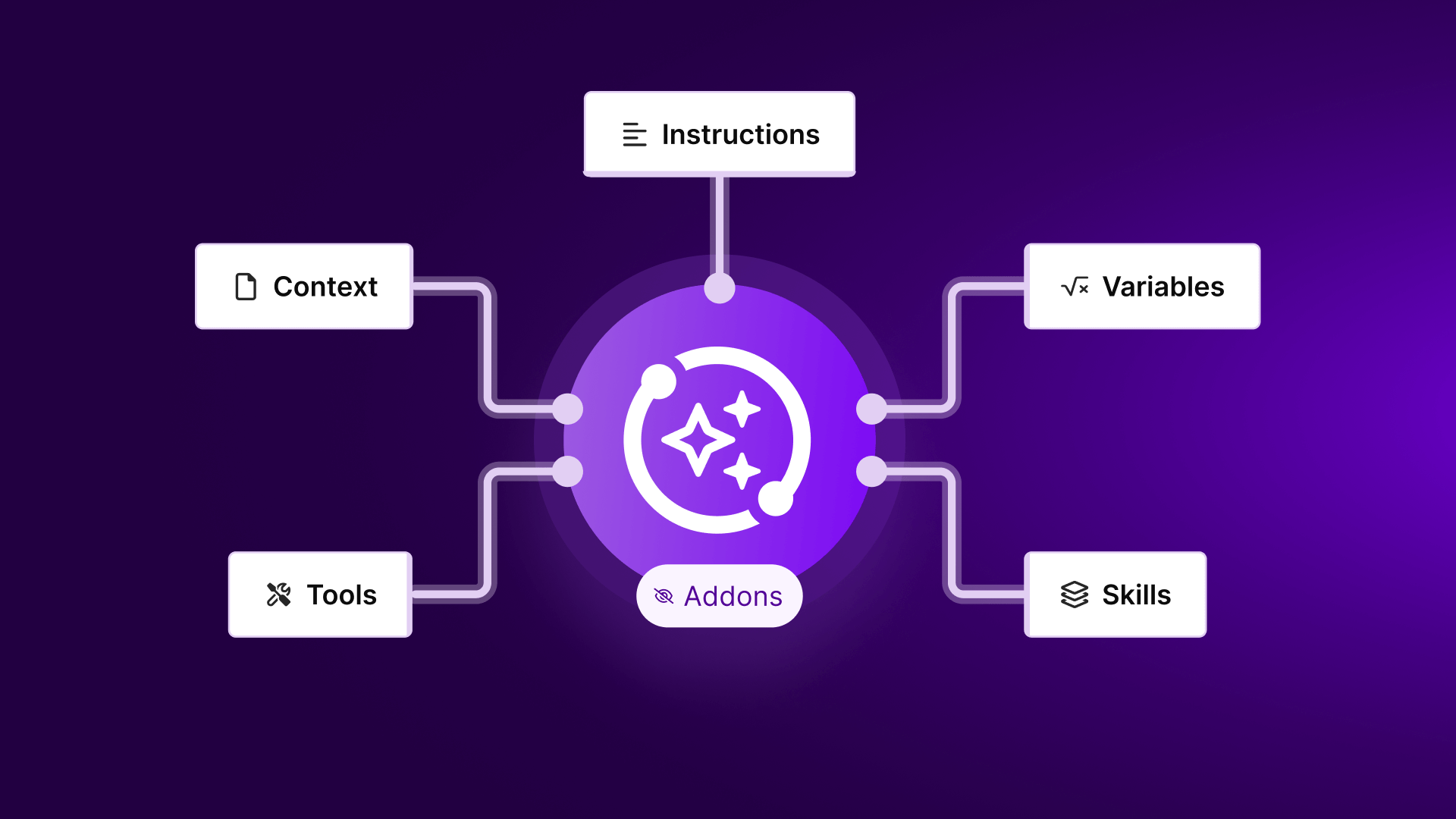
Everyone's talking about AI agents. But what are they, why should you care, and how can Make help?

Vlad Galanov
February 13, 2025
AI
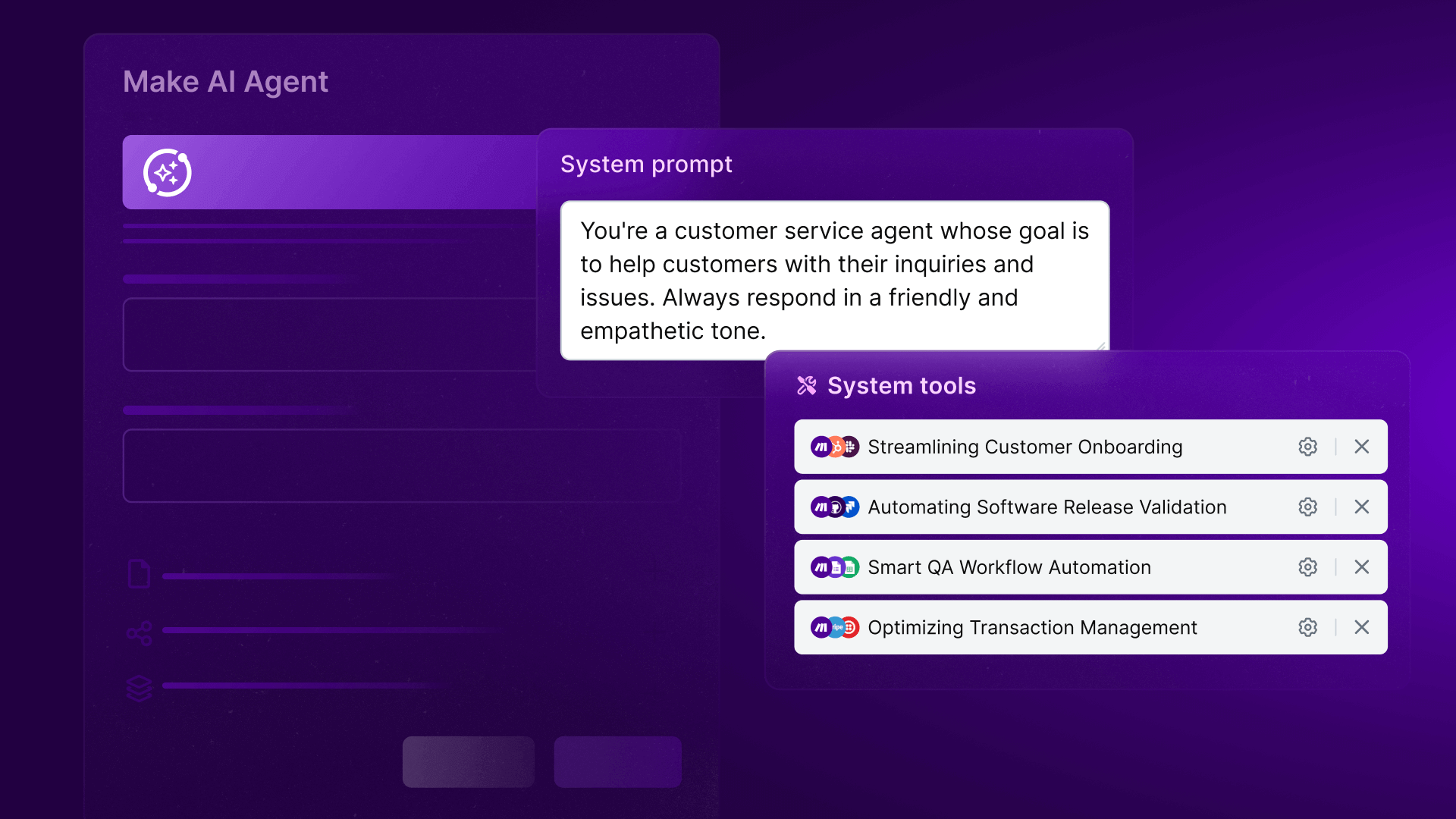
Introducing Make AI Agents: The next step in automation
Sebastian Mertens, Head of Applied AI at Make, explains how Make AI Agents bring the power of agentic automation directly into Make’s flexible, no-code environment - enabling smarter automation that adapts in real time.

Sebastian Mertens
April 14, 2025
Social media
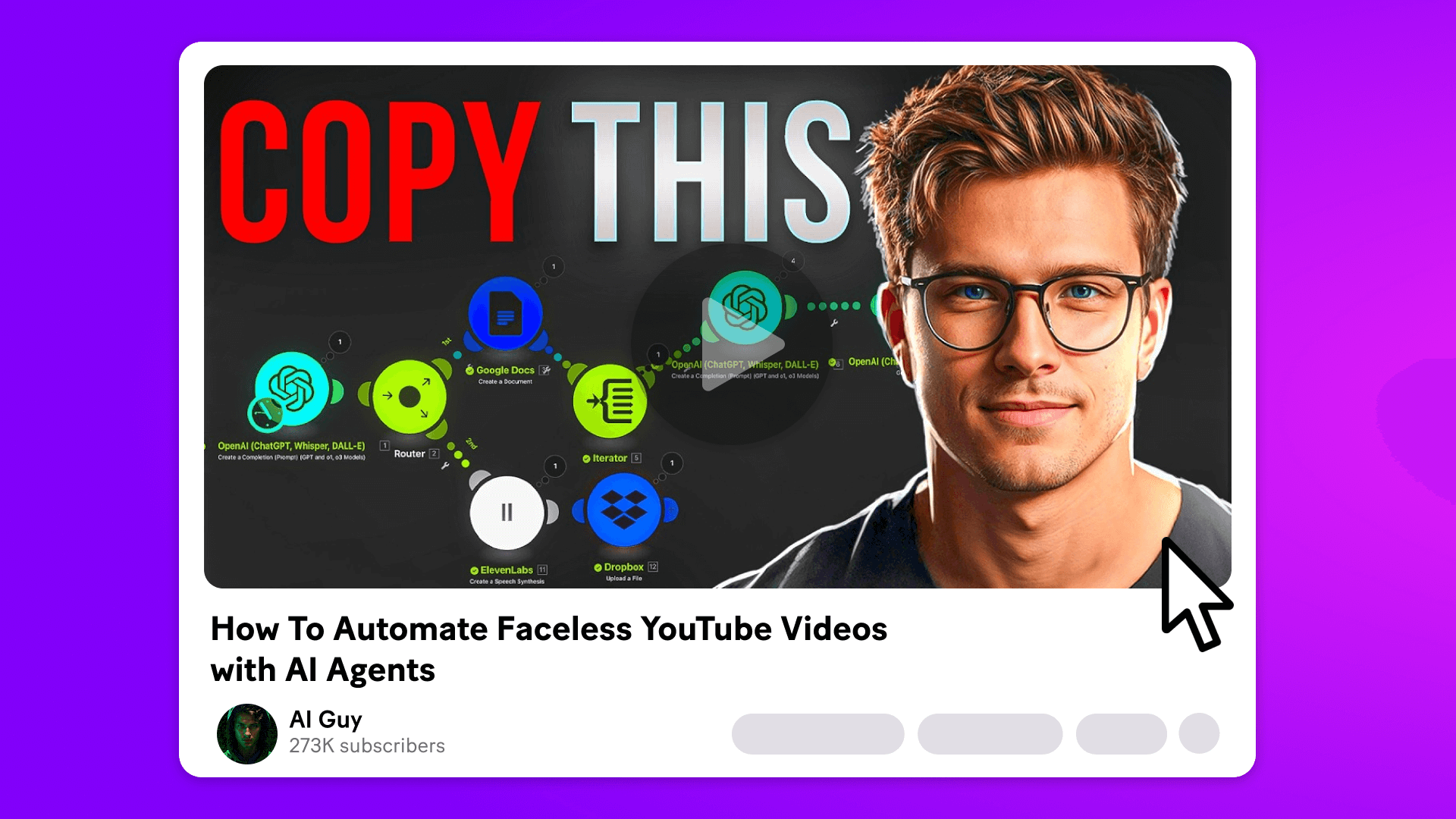
Influencer’s guide: Create faceless YouTube videos with Make and AI
Ever wondered how to get into YouTube without becoming a YouTuber?

Natalia Mrazova
June 20, 2025
Social media
Influencer's guide: Create viral AI social media posts instantly with Make
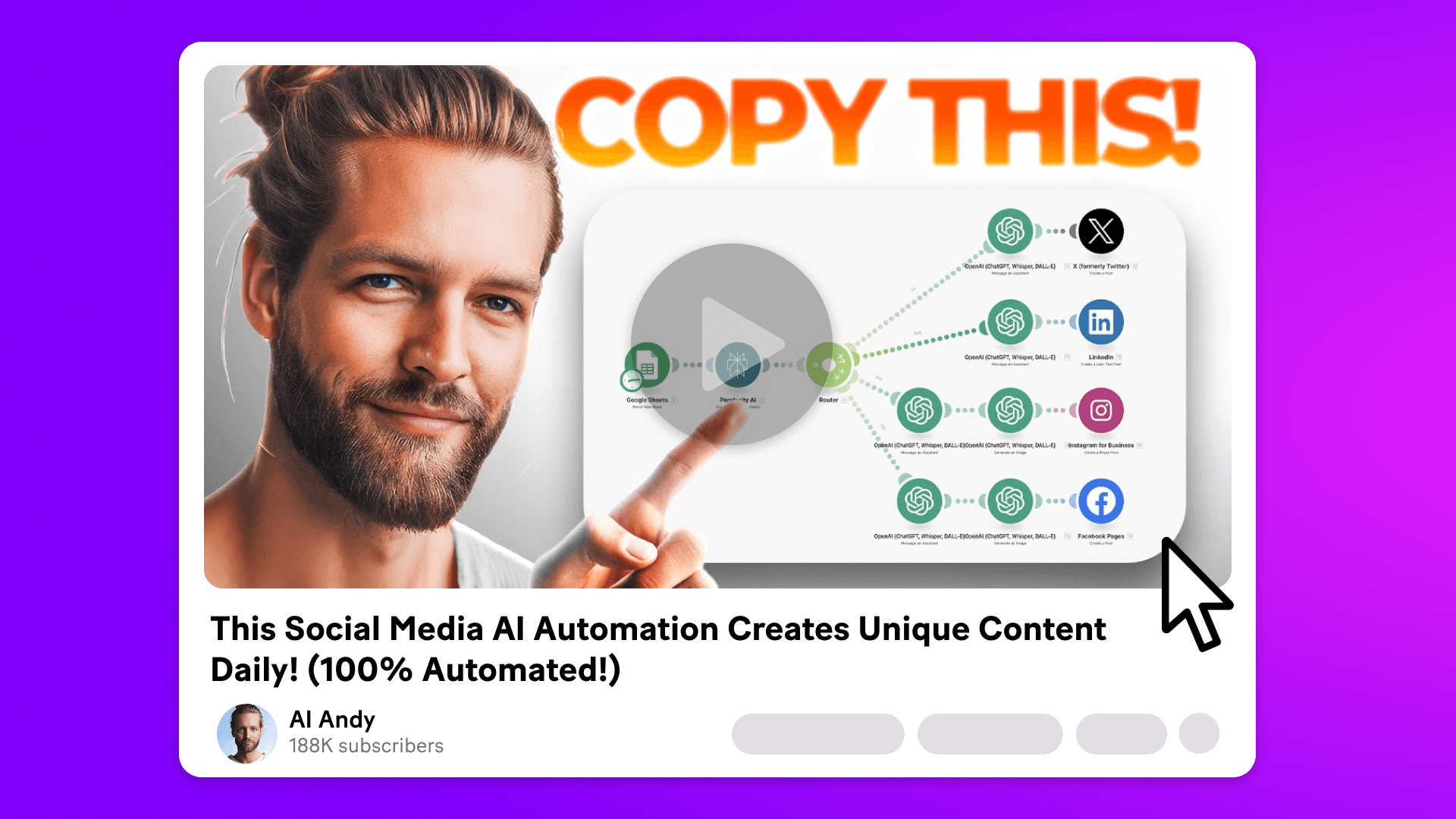
AI Andy, a tech influencer, offers a tutorial on using Make’s AI to create 100% automated daily content.
Natalia Mrazova
April 2, 2025

Customer experience
A tech influencer's guide to improving efficiency with Make
Natalia Mrazova
January 30, 2025
AI
What is agentic AI?
Agentic AI enables systems to perceive, reason, act, and learn with minimal human input. Learn how it differs from traditional automation and how Make is bringing this next-generation technology to business workflows.

Siew Ann Tan
May 5, 2025
.png)




.svg)
.svg)
.svg)