Influencer’s guide: Build an invoice AI assistant with ChatGPT and Make
See how a YouTuber automated invoicing with Make and ChatGPT, saving 15+ hours a month and eliminating admin stress with just one click in Notion.
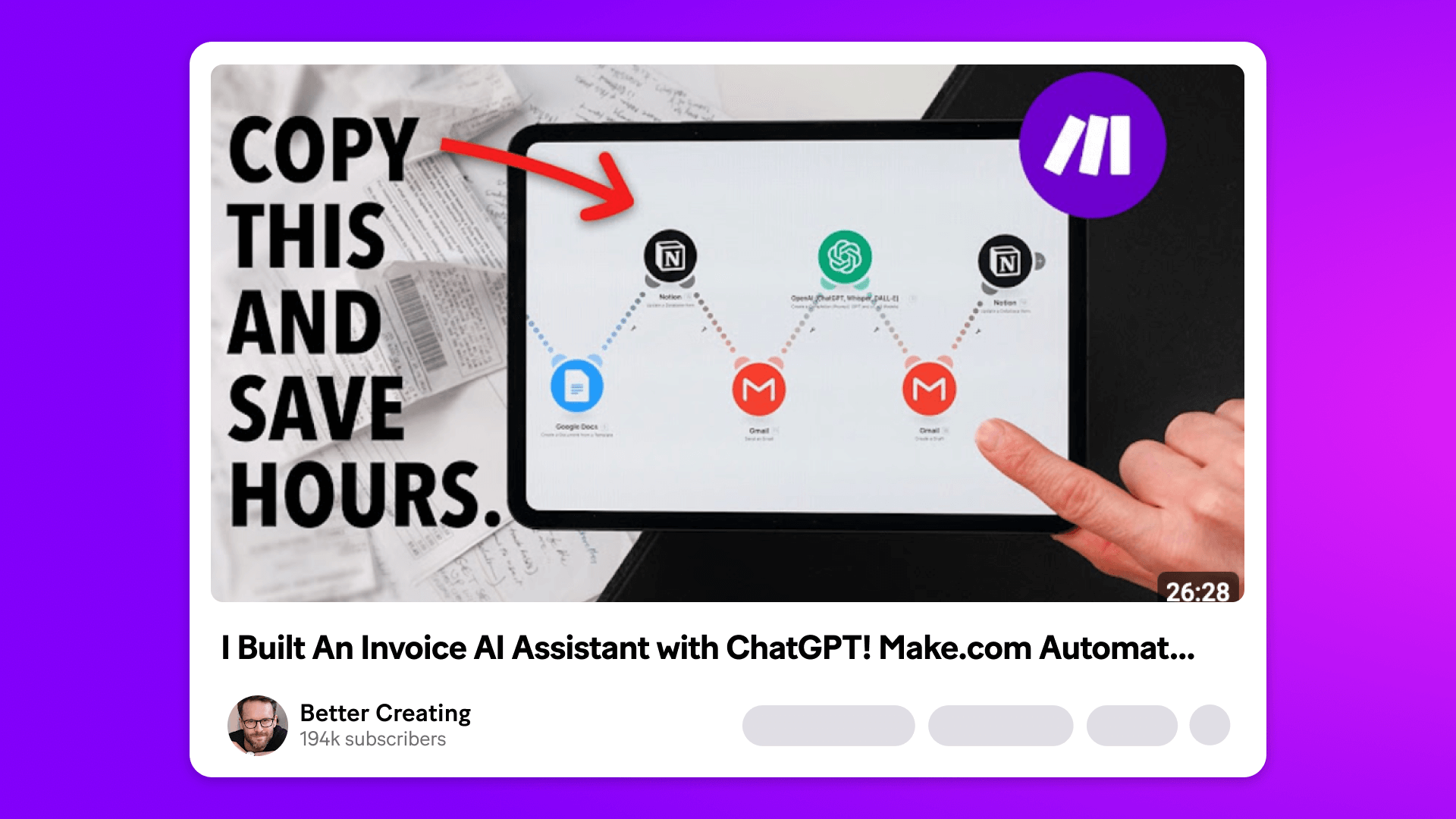
From bringing ideas to life and collaborating with clients to finishing a project you’re proud of, creative work can be deeply rewarding.
But there’s one part that definitely isn’t: invoicing.
It’s a tedious task that eats up your time and energy. And yet, if you want to be paid, it’s essential.
YouTuber and digital creator Simon from Better Creating knows the pain all too well.
To end the invoicing nightmare once and for all, Simon built an AI-powered invoicing assistant using Make and ChatGPT. One click in Notion triggers the whole process – automatically creating an invoice, drafting a custom email, and updating his system.
Now invoicing takes seconds, not hours.
Watch the full tutorial below to see it in action.
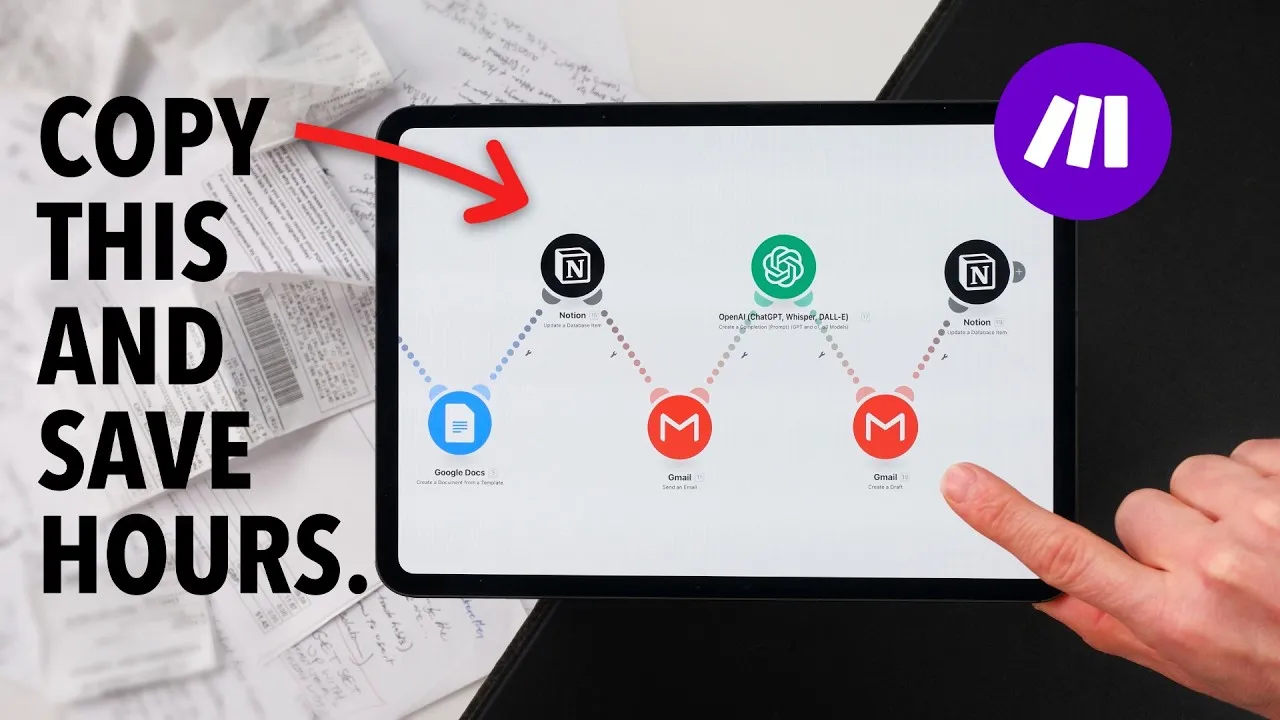
Manage projects in Notion, automate invoicing with Make
Like many digital creators, Simon uses Notion to manage his projects, content calendar, and client CRM. It’s his central workspace for everything. So when it came to invoicing, it made sense to build around Notion. Luckily, Make offers a huge library of ready-to-use apps so you can quickly connect to the tools you already use and love.
Before automation, billing took Simon about an hour per client.
Now, with one click inside Notion, Simon’s AI assistant on Make takes care of everything:
- Creates a fully formatted invoice in Google Docs
- Writes a personalized email using ChatGPT
- Sends it to the client and logs the activity
- Notifies Simon that it’s done
As Make is a visual drag-and-drop automation platform, it’s all achieved without writing a single line of code.
Influencer's guide: Build a no-code assistant that works 24/7 with Make AI Agents
How does it all work?
The moment Simon updates a project tag in Notion, a chain of actions kicks off in Make.
It creates a formatted invoice using a Google Docs template. It pulls in the right project and client info. Then it asks ChatGPT to draft a personalized email that sounds like Simon and sends it to the client with the invoice attached.
Simon explains:
The whole thing runs in the background, including CRM updates and a notification back to Simon that it’s done.
Time savings and peace of mind
Simon’s setup saves hours every month. But, even more than that, it frees up headspace to focus on the work that matters and eliminates the background stress of staying on top of admin.
For solo business owners spinning all the plates, that’s a major win.
As Simon says:
He’s even added safeguards so the scenario only runs on Mondays. This has created a reliable weekly billing rhythm without any extra effort.
And while this particular invoicing automation scenario is built for YouTube sponsorships, the concept works for almost anyone who sends invoices: freelancers, consultants, designers, writers, agencies, you name it.
Simon adds:
Influencer's guide: Create viral AI social media posts instantly with Make
Create your own AI-powered invoicing flow
You don’t need to be an automation expert or even a technical whizzkid to set up invoicing automation using Make.
In his tutorial, Simon walks through every step from setting up the triggers in Notion to designing the invoice template in Google Docs, to formatting AI-generated emails using simple tools like ChatGPT and CodeBeautify.
He also shares tips for:
- Creating condition-based logic (like skipping blank expense fields)
- Managing assistant instructions in ChatGPT
- Storing and archiving documents automatically
- Testing and tracking everything inside Make
Watch the full video above to follow along and adapt the setup to your own workflow.
Ready to automate invoices?
Start building your AI invoicing assistant today. Sign up for a free account to get started.
Related blogs
Tool and strategies modern teams need to help their companies grow.
Social media
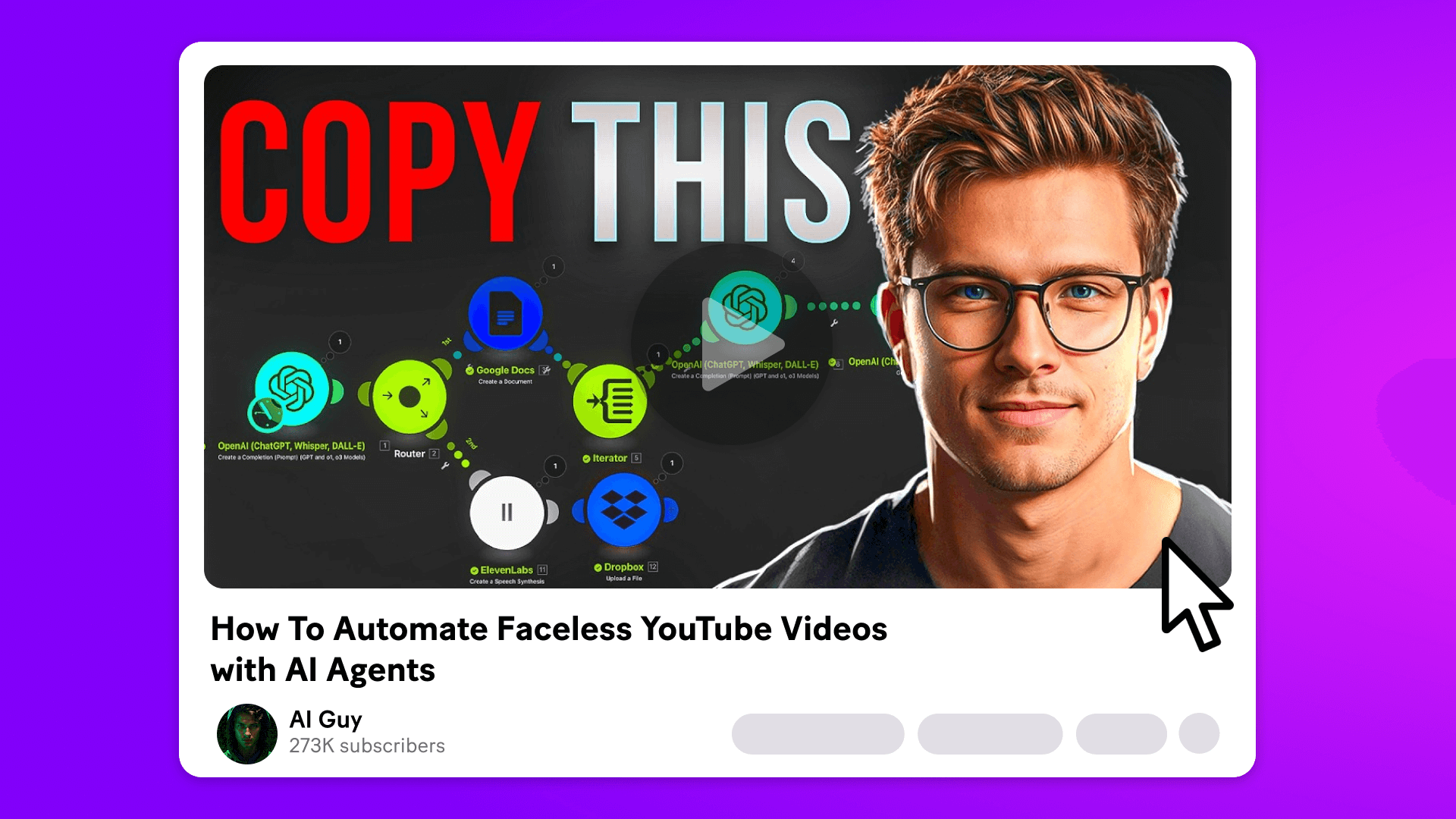
Influencer’s guide: Create faceless YouTube videos with Make and AI
Ever wondered how to get into YouTube without becoming a YouTuber?

Natalia Mrazova
June 20, 2025
Information Technology
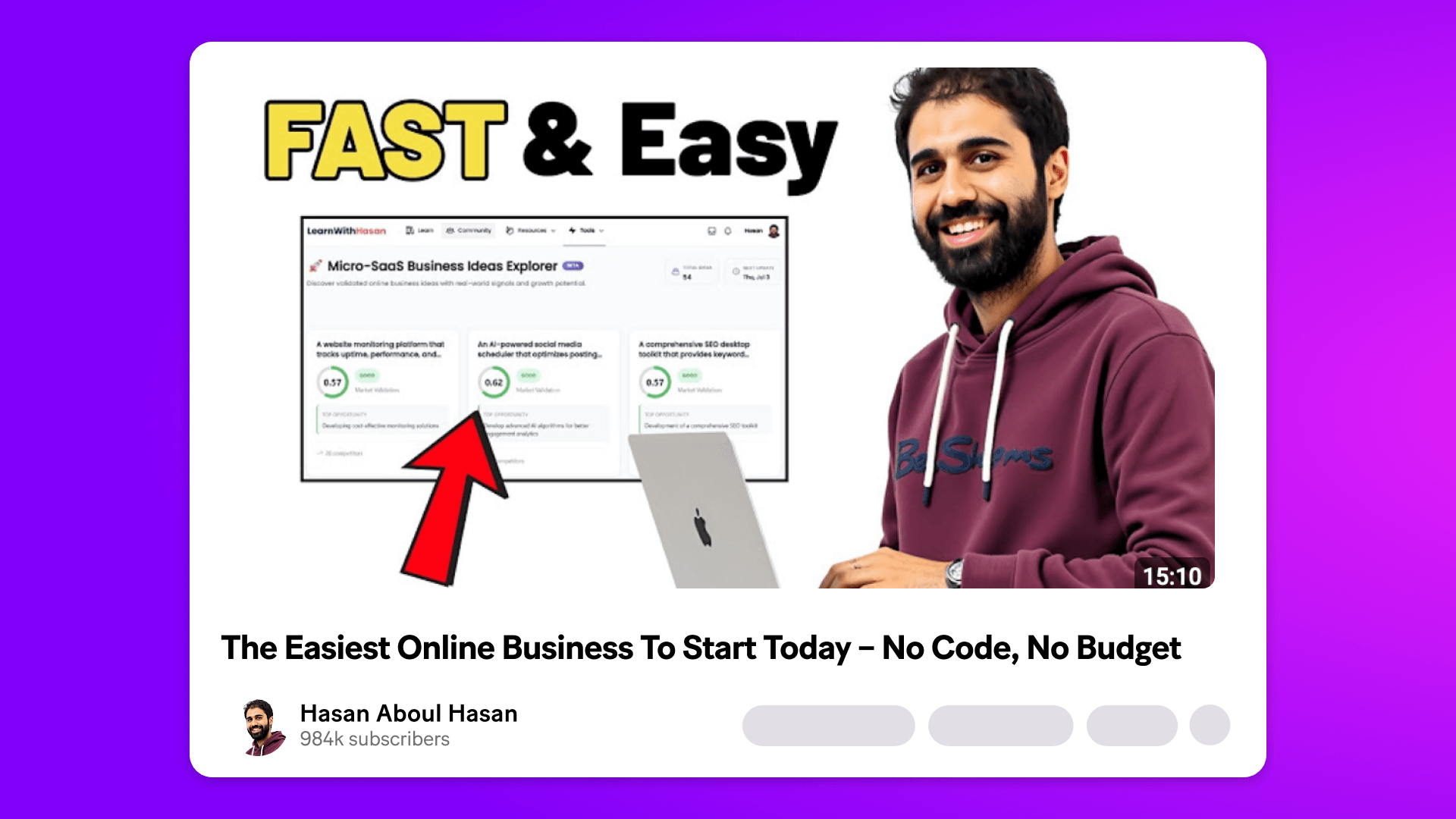
Influencer’s guide: Build your own micro-SaaS business in hours using Make and Make Grid
Hasan Abaul-Hamayel, a digital entrepreneur and tech content creator, shows how to build a data-driven library from scratch with Make and Make Grid – no code, no fluff.
Natalia Mrazova
July 11, 2025
Customer experience
A tech influencer's guide to improving efficiency with Make
Natalia Mrazova
January 30, 2025
Information Technology
Influencer’s guide: Build a no-code assistant that works 24/7 with Make AI Agents
Struggling to keep up with customer service requests? Wish you had an always-on assistant to lighten the load? Now it’s possible, with no coding, and no extra hires.
Natalia Mrazova
June 20, 2025
Social media
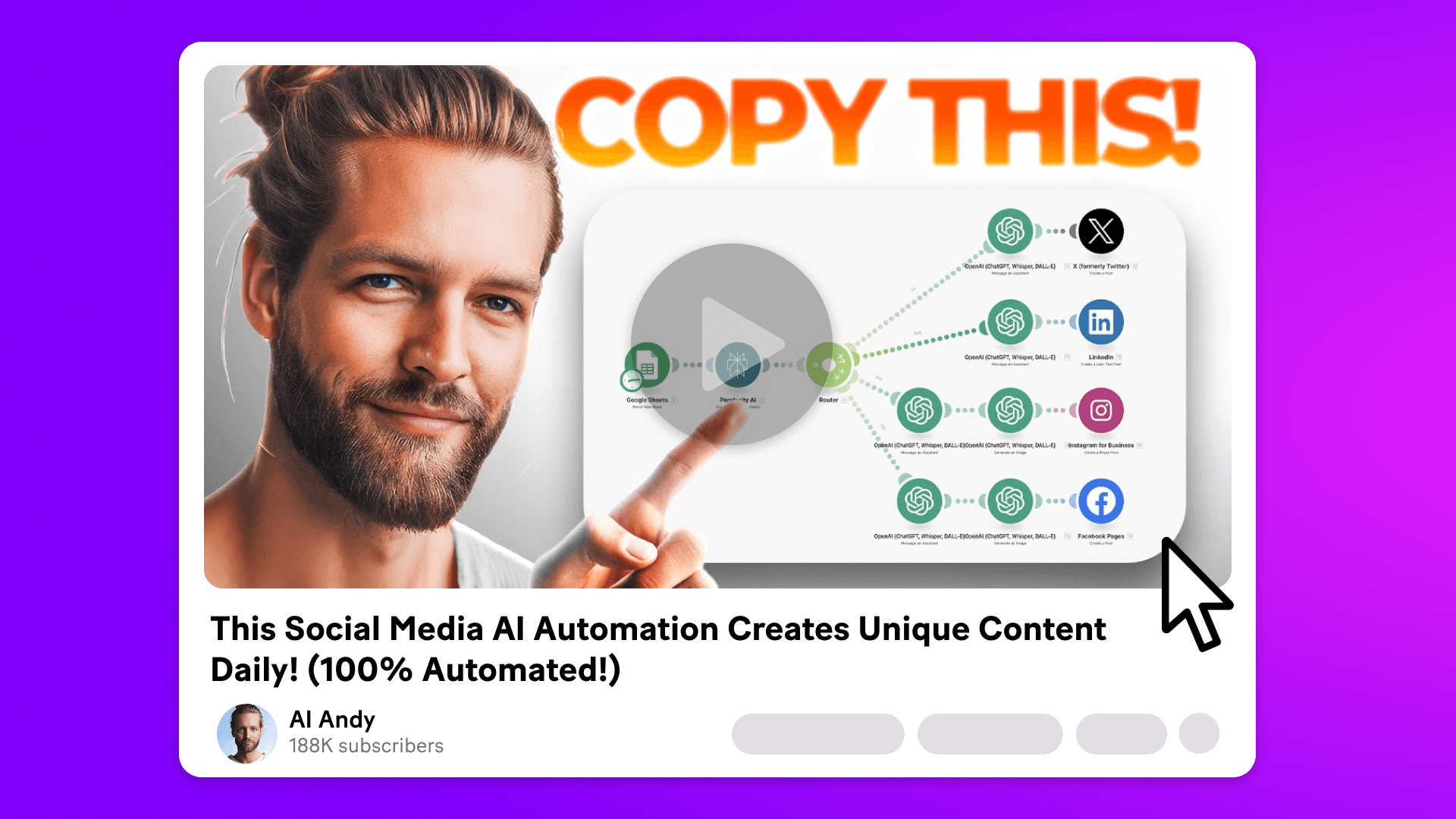
Influencer's guide: Create viral AI social media posts instantly with Make
AI Andy, a tech influencer, offers a tutorial on using Make’s AI to create 100% automated daily content.
Natalia Mrazova
April 2, 2025
.png)




.svg)
.svg)
.svg)